Natural language image editing
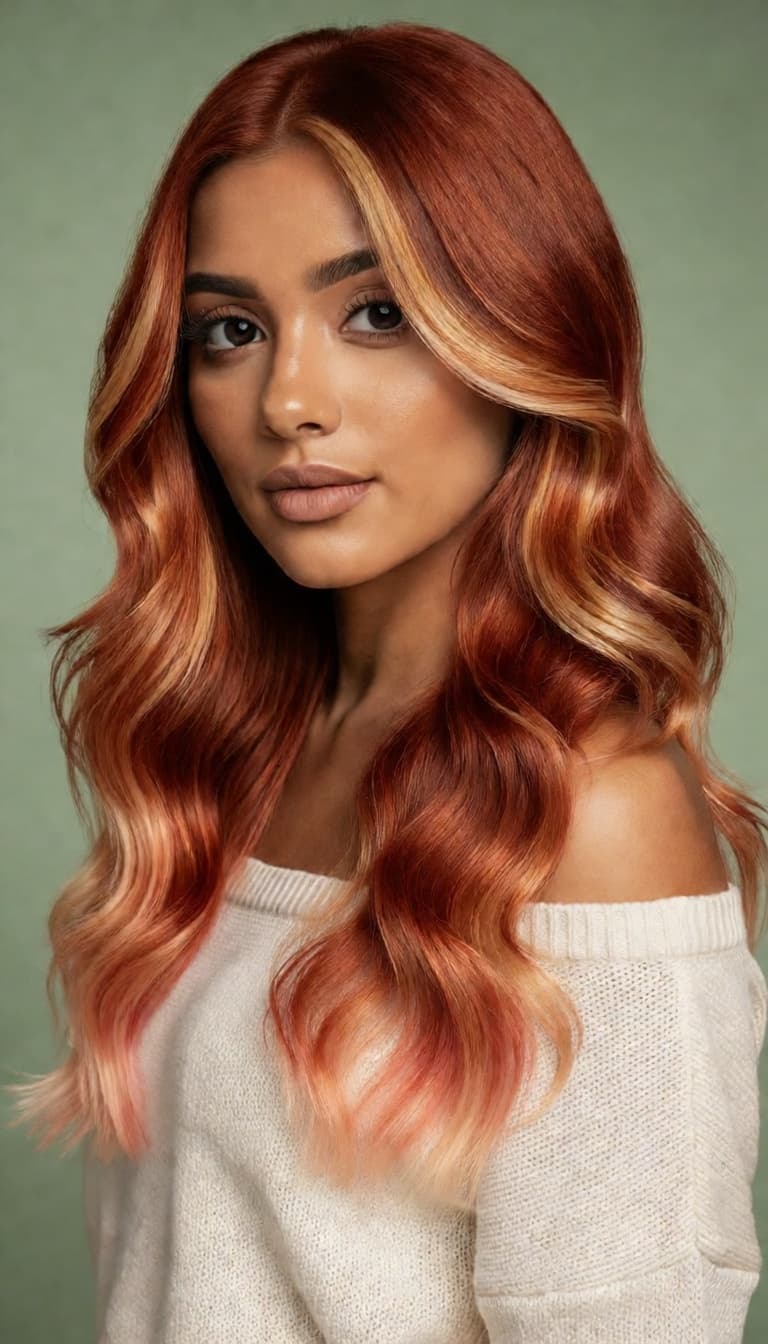

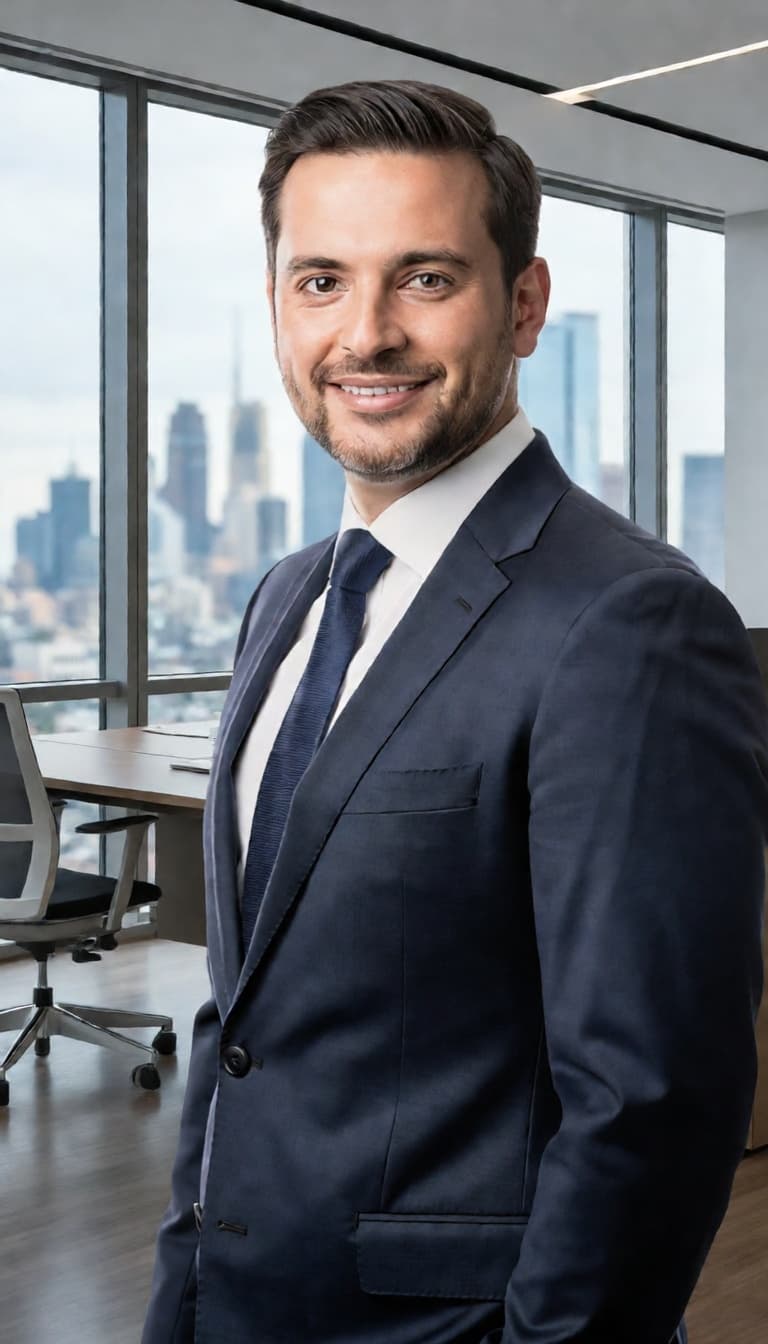
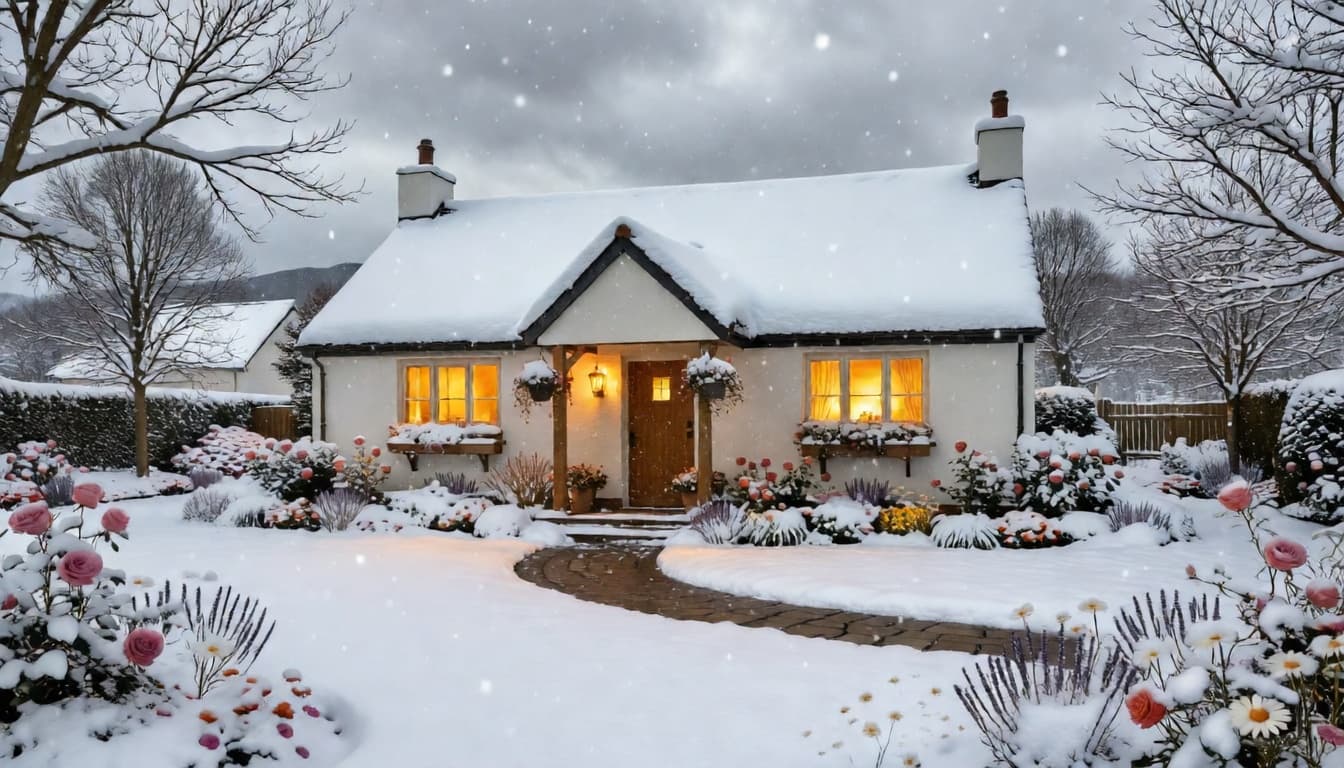


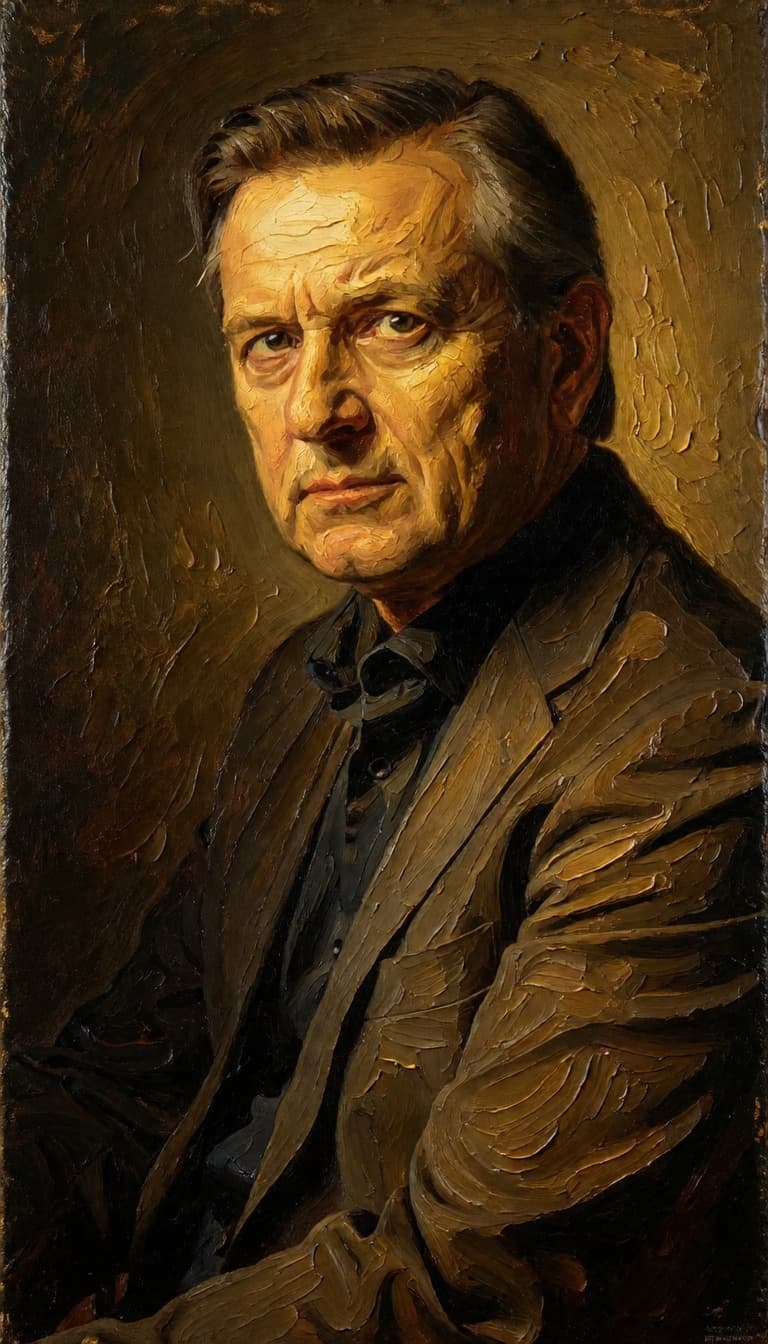

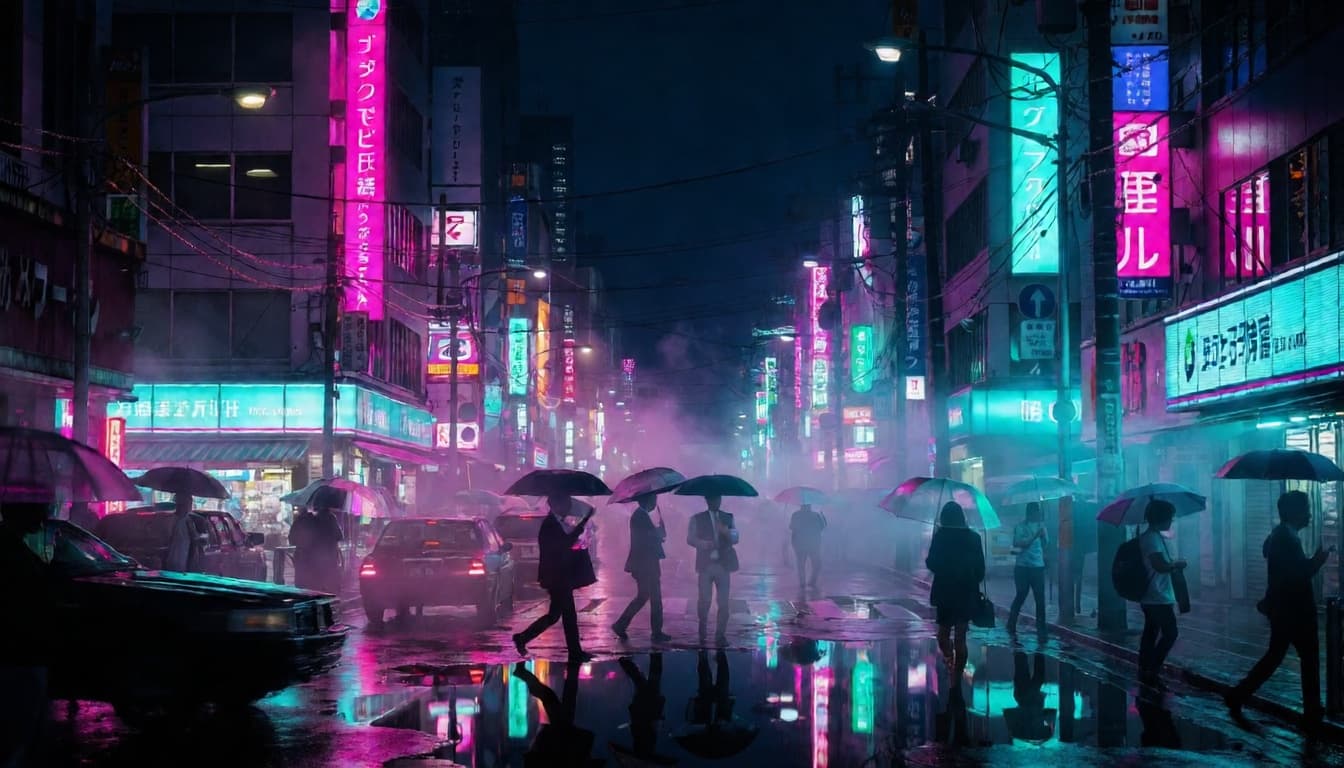


Joyai Image Edit is an all-in-one image editing model that lets you transform and modify your images using plain, natural language instructions. Rather than wrestling with complex selection tools, layer masks, or manual retouching workflows, you simply upload an image, describe the change you want, and the model's deep visual understanding takes care of the rest. It's a unified system that can understand, create, and edit images — all driven by the words you type.
At its core, Joyai Image Edit is built around the idea that editing should be as simple as having a conversation. Want to add a red hat to a dog in your photo? Just say so. Need to change the background, introduce a new element, or adjust the mood of a scene? Describe it in everyday language, and the model interprets your intent and applies the edit with precision. This natural language approach makes powerful image manipulation accessible to everyone — from seasoned digital artists and graphic designers to filmmakers working on storyboards and content creators looking to quickly iterate on visual ideas.
The model works by taking two inputs: your source image and an edit instruction written as a text prompt. This combination of image and text input allows the model to deeply analyze what's already in your picture before making intelligent, context-aware modifications. Because it truly understands the visual content of your image, the edits it produces are more accurate and coherent than simple overlays or generic filters. Elements are added, removed, or altered in a way that respects the existing composition, lighting, and style of the original.
One of the standout aspects of Joyai Image Edit is the range of creative controls it offers, all designed to help you fine-tune results without needing any technical expertise. The most important of these is the edit instruction itself — the prompt where you describe exactly what you want changed. Be as specific or as general as you like; the model adapts to your level of detail.
Beyond the main prompt, you also have access to a negative prompt feature, which lets you specify things you do not want to appear in the final image. This is incredibly useful for steering results away from unwanted artifacts, styles, or elements. For example, if you're adding a sunset sky but want to avoid any clouds, you can note that in the negative prompt.
You can also control how closely the output follows your edit instruction using a prompt adherence setting. At lower values, the model takes more creative liberty, which can produce interesting and unexpected variations. At higher values, it sticks more literally to your description. This gives you a flexible creative dial — perfect for exploring different interpretations of the same edit or locking in a very specific result.
For those who care about the level of detail and refinement in the output, there's a quality and detail level control that adjusts how much processing the model applies to generate the final image. Higher settings produce more polished, detailed results, while lower settings can speed things up when you're in a rapid brainstorming phase and just need quick visual sketches of an idea. The range is wide enough to accommodate both workflows.
Reproducibility is another thoughtful feature. A seed value lets you lock in a specific random starting point, so if you find a result you love, you can recreate it exactly or make incremental adjustments from the same baseline. This is invaluable for iterative creative workflows where you want to compare subtle variations side by side.
Output images can be saved in either JPEG or PNG format, giving you flexibility depending on whether you need smaller file sizes for quick sharing or lossless quality for further editing in other tools. The model also includes a built-in safety checker that screens both input and output images, which is enabled by default to help ensure responsible use.
Joyai Image Edit is ideal for a wide variety of creative scenarios. Graphic designers can use it to quickly prototype visual concepts — adding props, changing colors, or swapping elements in a composition without opening a full editing suite. Photographers can experiment with creative retouching, adding or removing objects in their shots with a simple text description. Filmmakers and storyboard artists can rapidly iterate on scene concepts, adjusting costumes, props, or environmental details through language alone. Social media creators and marketers can produce eye-catching variations of their content in seconds, testing different visual directions before committing to a final look.
The unified nature of the model — combining visual understanding with generation and editing in a single system — means that edits tend to feel cohesive and natural. The model doesn't just paste elements on top of your image; it integrates changes into the existing visual context, producing results that look intentional and polished.
Whether you're making a quick tweak or a dramatic transformation, Joyai Image Edit puts the power of advanced AI image editing into your hands through the most intuitive interface possible: your own words. It removes technical barriers and lets you focus on what matters most — your creative vision.
Add the image that you want change
Přidejte obrázek, který chcete upravit nebo transformovat
A woman kneeling in darkness, illuminated by a warm, radiant beam of light emerging from her raised hand.
Popište požadované úpravy – změny stylu, odstranění objektů nebo vylepšení
Stáhnout profesionálně upravený obrázek
Dramatically shift the season and weather of landscape photographs while preserving composition and architectural elements. Useful for real estate visualization, travel content, and creative storytelling.
Convert daytime cityscapes into cinematic nighttime scenes with atmospheric lighting and urban glow. Essential for filmmakers scouting locations, urban photographers, and creative direction mockups.
Transform real-world landscape photographs into enchanting anime-style artwork reminiscent of Studio Ghibli films. Perfect for concept artists, illustrators seeking reference, and creative social media content that bridges reality and animation.
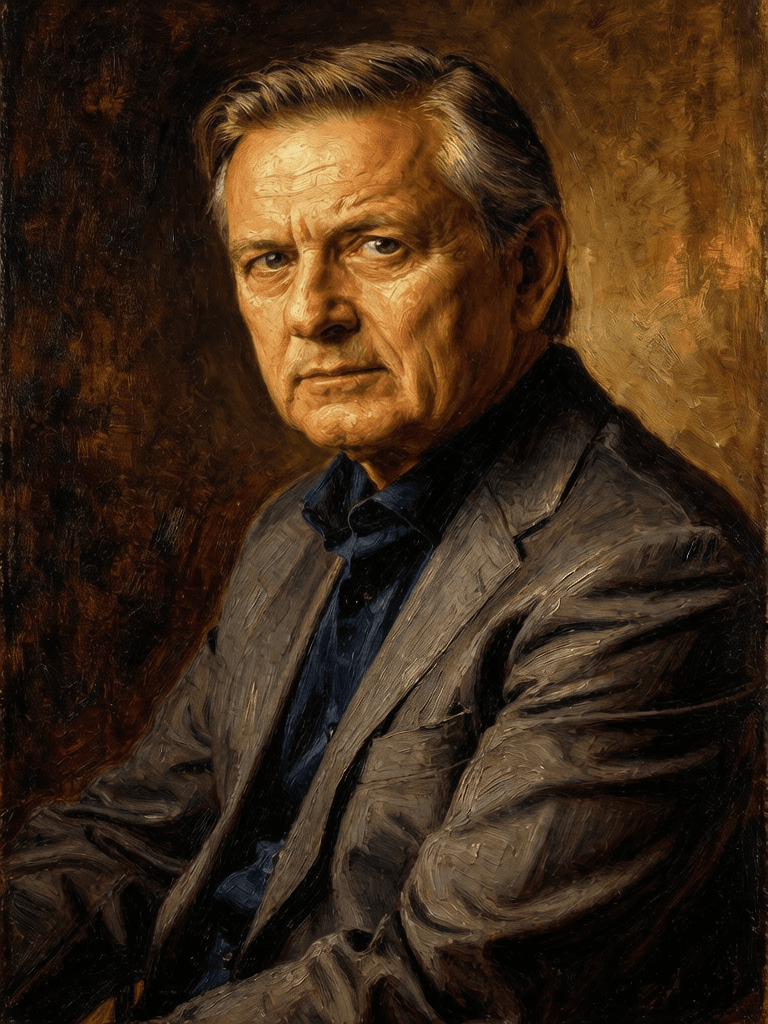
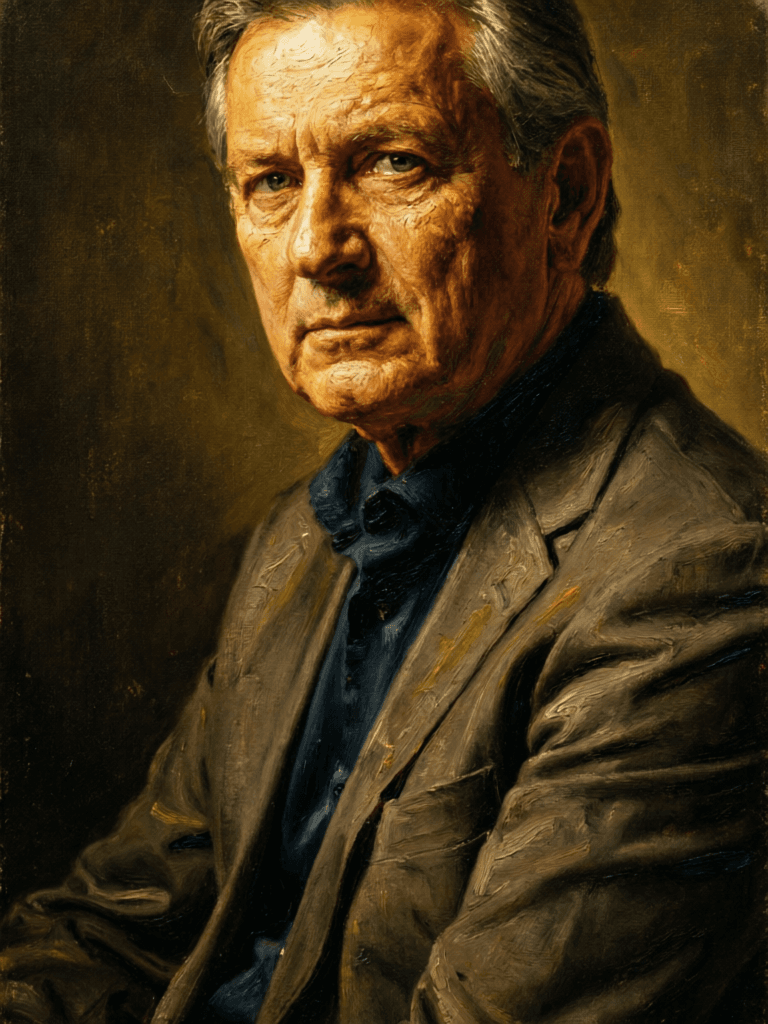
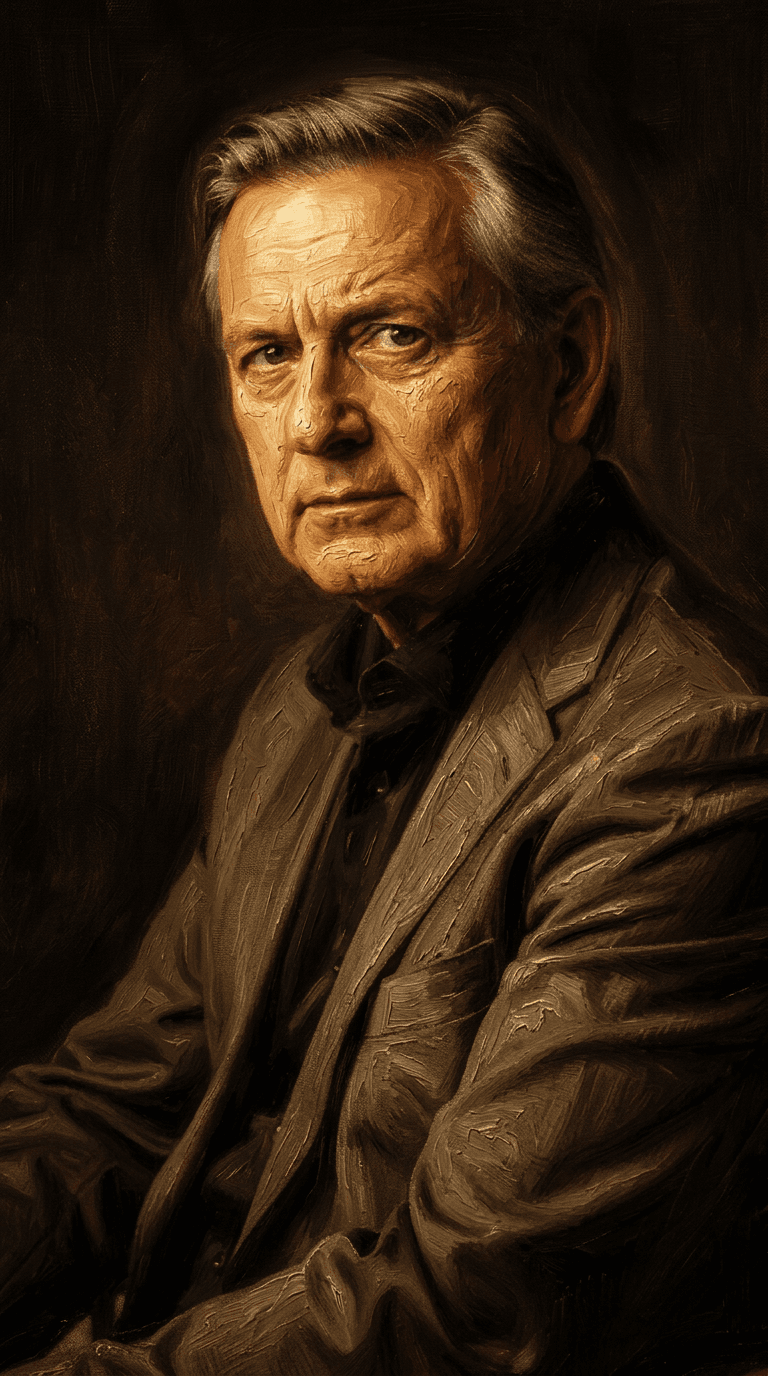
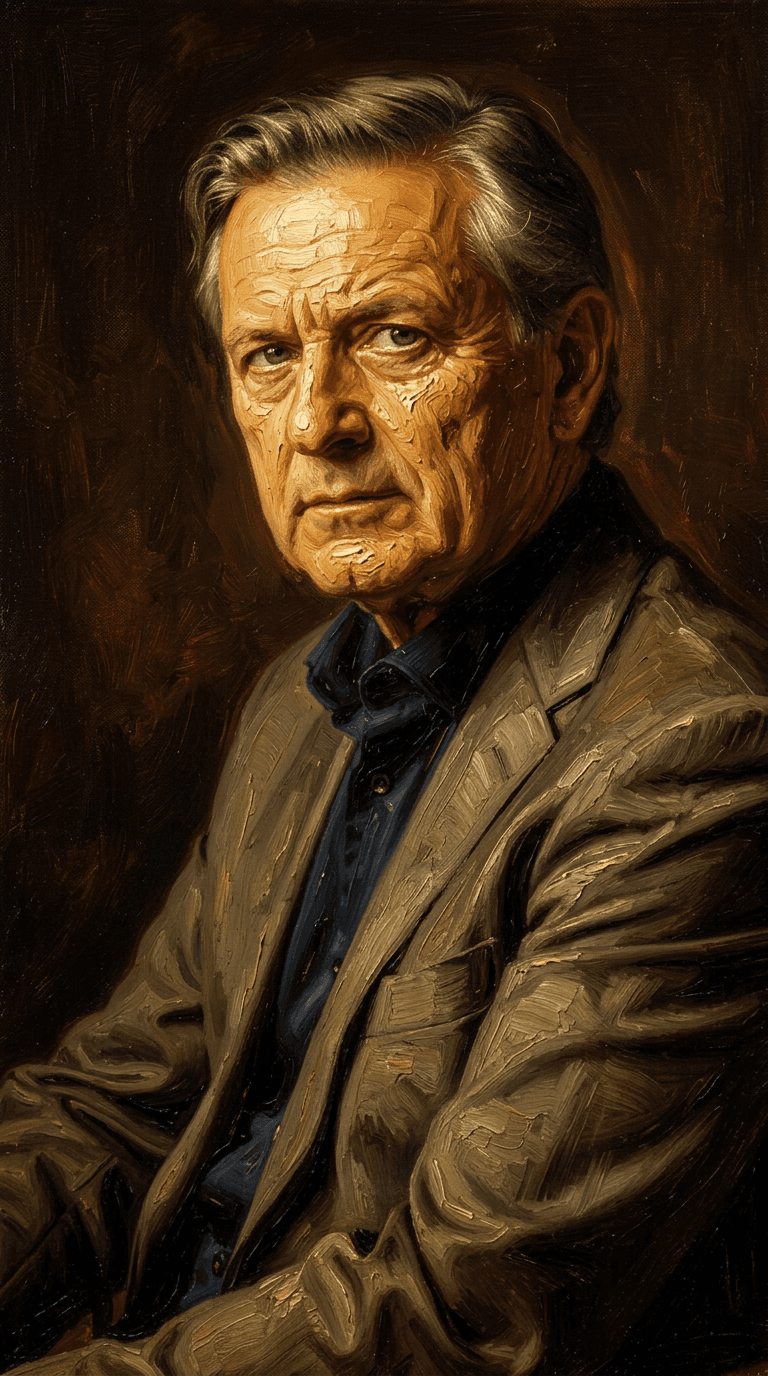
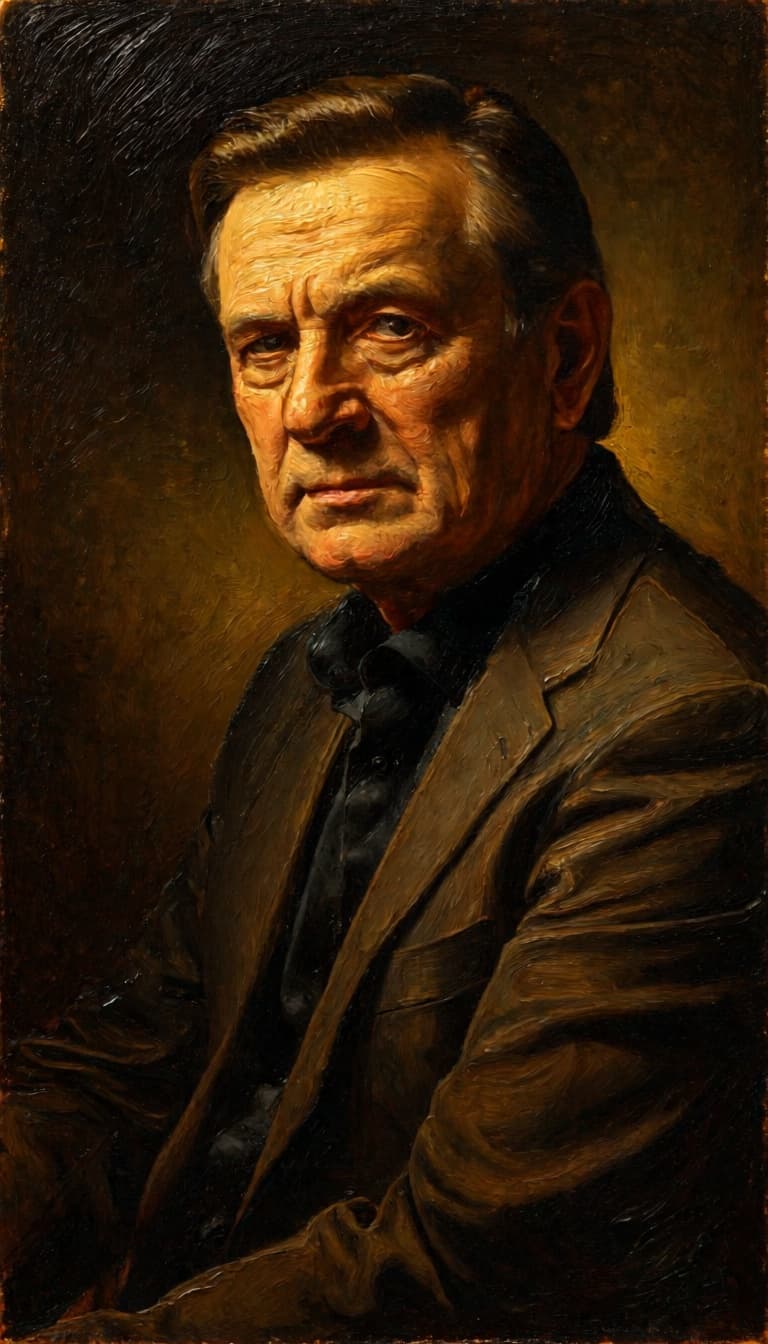
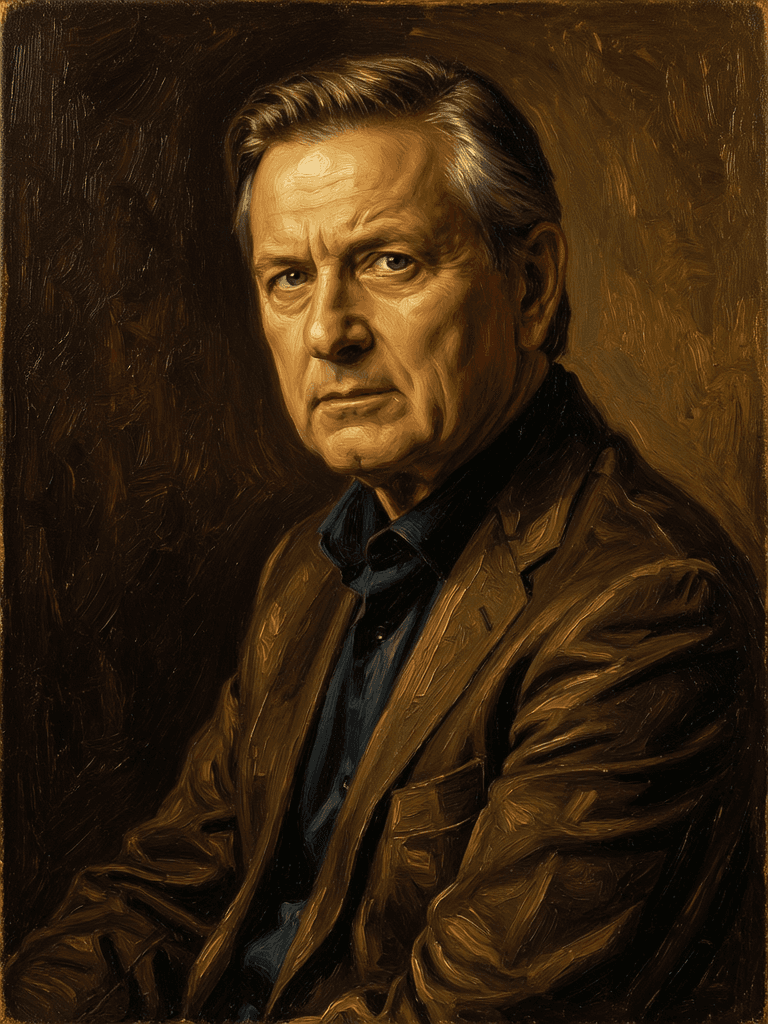
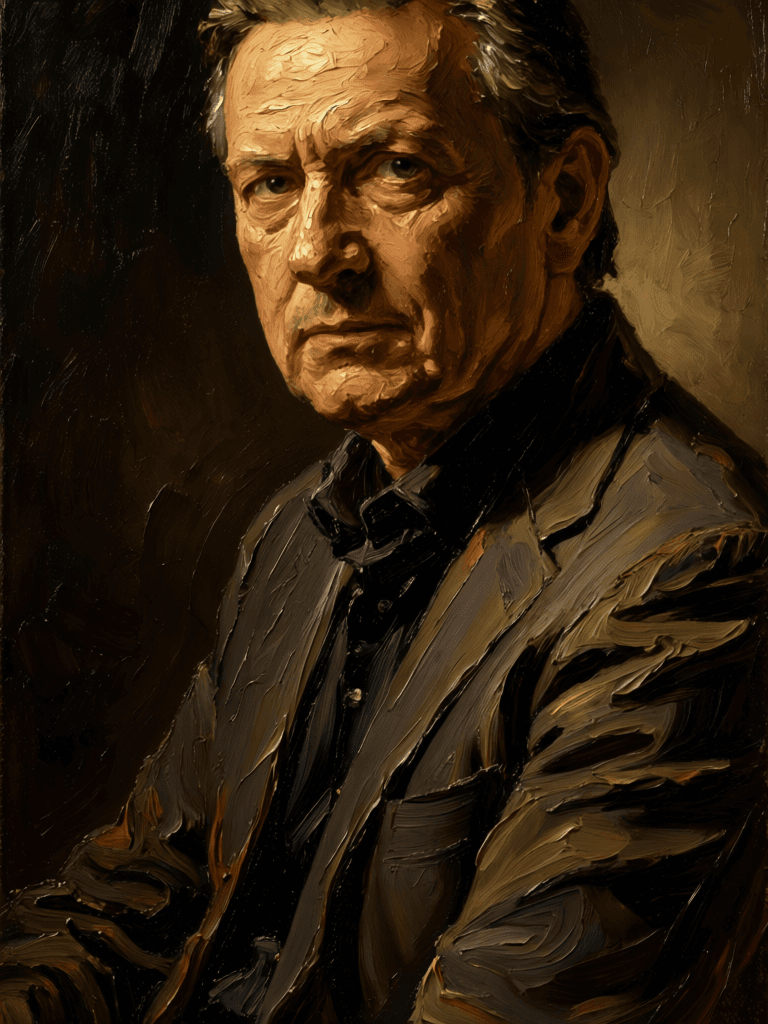
“Transform into a classical oil painting in the style of Rembrandt. Add visible impasto brushstrokes with thick paint texture. Apply warm golden undertones and dramatic chiaroscuro lighting with deep shadows. Enhance the dramatic contrast while preserving facial structure and expression. Add subtle canvas texture visible through the paint layers.”
Přejděte dnes na syntézu vedenou uvažováním
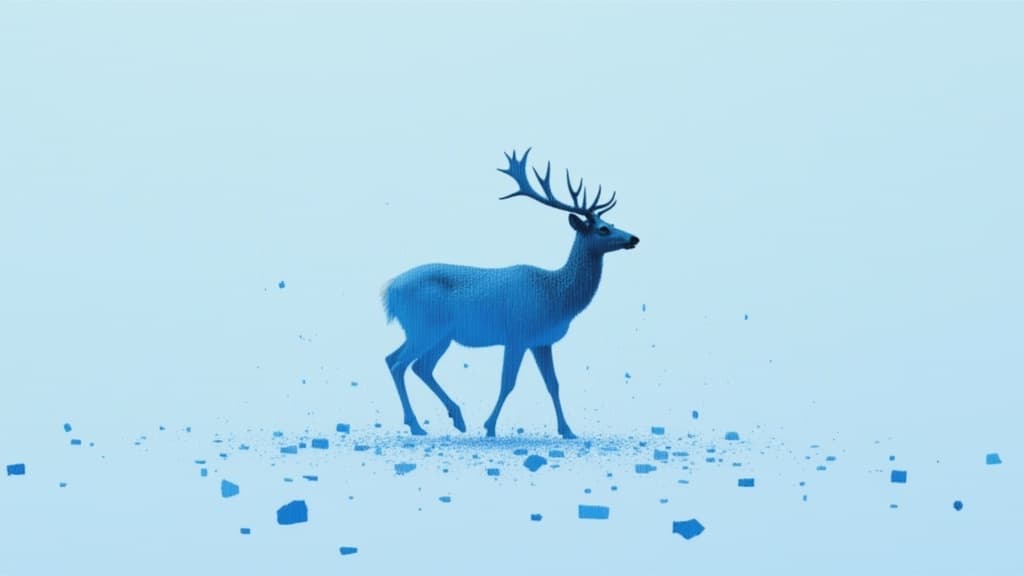
Unified AI image editing model
0.5 kredity
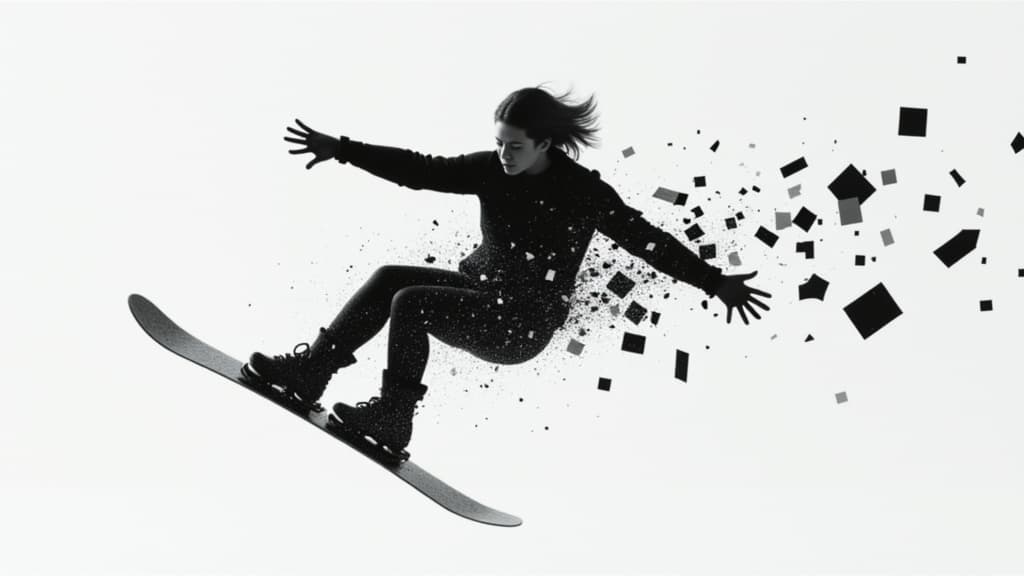
Unified image editing and generation
0.6 kredity
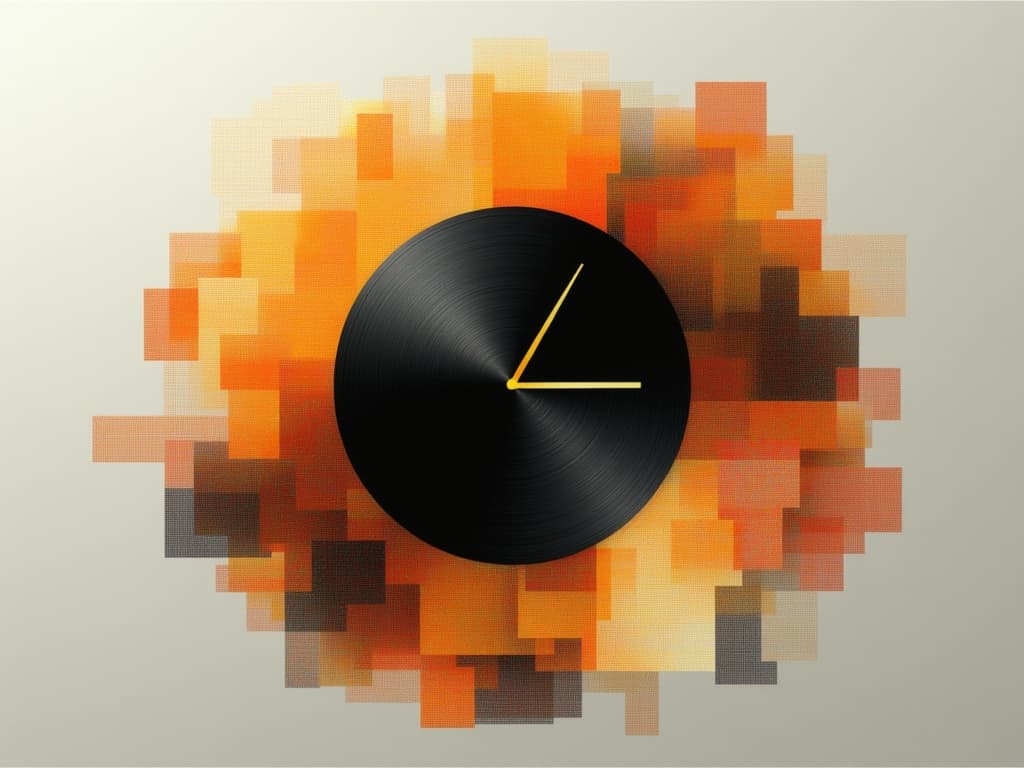
Realistic physics-based image editing
1.2 kredity
![FLUX.2 [klein] 4B LoRA](/marketing-assets/_next/image?url=https%3A%2F%2Fv3b.fal.media%2Ffiles%2Fb%2F0a928e1f%2Fc62zNs4MhBXgm-5w7n0C5_90bad8837ecc451e96f91da93b78f564.jpg&w=3840&q=75)
Edit images with text, colors
8 kredity
Advanced AI-powered image editing
0.4 kredity
Text-guided creative image editing
0.2 kredity
Identity-preserving personalized photo editing
0.4 kredity
Edit images with reference photos
0.4 kredity
Pro text-guided image editing
0.3 kredity

![FLUX.2 [klein] 9B LoRA output](/marketing-assets/_next/image?url=https%3A%2F%2Fassets.shortgenius.com%2Fexample-model-output%2Fcc1806c8-2af0-47e7-bd34-a95d2d180bfb.png&w=3840&q=75)
![FLUX.2 [klein] 9B LoRA output](/marketing-assets/_next/image?url=https%3A%2F%2Fassets.shortgenius.com%2Fexample-model-output%2Fcbfd8f70-6bf2-467b-918f-b020118b8db0.png&w=3840&q=75)
![FLUX.2 [klein] 4B LoRA output](/marketing-assets/_next/image?url=https%3A%2F%2Fassets.shortgenius.com%2Fexample-model-output%2F10a63e77-67c3-46e6-83d3-b7b93355e72c.png&w=3840&q=75)