Edit images with reference photos


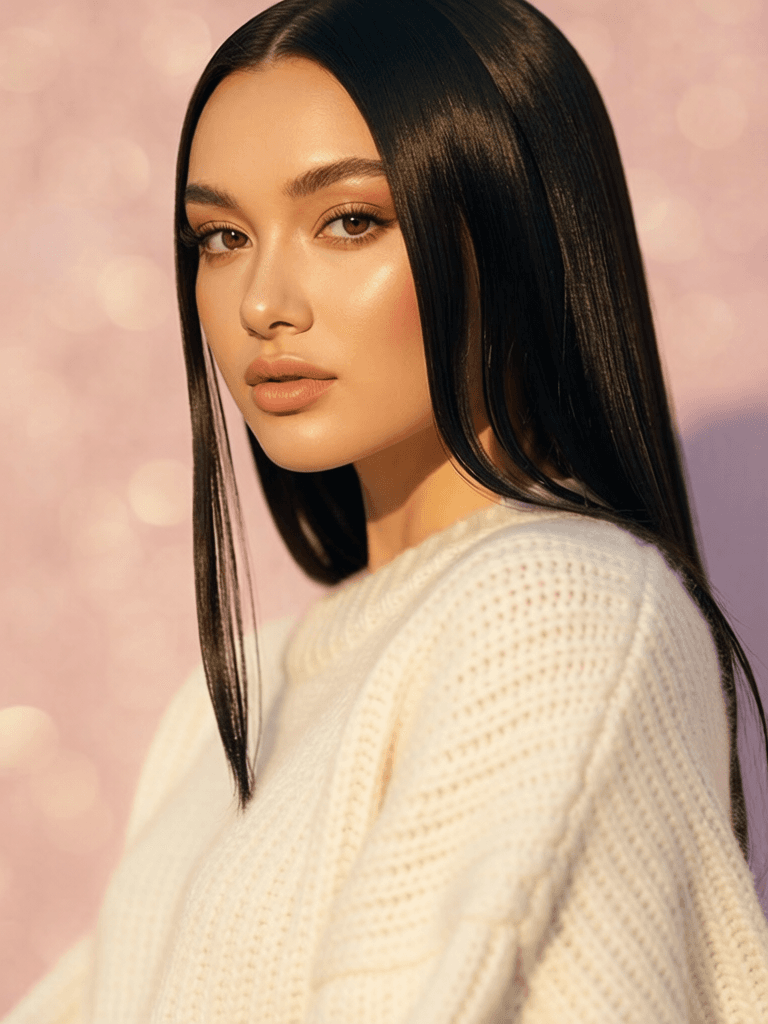

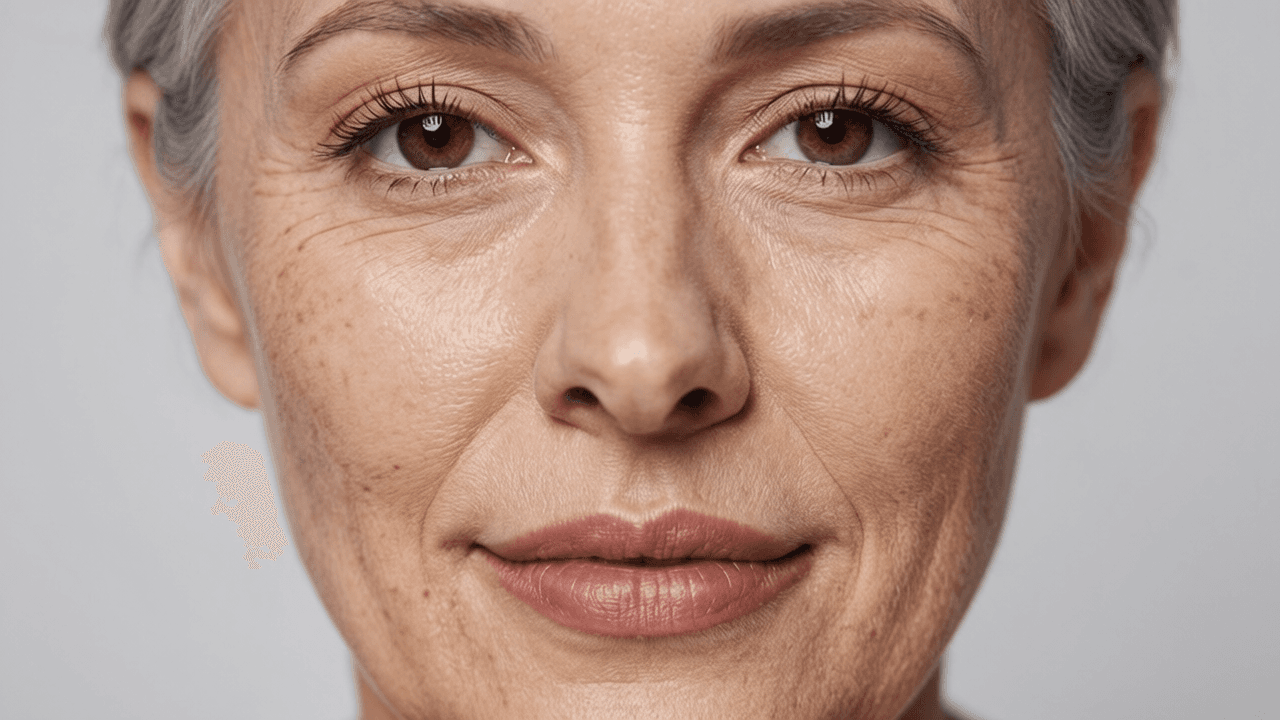


Hy Wu Edit is a powerful AI image editing model that lets you transform photos by combining elements from multiple reference images — no fine-tuning, training, or complex setup required. Simply provide your images, describe the edit you want in plain language, and the model intelligently blends, swaps, and transfers visual elements to produce seamless, high-quality results.
At its core, Hy Wu Edit is designed for reference-based image editing. This means you supply a base image (the photo you want to modify) along with one or more reference images (containing the elements you want to transfer), and then write a text prompt describing exactly what should change. The model understands how to transfer outfits from one image onto a person in another, swap faces between photos, blend textures across surfaces, and perform a wide range of creative edits — all while preserving the parts of the original image you want to keep, such as pose, background, and overall composition.
Who Is Hy Wu Edit For?
This model is ideal for a broad range of creative professionals. Fashion designers and stylists can use it to visualize how different outfits would look on a model without arranging new photoshoots. Portrait photographers and retouchers can experiment with face swapping and feature blending. Concept artists and art directors can rapidly prototype visual ideas by combining elements from multiple references. Content creators working on social media, marketing materials, or e-commerce imagery will find it invaluable for quickly iterating on visual concepts. Filmmakers and storyboard artists can use it to explore costume or character design variations. Essentially, anyone who needs to remix, recombine, or reimagine visual elements across images will benefit from Hy Wu Edit's intuitive editing capabilities.
How It Works
The editing workflow is straightforward. You provide up to three input images — typically a base image and one or two reference images. Then you write a natural-language prompt describing your desired edit. For example, you might say: "Using image 1 as the base image, replace the outfit with the clothing from image 2 while keeping the subject, pose, and background unchanged." The model interprets your instruction, identifies the relevant elements in each image, and generates a new image with the requested changes applied. Notably, the model supports prompts in both English and Chinese, making it accessible to a wider global audience.
Thinking Mode for Smarter Edits
One of Hy Wu Edit's standout features is its thinking mode. When enabled, the model reasons about the edit before generating the result, leading to higher-quality and more accurate outputs. This is especially useful for complex edits where the model needs to carefully consider how different visual elements should interact — such as matching lighting, maintaining proportions, or preserving fine details. For simpler, more straightforward edits, you can disable thinking mode to get faster results. This gives you a flexible trade-off between quality and speed depending on the complexity of your project.
Creative Controls
Hy Wu Edit offers several user-friendly controls to customize your output. You can choose from a variety of image size presets — including square, portrait (4:3 and 16:9), and landscape (4:3 and 16:9) formats — or let the model automatically determine the best size. You can also specify custom dimensions, with the model supporting resolutions up to 14142 pixels on either side, giving you tremendous flexibility for everything from social media posts to large-format prints.
A quality/detail slider lets you adjust the level of refinement the model uses when generating your edit. Higher values produce more refined, detailed results, while lower values speed up generation. The default setting offers a strong balance between quality and speed, but you can push it higher for maximum detail or bring it down for quick previews.
You can generate up to four image variations from a single edit request, making it easy to explore different interpretations of your prompt and pick the best result. A seed control allows you to lock in a specific setting for reproducible results — perfect for when you find a variation you love and want to make incremental adjustments while keeping the core output consistent. Output format options include PNG and JPEG, so you can choose lossless quality or smaller file sizes depending on your needs.
A built-in safety filter is enabled by default to help ensure generated content meets content guidelines, and it can be toggled as needed.
Best Practices
For the best results, be specific and descriptive in your prompts. Clearly reference which image is your base and which contains the elements you want to transfer. For instance, rather than a vague instruction like "combine these images," try something like "Replace the clothing on the person in image 1 with the outfit from image 2 while keeping the subject, pose, and background unchanged." This level of specificity helps the model understand your creative intent and deliver more accurate results.
When working on complex edits — such as blending textures across different surfaces or swapping faces with challenging angles — consider leaving thinking mode enabled. The extra reasoning time can make a meaningful difference in output quality. For quick iterations or simple edits, turning thinking mode off will speed things up considerably.
Hy Wu Edit represents a significant step forward in accessible, prompt-driven image editing, putting the power of advanced AI blending and transfer capabilities directly into the hands of creative professionals without requiring any model training or technical expertise.
Add the image that you want change
Přidejte obrázek, který chcete upravit nebo transformovat
A woman kneeling in darkness, illuminated by a warm, radiant beam of light emerging from her raised hand.
Popište požadované úpravy – změny stylu, odstranění objektů nebo vylepšení
Stáhnout profesionálně upravený obrázek
Transform the visual atmosphere and color grading of a wide landscape scene using a reference image's mood and style, turning ordinary scenes into cinematic frames.
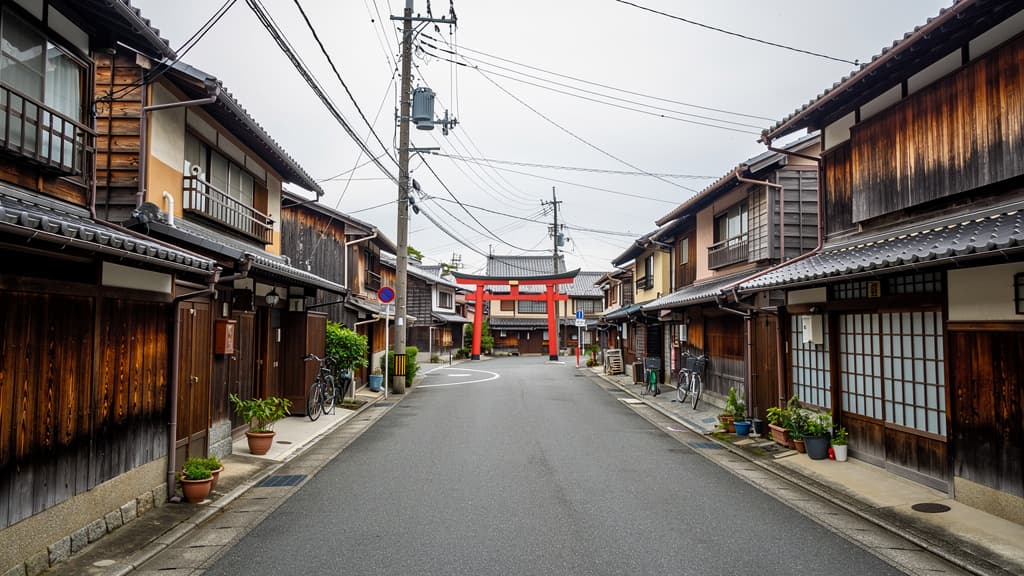
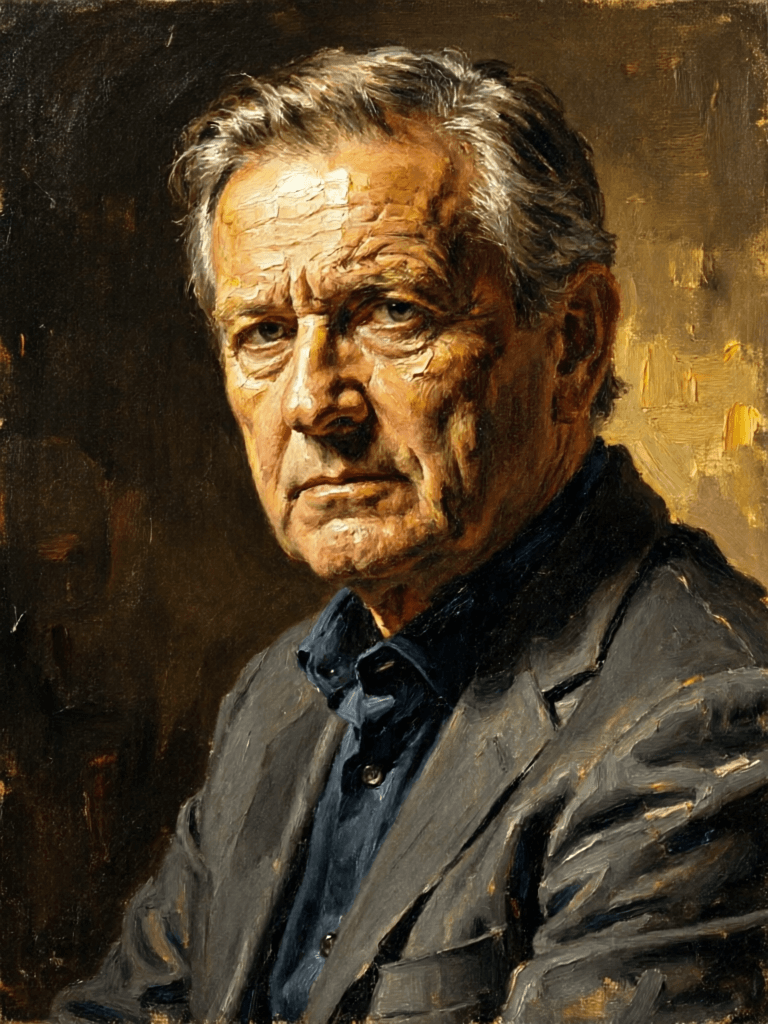
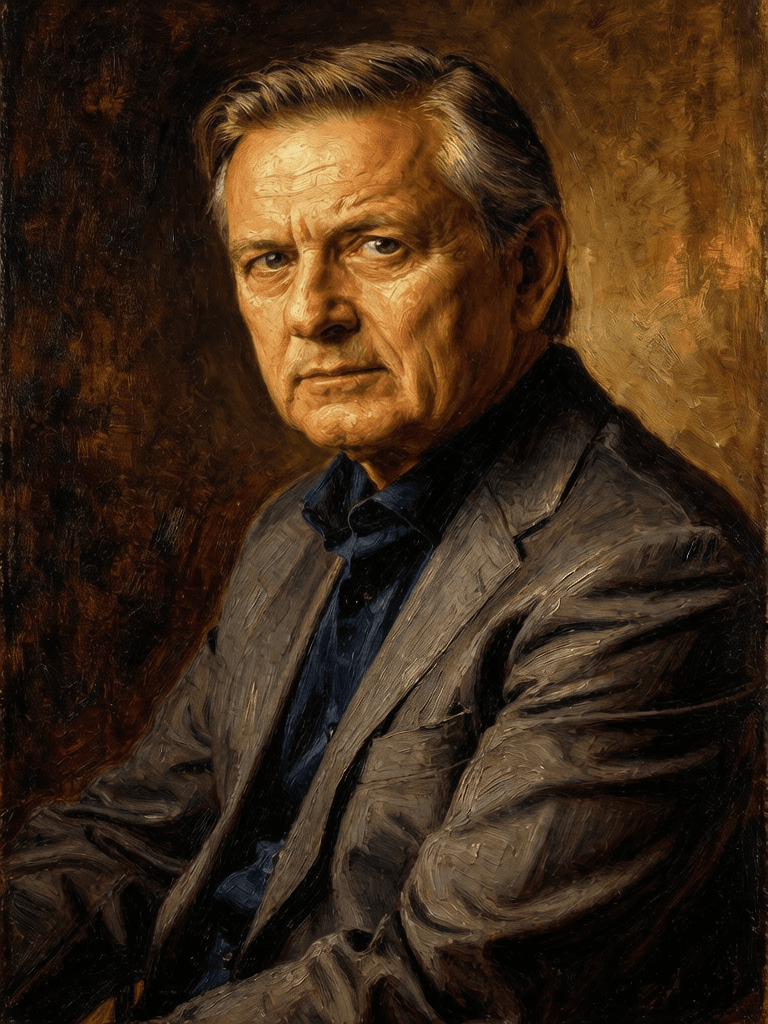
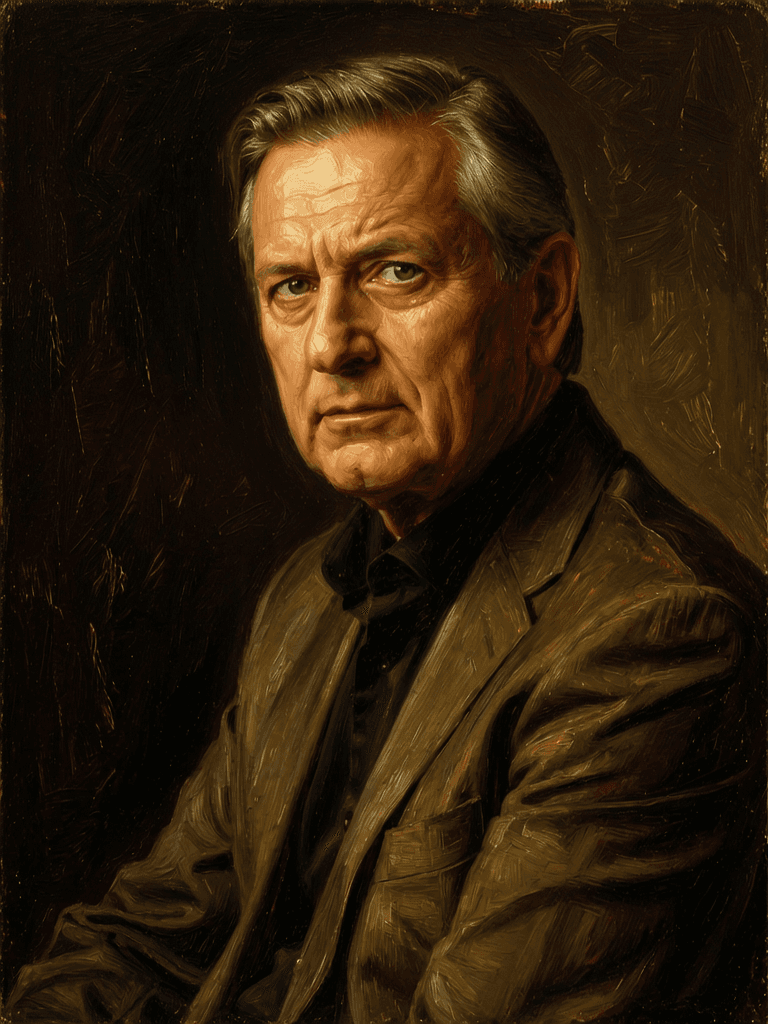
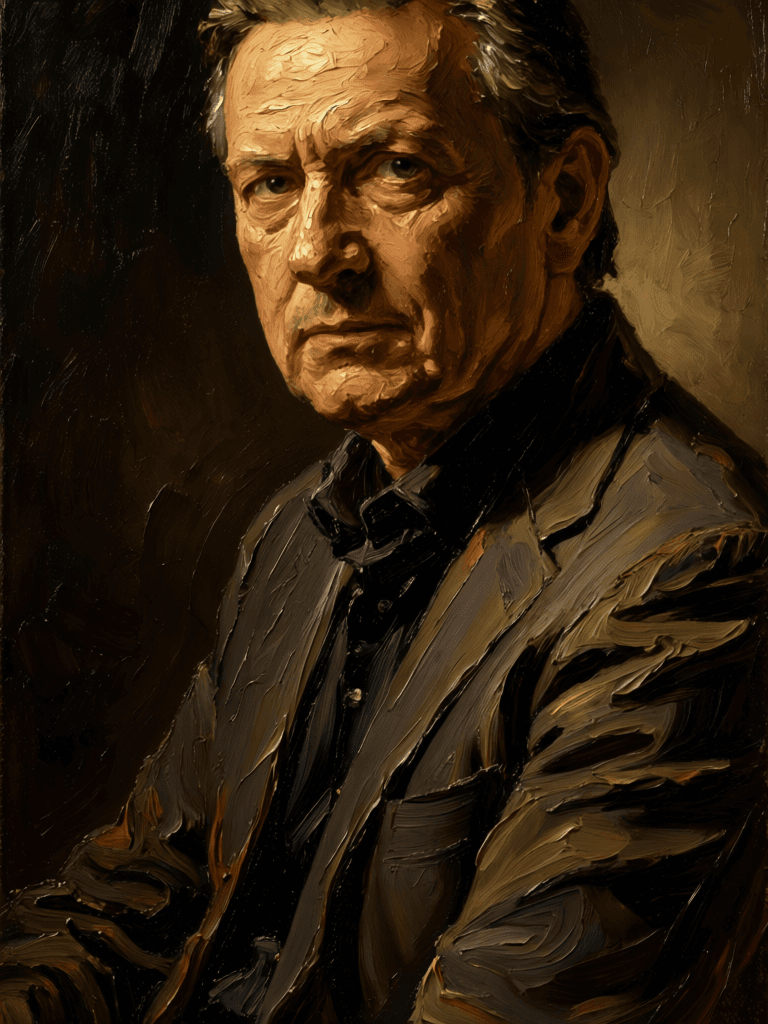
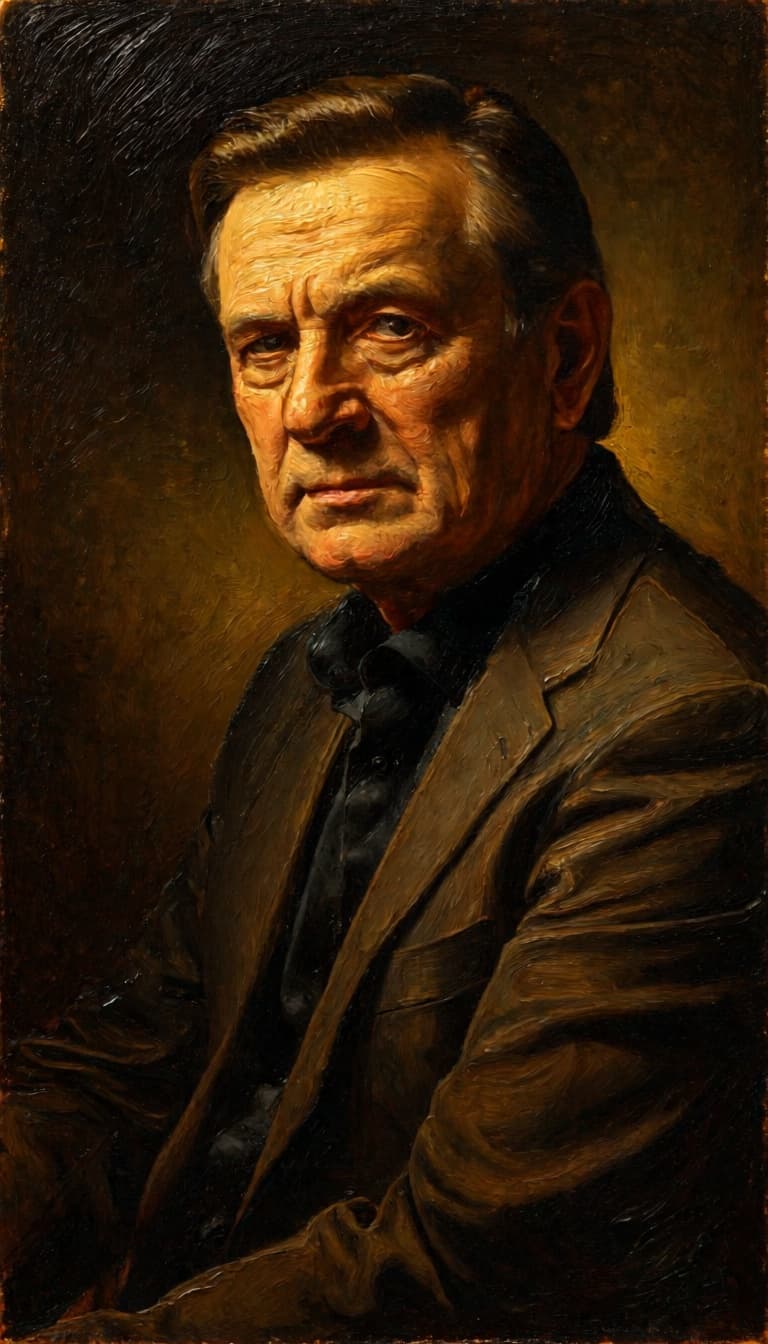
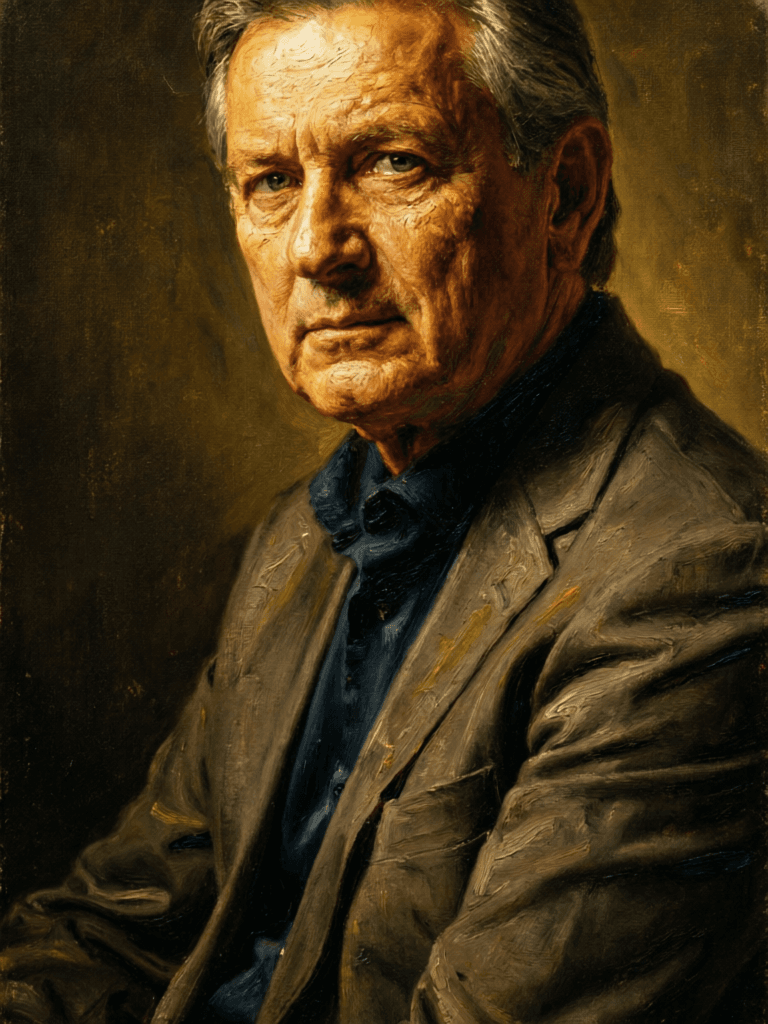
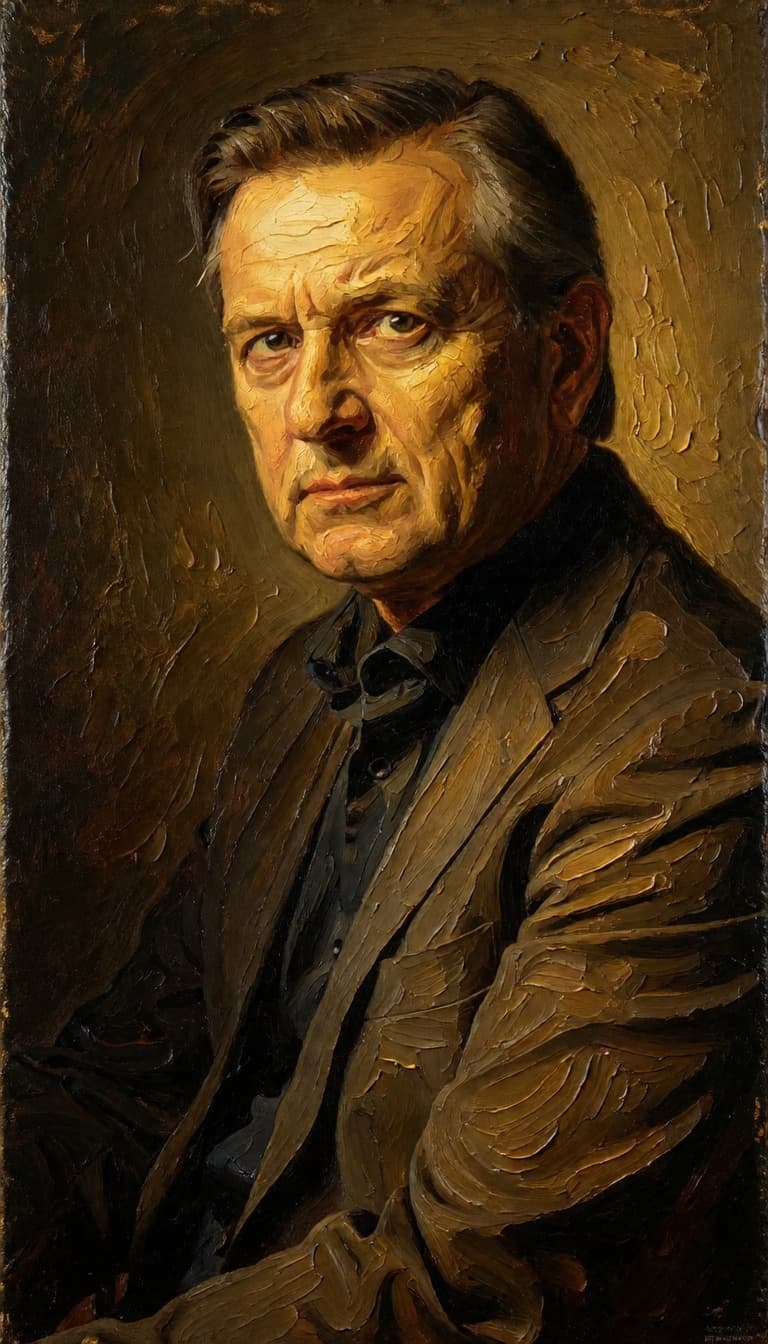
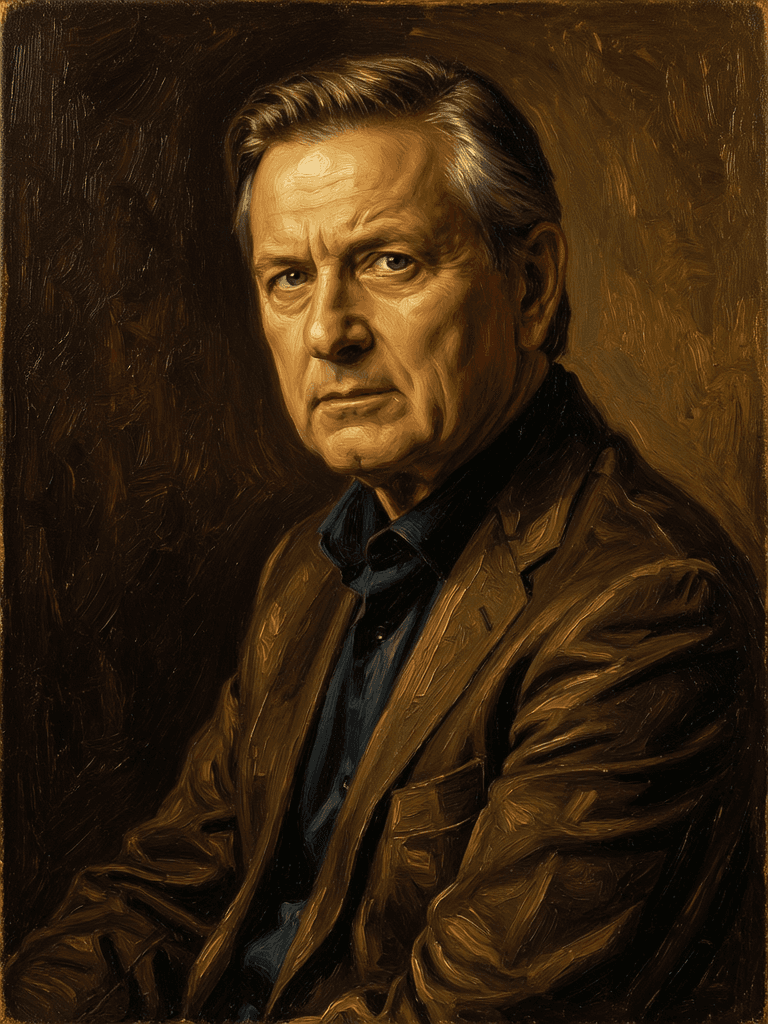
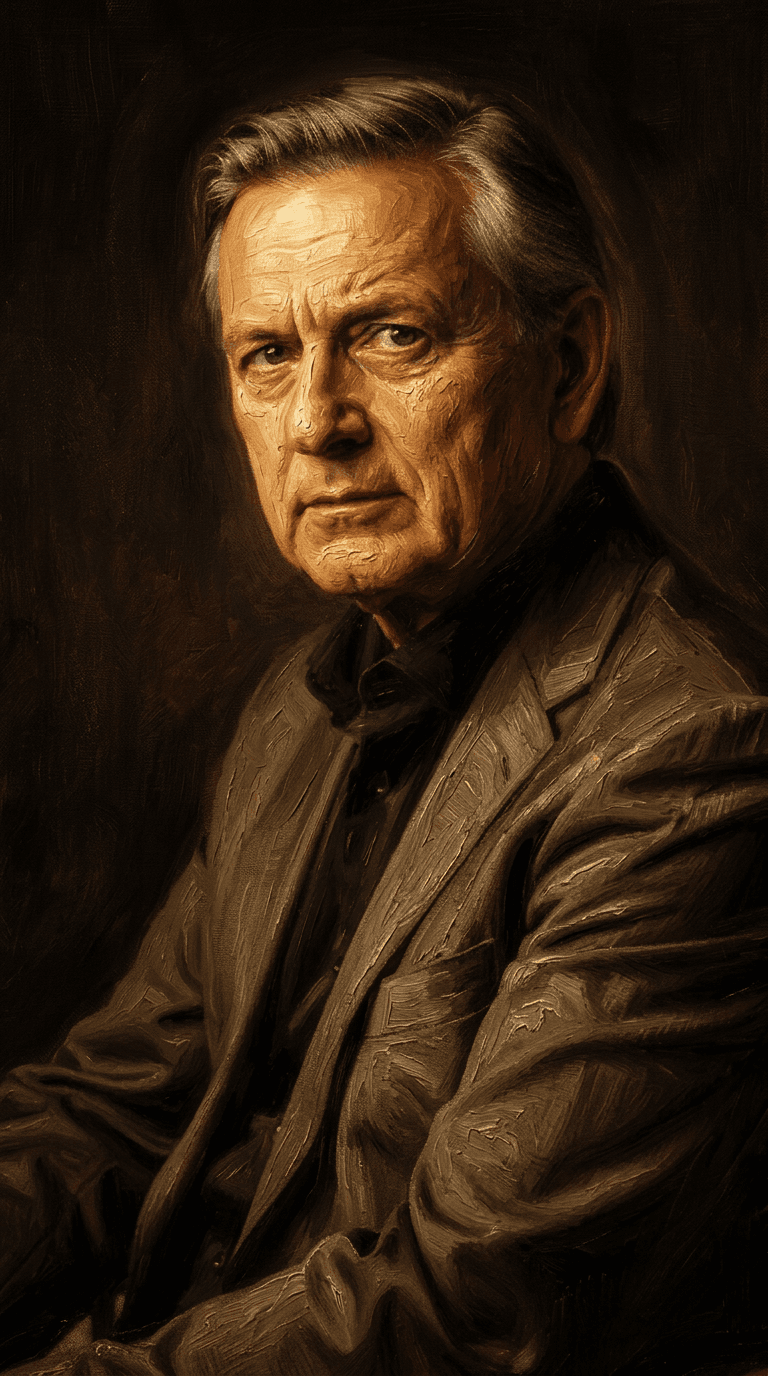
“Transform into a classical oil painting in the style of Rembrandt. Add visible impasto brushstrokes with thick paint texture. Apply warm golden undertones and dramatic chiaroscuro lighting with deep shadows. Enhance the dramatic contrast while preserving facial structure and expression. Add subtle canvas texture visible through the paint layers.”
Přejděte dnes na syntézu vedenou uvažováním
![FLUX.2 [klein] 9B LoRA](/marketing-assets/_next/image?url=https%3A%2F%2Fv3b.fal.media%2Ffiles%2Fb%2F0a928e3b%2FsIC-Ne9BMwZZtBvR3FwKN_9a724704a550471a9df59999e9e1017f.jpg&w=3840&q=75)
Precise natural language image editing
0.5 kredity
Google's advanced image editing
0.7 kredity
Unified AI image editing model
0.5 kredity
![FLUX.2 [klein] 9B LoRA](/marketing-assets/_next/image?url=https%3A%2F%2Fv3b.fal.media%2Ffiles%2Fb%2F0a928dd2%2FyFNW07YLHtp5zuE4eJAW1_e2f89915a1b740559b3c652b0b028296.jpg&w=3840&q=75)
Precise image edits, color control
0.3 kredity
Advanced AI-powered image editing
0.4 kredity
![FLUX.2 [klein] 4B LoRA](/marketing-assets/_next/image?url=https%3A%2F%2Fv3b.fal.media%2Ffiles%2Fb%2F0a928e1f%2Fc62zNs4MhBXgm-5w7n0C5_90bad8837ecc451e96f91da93b78f564.jpg&w=3840&q=75)
Edit images with text, colors
8 kredity
Realistic physics-based image editing
1.2 kredity
Text-guided creative image editing
0.2 kredity
Unified image editing and generation
0.6 kredity

![FLUX.2 [klein] 4B LoRA output](/marketing-assets/_next/image?url=https%3A%2F%2Fassets.shortgenius.com%2Fexample-model-output%2F10a63e77-67c3-46e6-83d3-b7b93355e72c.png&w=3840&q=75)
![FLUX.2 [klein] 9B LoRA output](/marketing-assets/_next/image?url=https%3A%2F%2Fassets.shortgenius.com%2Fexample-model-output%2Fcc1806c8-2af0-47e7-bd34-a95d2d180bfb.png&w=3840&q=75)