Unified image creation and editing
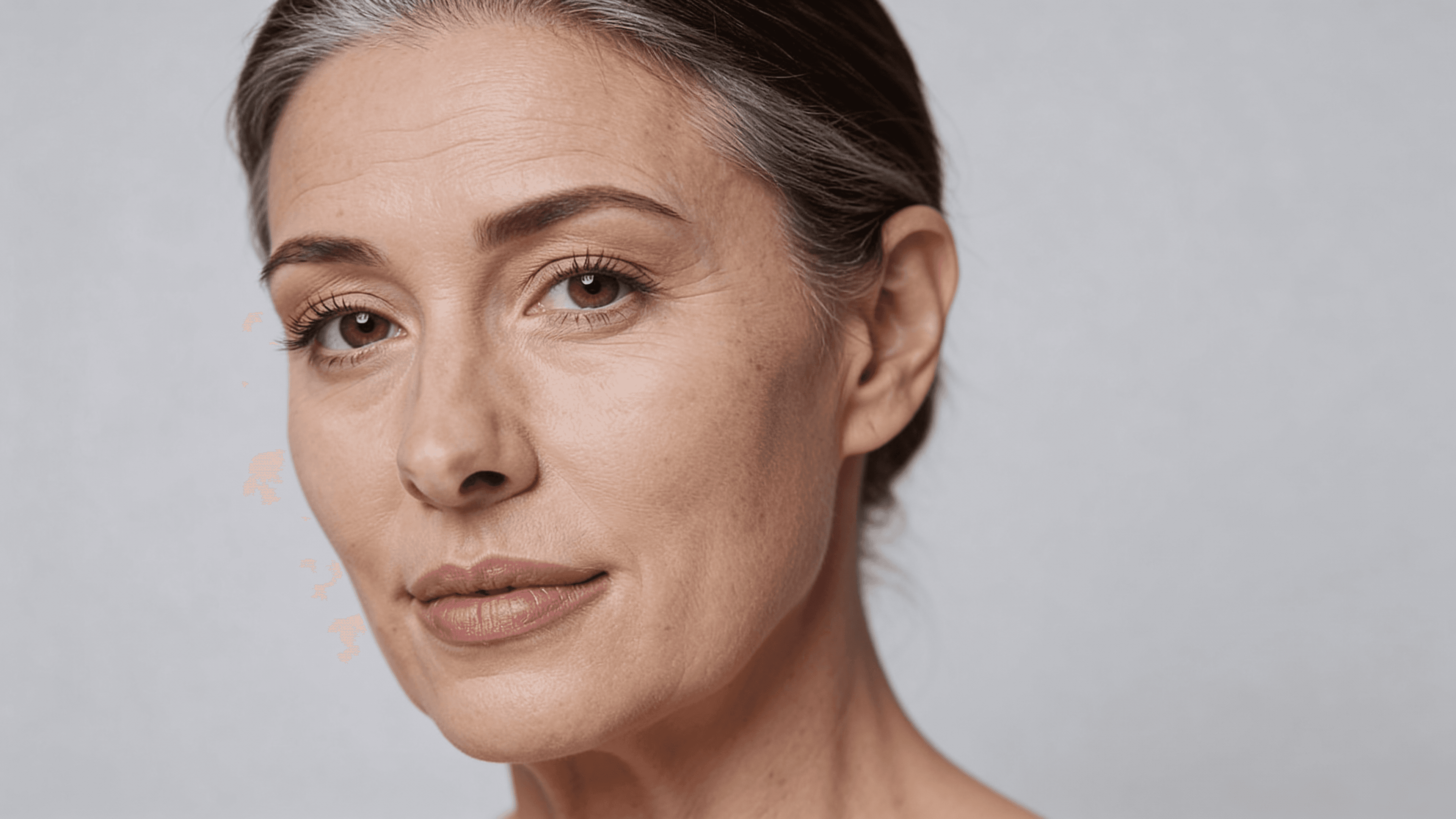


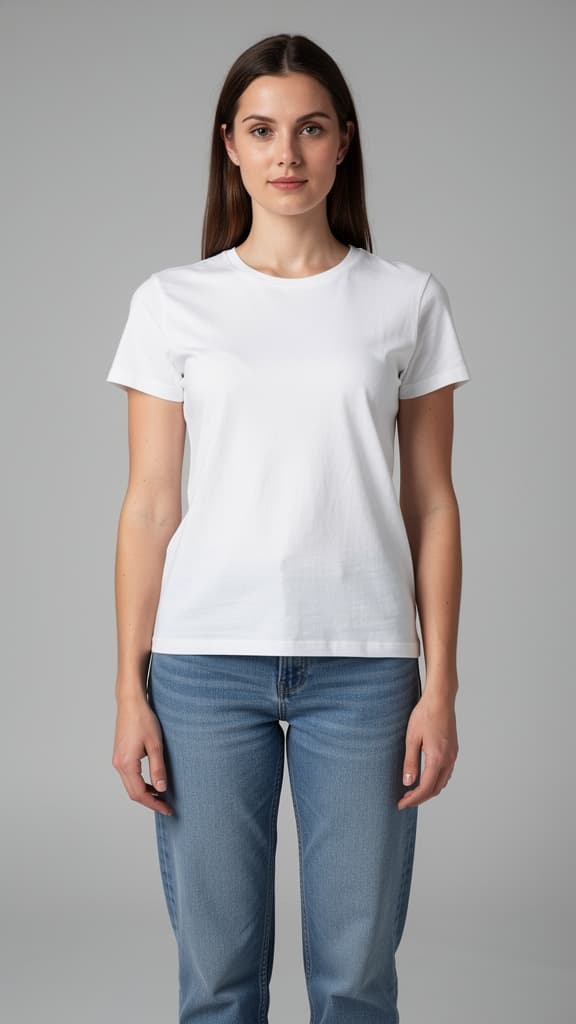

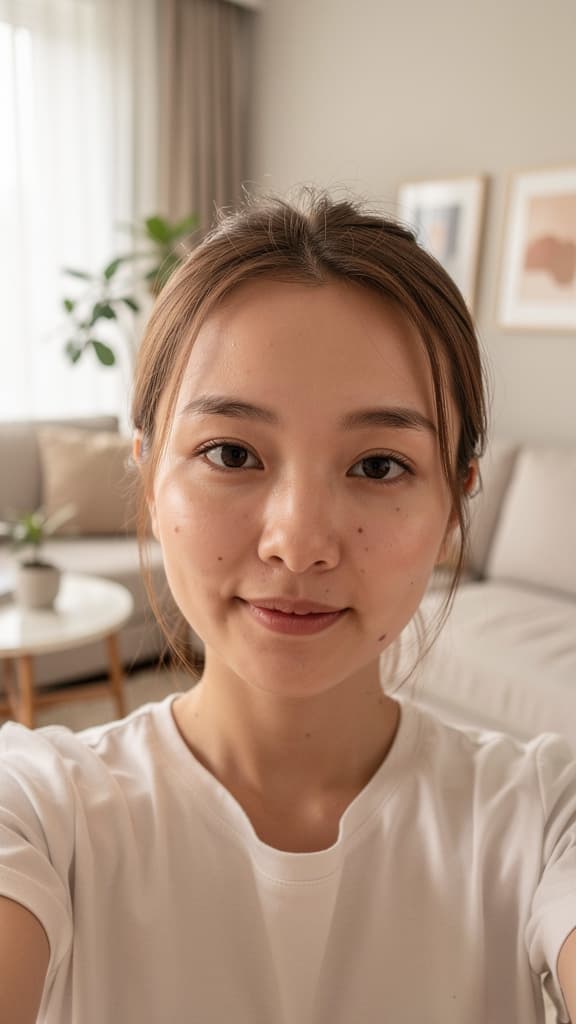
Seedream 4.5 by ByteDance is a next-generation creative tool that merges advanced image creation and editing into a single, unified workflow. Designed for artists, designers, filmmakers, marketers, and content creators, this powerful model streamlines tasks that traditionally required separate tools, layers, or manual masking. With Seedream 4.5, you simply describe your desired changes in natural language, and the model interprets your instructions to produce visually cohesive and contextually accurate results.
One of Seedream 4.5’s standout features is its ability to handle sophisticated multi-source compositions. You can reference up to 10 different images at once, making it ideal for complex projects like swapping products, arranging composite groupings, or blending elements from several sources into a single seamless image. For example, you might instruct the model to “replace the chair in Figure 1 with the sofa from Figure 2 and add the logo text from Figure 3 to the bottom right corner,” and Seedream will generate a cohesive edit without needing any manual selection.
The model also supports copying and arranging text overlays from reference images, ensuring titles or branding remain legible and aesthetically balanced. This is particularly useful for marketing teams, e-commerce professionals, or anyone needing to maintain brand consistency across visuals. You can specify details such as "copy the text from Figure 3 to the top of the screen with clear contrast, but don’t make it overly eye-catching,” and the model will interpret your intent for layout and emphasis, integrating overlays directly into the composition.
In terms of formats and quality, Seedream 4.5 delivers output images as PNG files, suitable for both web and print applications. You can select output resolutions ranging from 1920px up to 4096px for either width or height, supporting projects that demand up to 4 megapixels of detail. Dimensions can be customized within this range, enabling both square and typical portrait or landscape layouts, as well as specialized ratios for high-resolution needs. The creative process typically takes about one minute per edit, supporting smooth, iterative workflows for professional settings.
Another key benefit is how Seedream 4.5 preserves spatial relationships, perspective, lighting, and depth across sources. This means when you merge or swap objects from multiple reference images, the final composition maintains a natural, coherent look without requiring manual touch-ups or advanced blending skills. This context-aware editing is especially valuable in layout prototyping, scene assembly for previsualization, and brand asset integration.
Creative controls are intuitive and user-facing: you provide drag-and-drop input images, paste from your clipboard or enter URLs, and describe your desired edit in everyday language. Advanced customization includes setting your preferred image resolution, choosing how many unique variations to generate (up to six per request), and configuring layout proportions to suit your needs. For batch tasks or exploration, you can request the model to deliver several alternative results in a single go, maximizing creative flexibility.
Seedream 4.5’s workflow eliminates the need for learning complex layer-based editing or manual masking—everything is guided by your plain English instructions. You can build multi-product composites, test alternate headline placements, integrate brand elements across a campaign, or quickly assemble variant layouts. Because the model is built for commercial contexts, it is especially well-suited for e-commerce catalogs, advertising, rapid design prototyping, and consistent marketing visuals.
Performance is predictable, with typical edit times of about 60 seconds per composition. Output quality is further bolstered by the model's spatial and semantic awareness, ensuring that lighting and object relationships remain internally consistent. Seedream 4.5 supports commercial use, and can process up to 10 source images simultaneously within a single edit, allowing for highly detailed and nuanced compositions.
In summary, Seedream 4.5 by ByteDance empowers creative professionals to achieve sophisticated image edits and generation with natural language alone, supports complex multi-source workflows, delivers high-resolution professional results, and simplifies traditional image editing processes. Whether assembling product catalogs, building campaign visuals, or prototyping layouts, you get seamless flexibility and strong visual fidelity—all without manual selection tools or layered workflows.
Add the image that you want change
新增您要編輯或轉換的影像
A woman kneeling in darkness, illuminated by a warm, radiant beam of light emerging from her raised hand.
描述您想要的編輯 - 風格變更、物件移除或強化
下載您的專業編輯影像
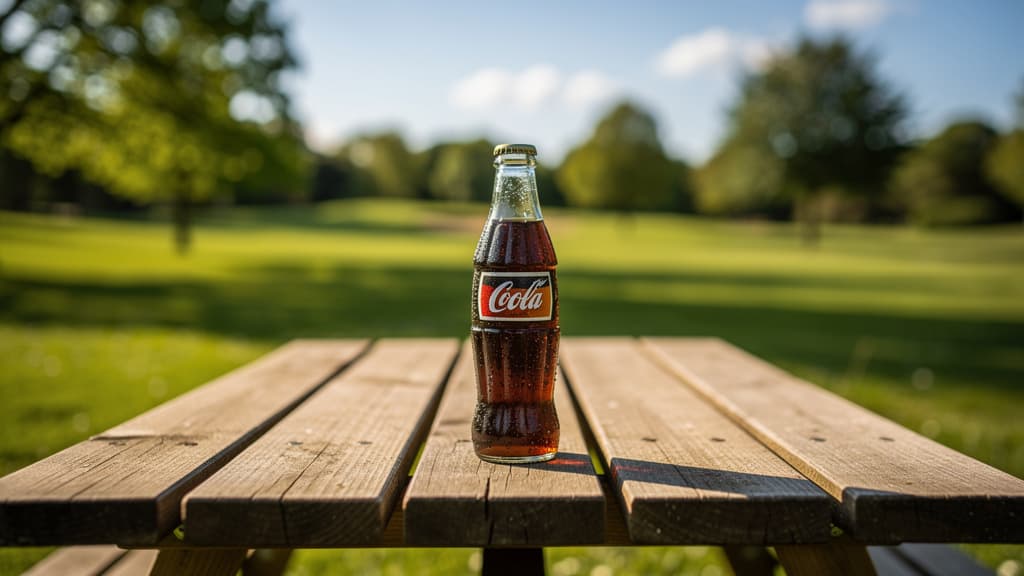
Swap specific products in contextual outdoor ads or product placement shots using multi-image references to visual assets for efficient marketing iteration.
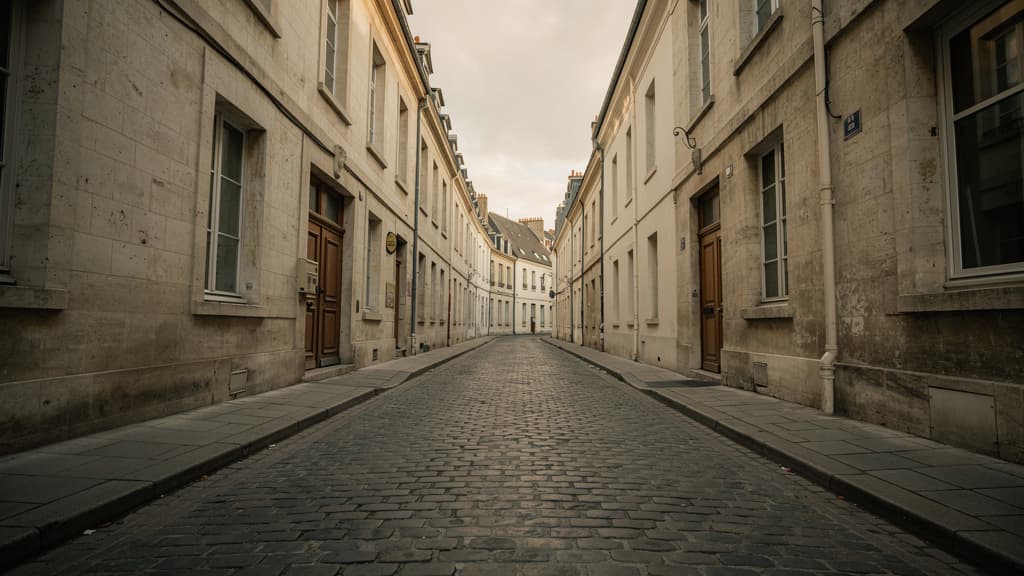
Visualize architectural renovations by copying elements (windows, doors, signage) from a modern building image into a historic streetscape, previewing upgrades in real context.
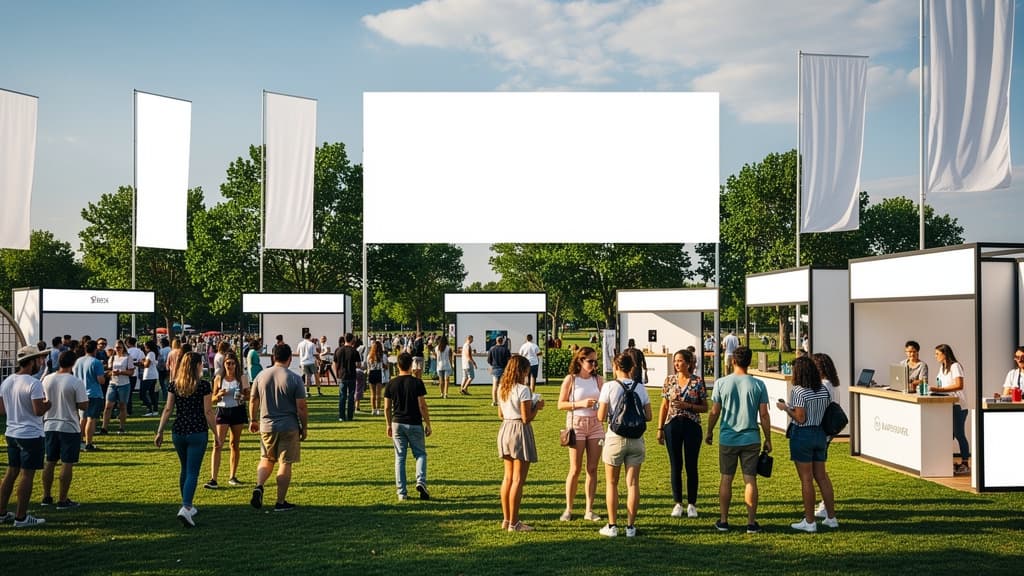
Assemble and position multiple elements—banners, products, and crowd shots—across a wide scene using up to ten source images for elaborate event recaps and marketing materials.
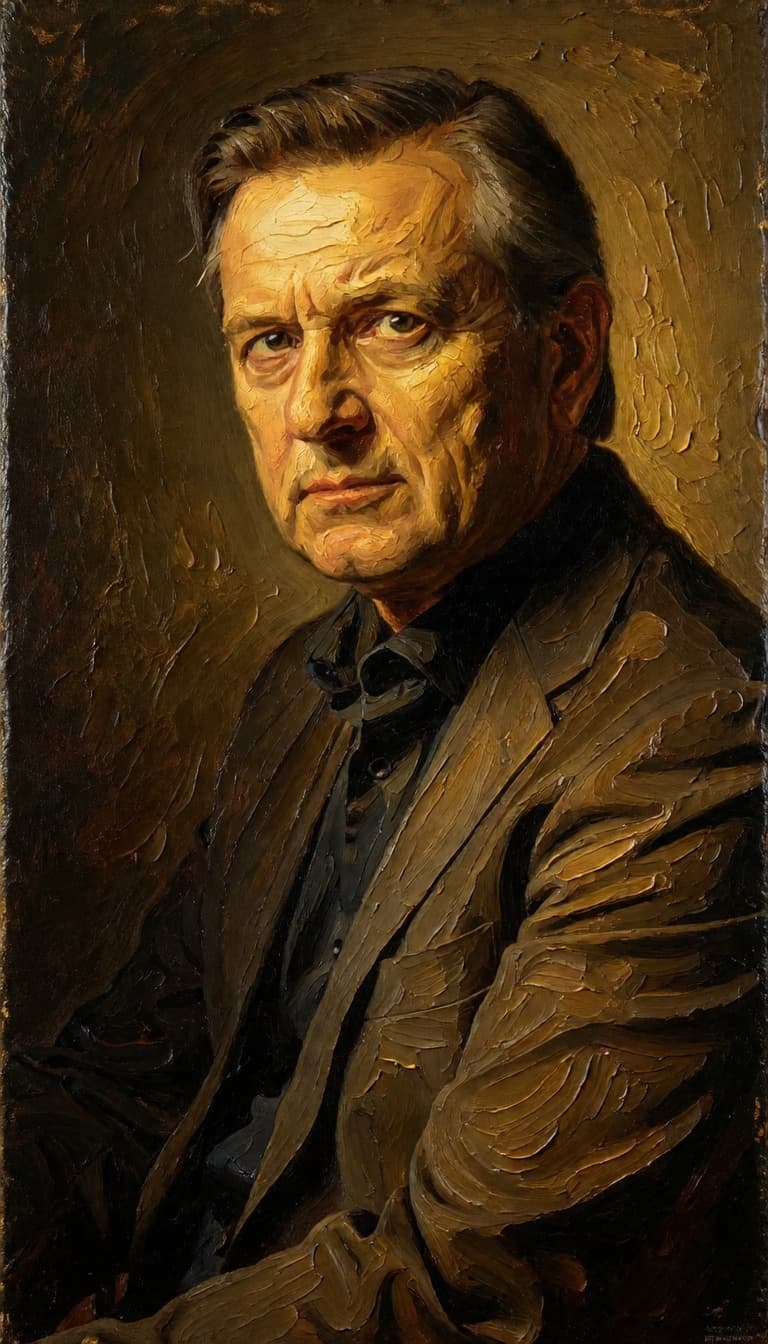
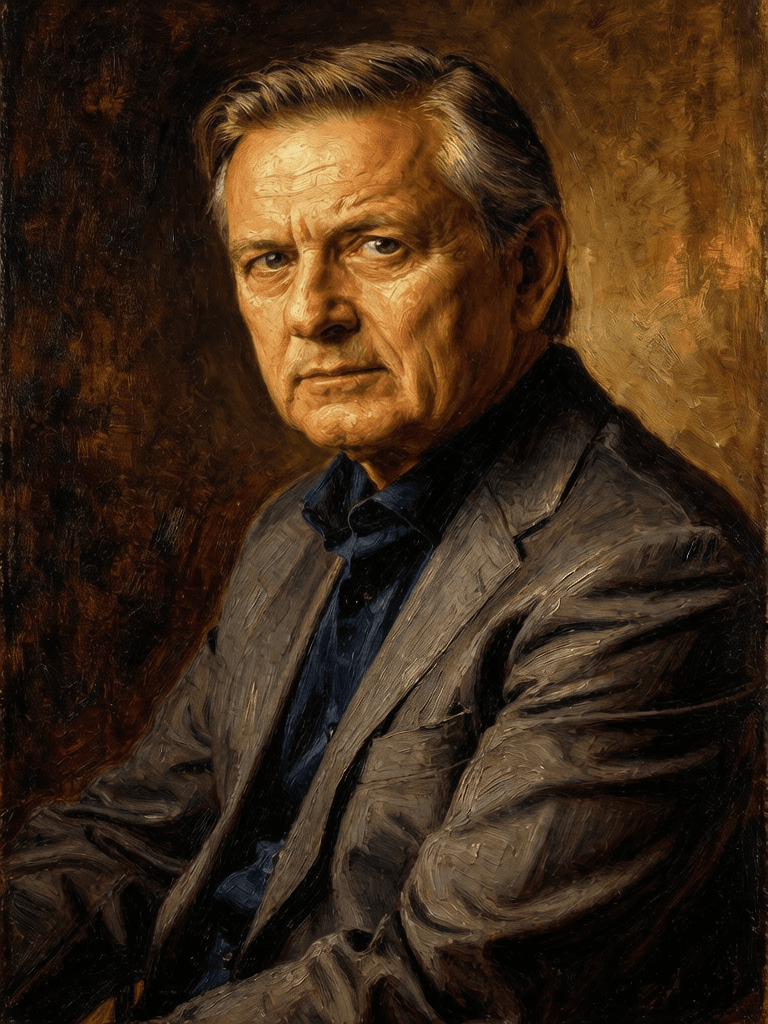
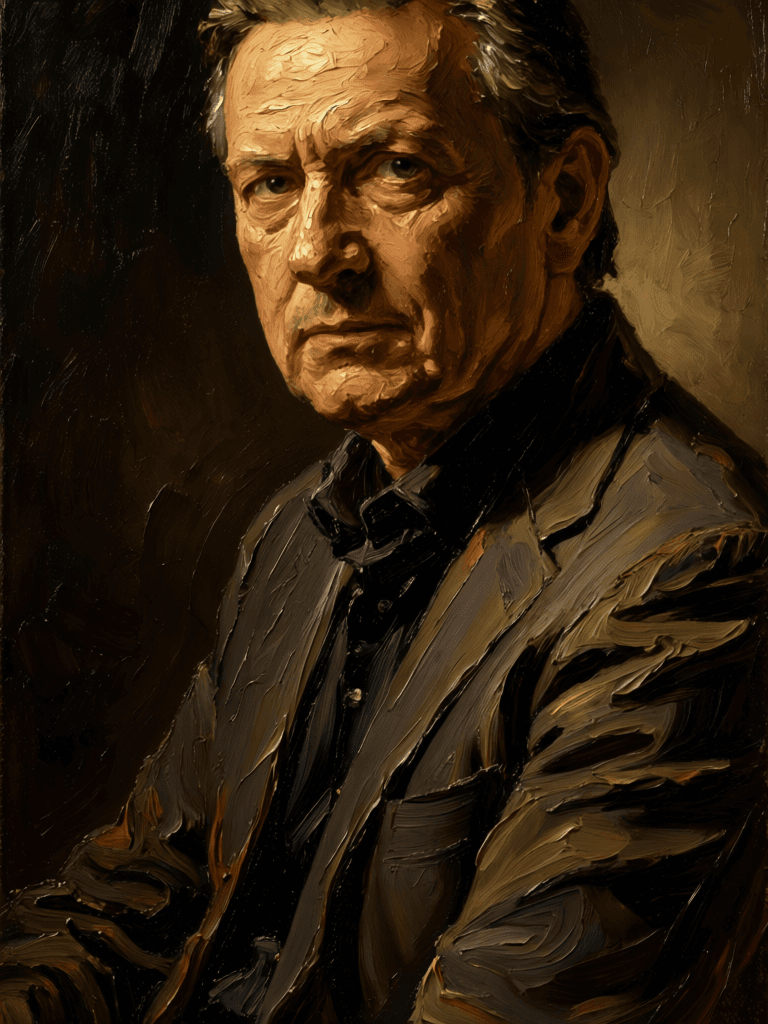
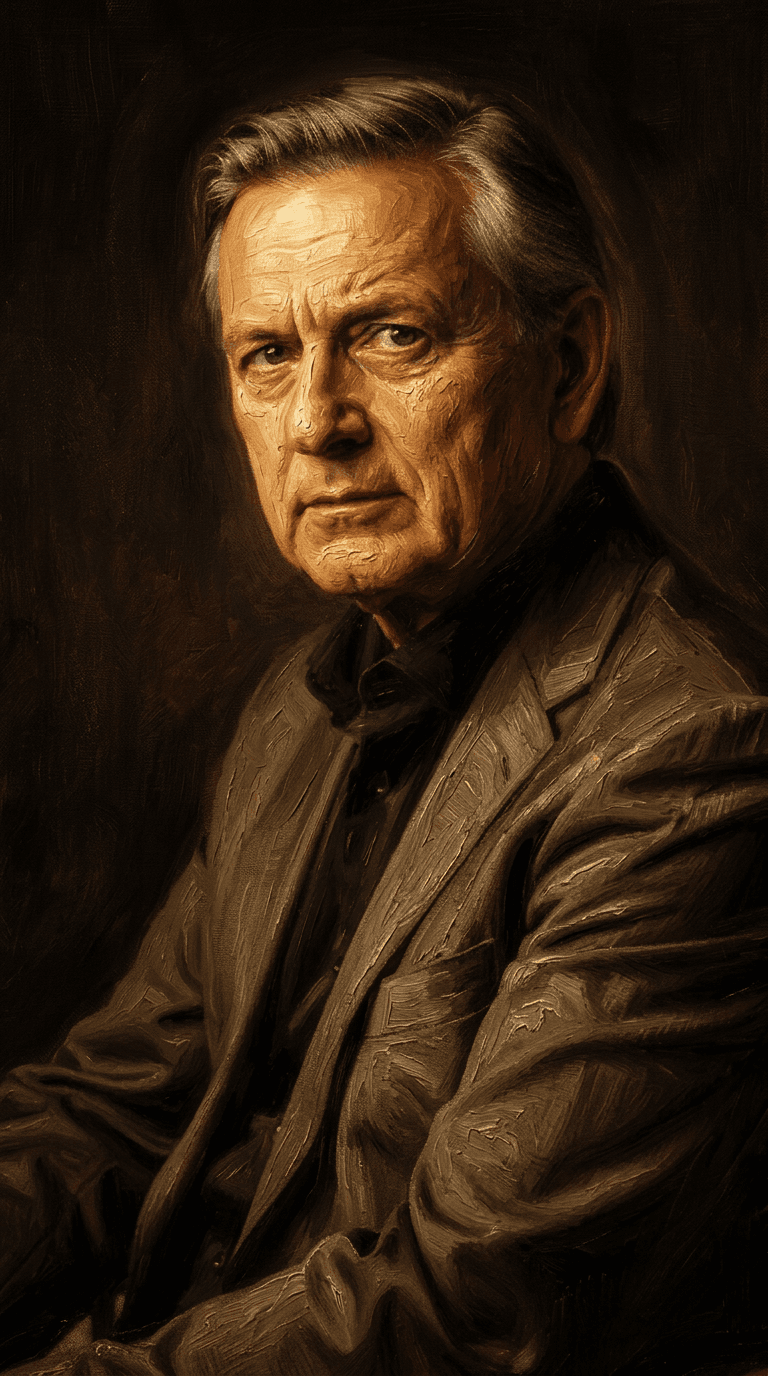
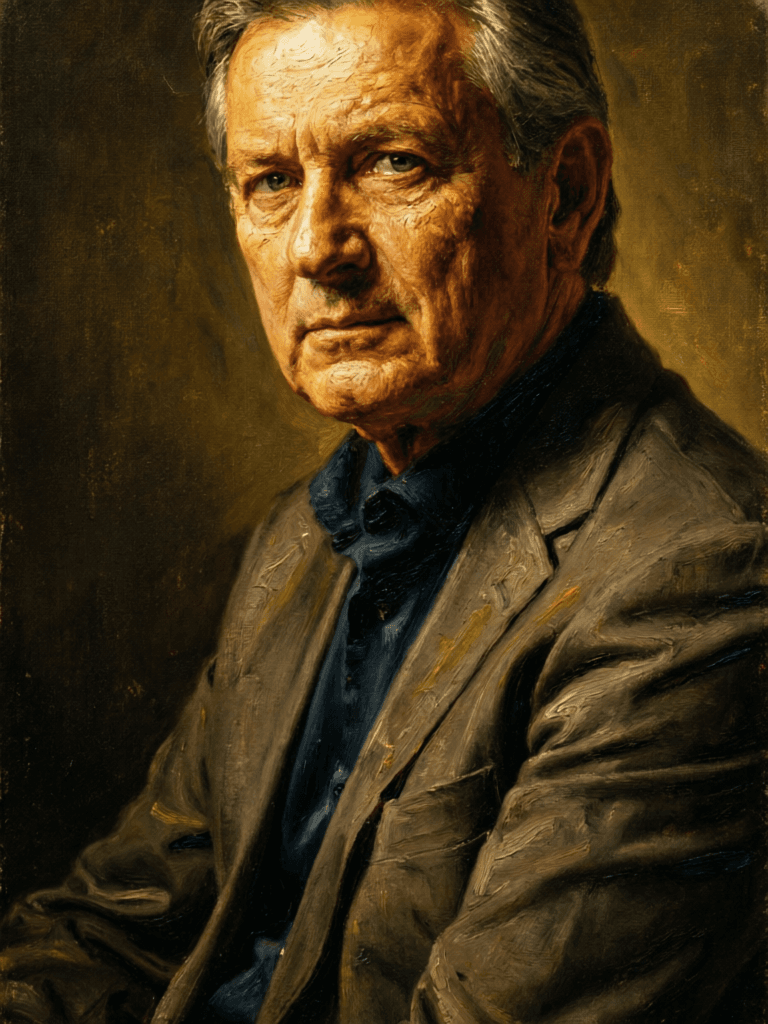
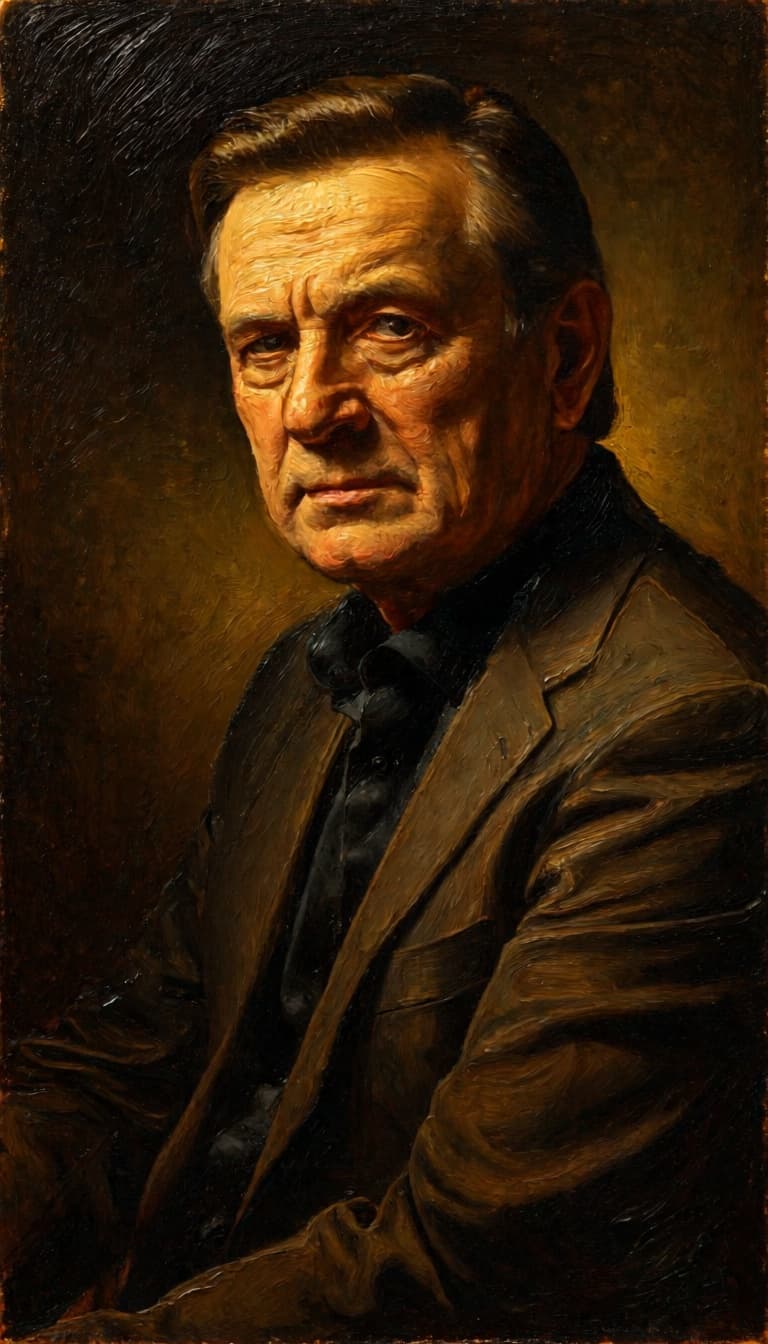
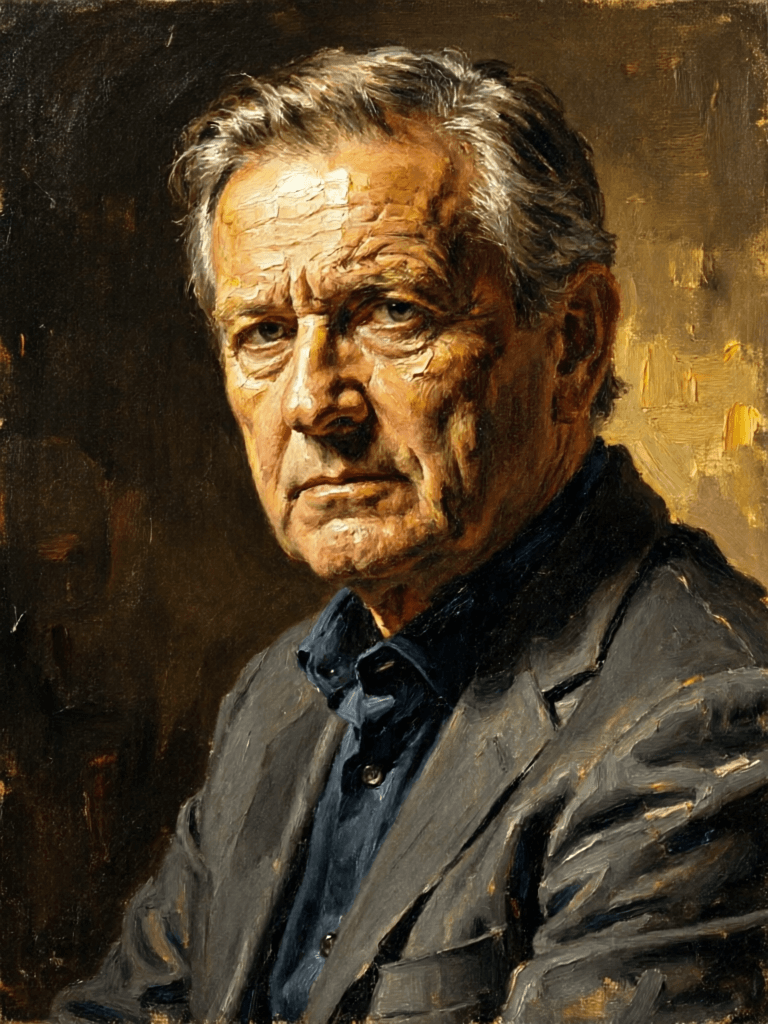
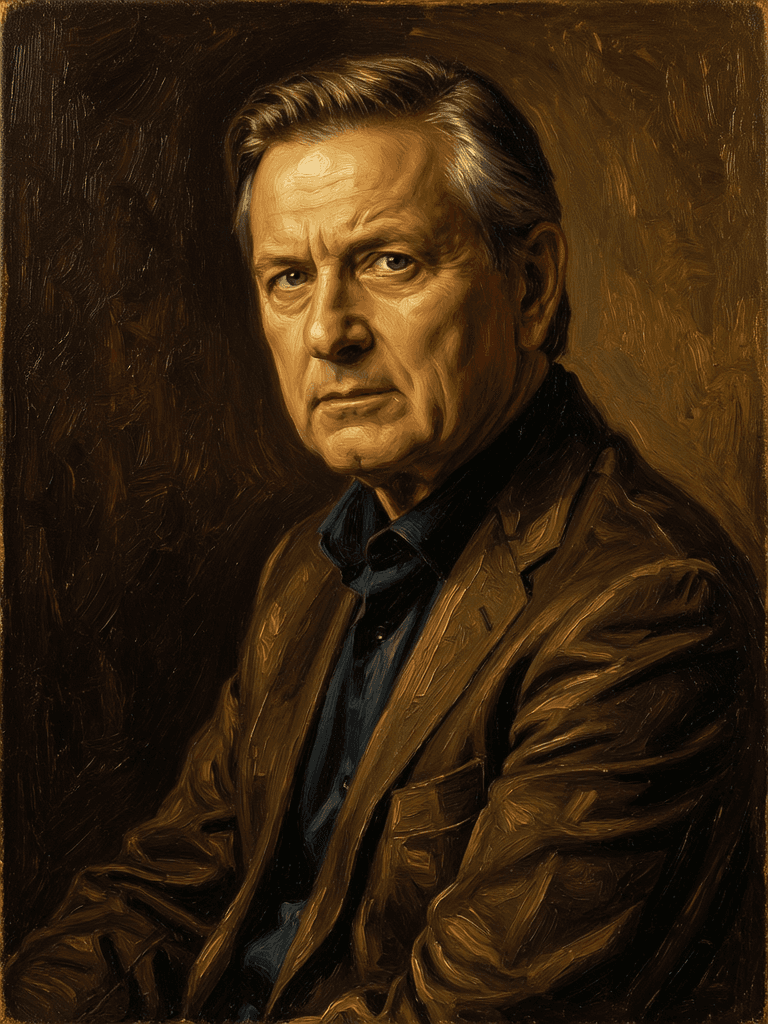
“Transform into a classical oil painting in the style of Rembrandt. Add visible impasto brushstrokes with thick paint texture. Apply warm golden undertones and dramatic chiaroscuro lighting with deep shadows. Enhance the dramatic contrast while preserving facial structure and expression. Add subtle canvas texture visible through the paint layers.”
立即切換至推理引導合成
![FLUX.2 [klein] 9B LoRA](/marketing-assets/_next/image?url=https%3A%2F%2Fv3b.fal.media%2Ffiles%2Fb%2F0a928dd2%2FyFNW07YLHtp5zuE4eJAW1_e2f89915a1b740559b3c652b0b028296.jpg&w=3840&q=75)
Precise image edits, color control
0.3 點數
Unified AI image editing model
0.5 點數
Text-guided creative image editing
0.2 點數
![FLUX.2 [klein] 4B LoRA](/marketing-assets/_next/image?url=https%3A%2F%2Fv3b.fal.media%2Ffiles%2Fb%2F0a928e1f%2Fc62zNs4MhBXgm-5w7n0C5_90bad8837ecc451e96f91da93b78f564.jpg&w=3840&q=75)
Edit images with text, colors
8 點數
Advanced AI-powered image editing
0.4 點數
Realistic physics-based image editing
1.2 點數
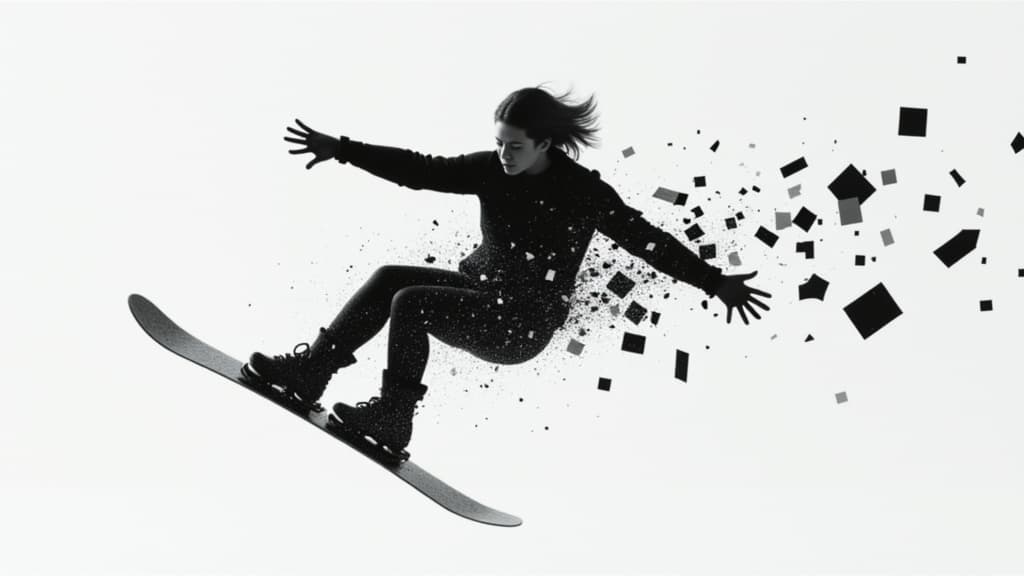
Unified image editing and generation
0.6 點數
Identity-preserving personalized photo editing
0.4 點數
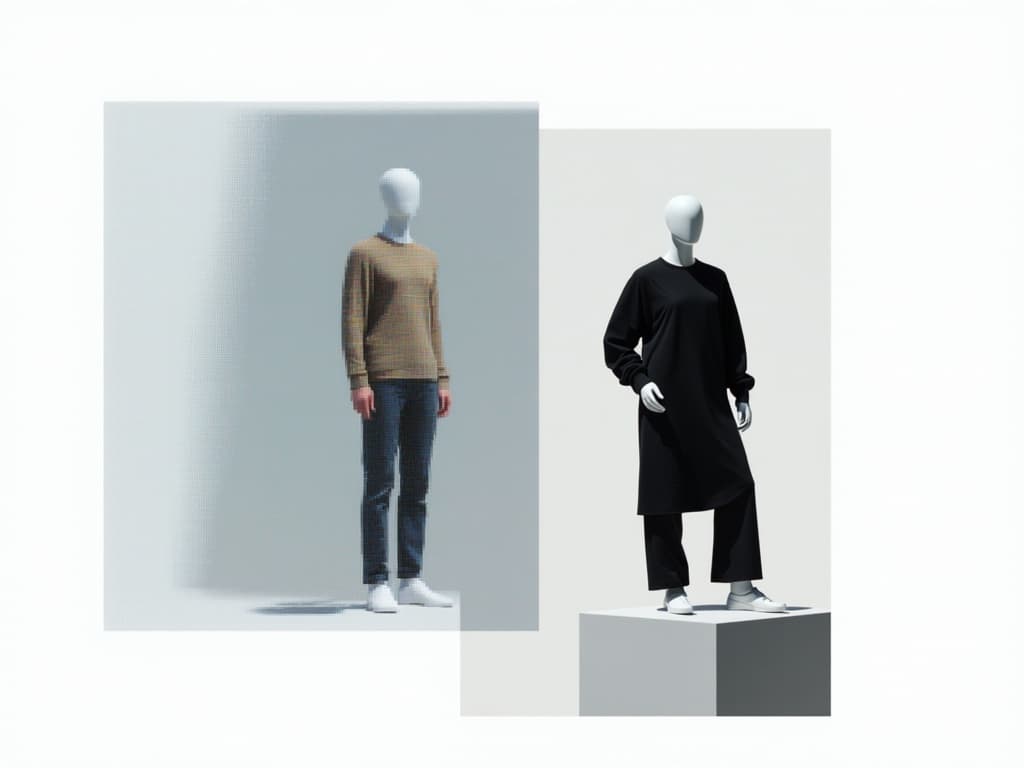
Edit images with reference photos
0.4 點數

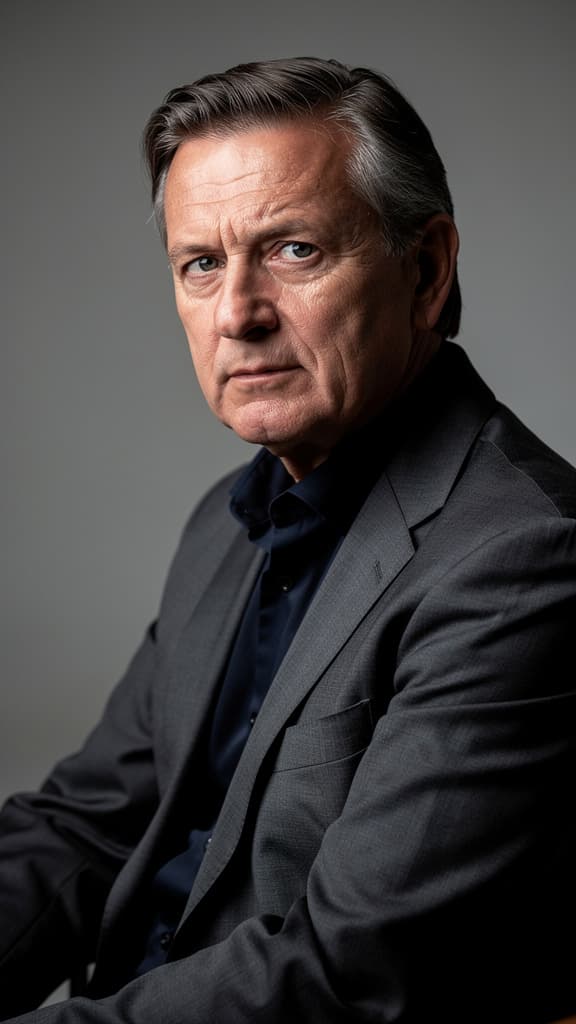
![FLUX.2 [klein] 4B LoRA output](/marketing-assets/_next/image?url=https%3A%2F%2Fassets.shortgenius.com%2Fexample-model-output%2F10a63e77-67c3-46e6-83d3-b7b93355e72c.png&w=3840&q=75)
![FLUX.2 [klein] 9B LoRA output](/marketing-assets/_next/image?url=https%3A%2F%2Fassets.shortgenius.com%2Fexample-model-output%2Fcc1806c8-2af0-47e7-bd34-a95d2d180bfb.png&w=3840&q=75)