Reference-guided consistent video generation
Vidu is a powerful reference-to-video model that transforms your still images into dynamic, animated videos guided by text prompts. Built on Vidu's latest architecture, this "Reference to Video Mix" model is specifically designed to maintain visual consistency of subjects and scenes across generated video content — making it an exceptional tool for creators who need characters, objects, or environments to stay recognizable and on-brand throughout their video output.
At its core, Vidu works by combining two creative inputs: reference images and a text prompt. You provide up to four reference images that establish the visual identity of your subjects or scenes, then describe in natural language what you want to happen in the video. The model intelligently blends these inputs, generating fluid video that preserves the look and feel of your references while bringing your written vision to life. This makes it fundamentally different from pure text-to-video tools — you're not starting from scratch each time, but building on a visual foundation you've already established.
One of Vidu's standout features is its built-in audio generation. By default, the model produces video with synchronized sound, meaning your generated clips come ready with audio that matches the visual content. This is a significant creative advantage for filmmakers, social media creators, and anyone producing video content where sound design matters. If you prefer silent video — perhaps for use in a larger editing project where you'll add your own soundtrack — you can simply toggle the audio off.
The model offers a versatile range of output options to fit virtually any creative context. You can choose from five aspect ratios: widescreen (16:9) for cinematic and YouTube-style content, vertical (9:16) for TikTok, Instagram Reels, and mobile-first platforms, classic (4:3) for a more traditional broadcast feel, portrait (3:4) for stylized vertical compositions, and square (1:1) for social media posts and balanced layouts. This flexibility means a single workflow can produce content optimized for multiple platforms without compromise.
Resolution options span from 360p up to full 1080p HD, giving you control over the balance between output quality and your specific needs. For quick previews, concept tests, or storyboard-style explorations, lower resolutions let you iterate rapidly. When you're ready for final production output, 1080p delivers crisp, high-definition video suitable for professional use. The default resolution of 720p offers a strong middle ground for most creative workflows.
Video duration is fully adjustable from 1 to 16 seconds, with a default of 5 seconds. While that may sound brief, these clips are ideal building blocks for larger projects — short-form social content, animated product showcases, character introduction sequences, scene transitions, and visual effects elements. For creators working in short-form video, 16 seconds is often more than enough for a complete, compelling clip.
Your text prompts can be up to 2,000 characters long, giving you ample room to describe complex scenes, actions, moods, and details. Whether you're writing something concise like "A character walking through a beach catching an apple" or crafting a richly detailed scene description with specific lighting, camera movement, and emotional tone, the model accommodates a wide range of prompt complexity.
The reference image system is where Vidu truly shines for professional creative workflows. By accepting 1 to 4 reference images, the model enables sophisticated subject and scene consistency. Imagine you're developing an animated character for a brand campaign — you can supply multiple views or poses of that character as references, then generate video of them performing various actions described in your prompt. This same principle applies to product visualization, where reference images of a product can be animated into dynamic showcase videos, or to environmental design, where reference landscapes can be brought to life with movement and atmosphere.
For creators who need reproducible results — essential when collaborating with teams or iterating on a specific creative direction — Vidu includes a seed option for consistency. By using the same seed value along with identical inputs, you can regenerate the same video output consistently. This is invaluable during creative review processes where you need to reproduce a specific result, or when you want to make small prompt adjustments while keeping other creative elements constant.
Vidu's Reference to Video Mix model is ideally suited for a wide range of creative professionals. Motion designers can use it to rapidly prototype animated sequences. Social media managers can generate platform-specific video content from brand imagery. Filmmakers and storyboard artists can visualize scenes before committing to full production. Character designers can see their static illustrations come alive. Product photographers can transform still shots into engaging video ads. And concept artists can explore how their environmental designs might feel in motion, complete with ambient sound.
The model represents a thoughtful balance of creative control and ease of use — you provide the visual references and describe your vision, and Vidu handles the complex work of generating coherent, visually consistent video with optional audio, in your chosen format and resolution.
Add the image that you want change
Görünüm, karakter veya ortamı yönlendirmek için isteğe bağlı görüntü ekle
A woman kneeling in darkness, illuminated by a warm, radiant beam of light emerging from her raised hand.
İstem yaz - Model sahnenin fizik, aydınlatma ve duygusal niyetini anlar
Son çıktıyı üretip prodüksiyon kalitesinde videoyu indirmek için tıkla
Animate a lush forest landscape with volumetric fog, drifting light rays, and organic environmental motion, showcasing cinematic nature sequences ideal for travel content, ambient visuals, and title sequences.
Create a premium product animation with dynamic liquid, light refractions, and elegant camera movement from a single product photo, perfect for e-commerce, luxury brand advertising, and social commerce content.
Animate an urban nightscape with flickering neon, rain-slicked reflections, and environmental life, demonstrating the model's ability to handle complex multi-element scenes with dynamic lighting for film, music video, and creative content production.
“Animate with subtle natural movements. Add gentle breathing motion to shoulders. Create natural eye blinks every 2-3 seconds. Introduce slight head micro-movements. Hair moves softly as if in gentle breeze. Maintain the warm smile with subtle lip movements. Eyes should have natural catchlight movement. Keep animation subtle and lifelike, not exaggerated. 5 seconds, smooth looping.”
Bugün akıl yürütme rehberli senteze geçin
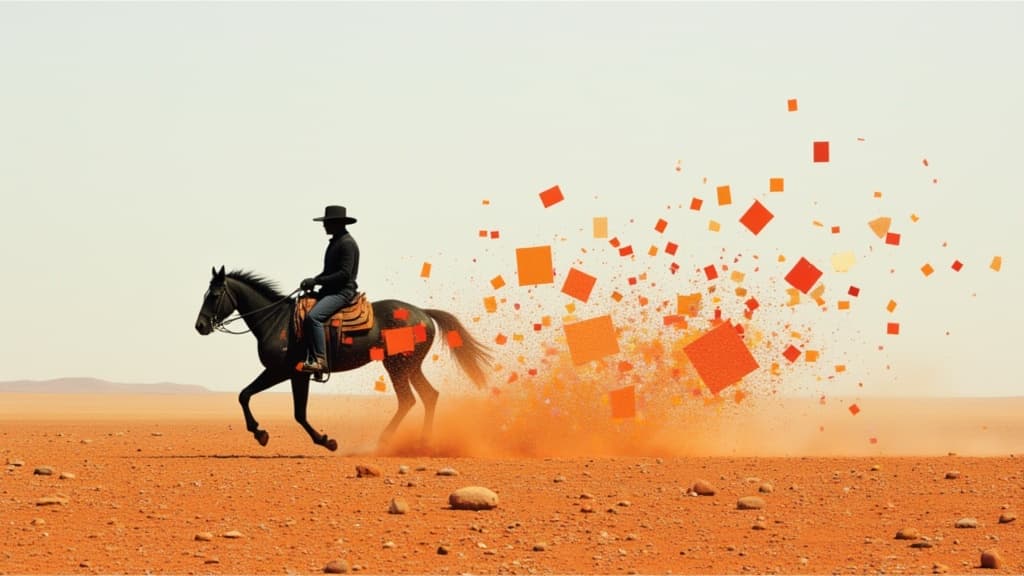
Smooth image-to-image video transitions
0.1 kredi
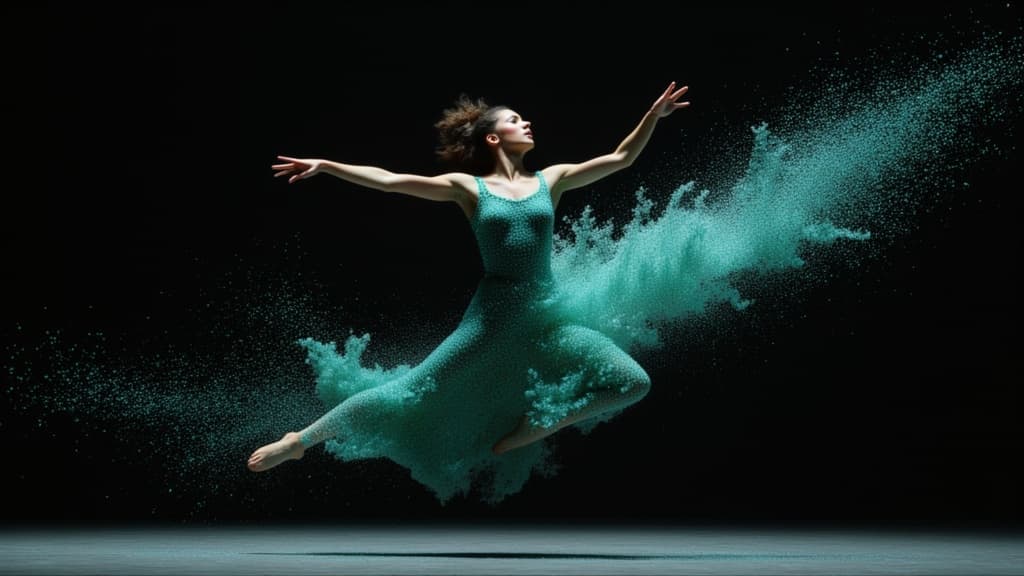
Cinematic video from your images
0.1 kredi

Animate images into smooth video
2 kredi
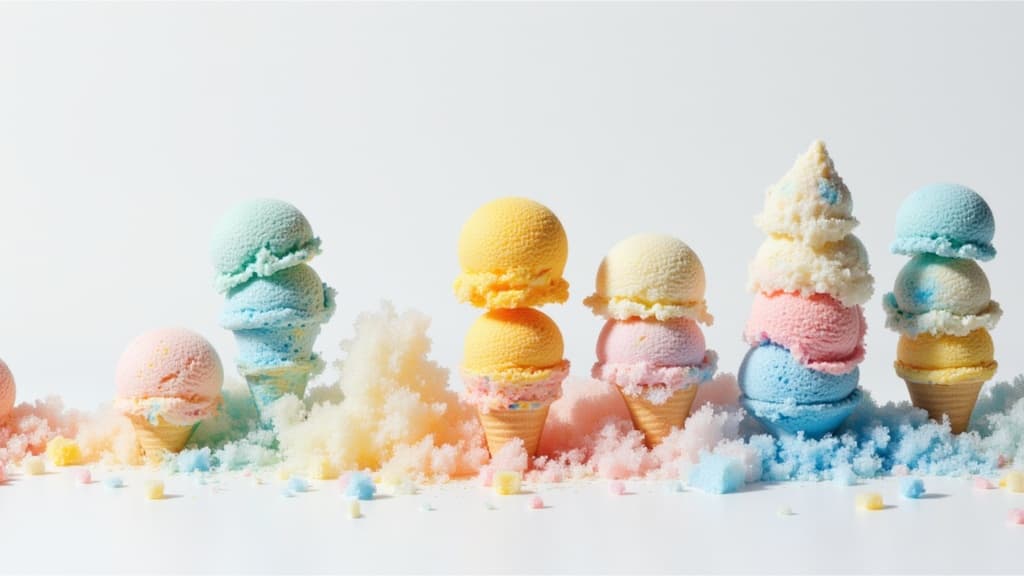
Cinematic video from images fast
0.1 kredi
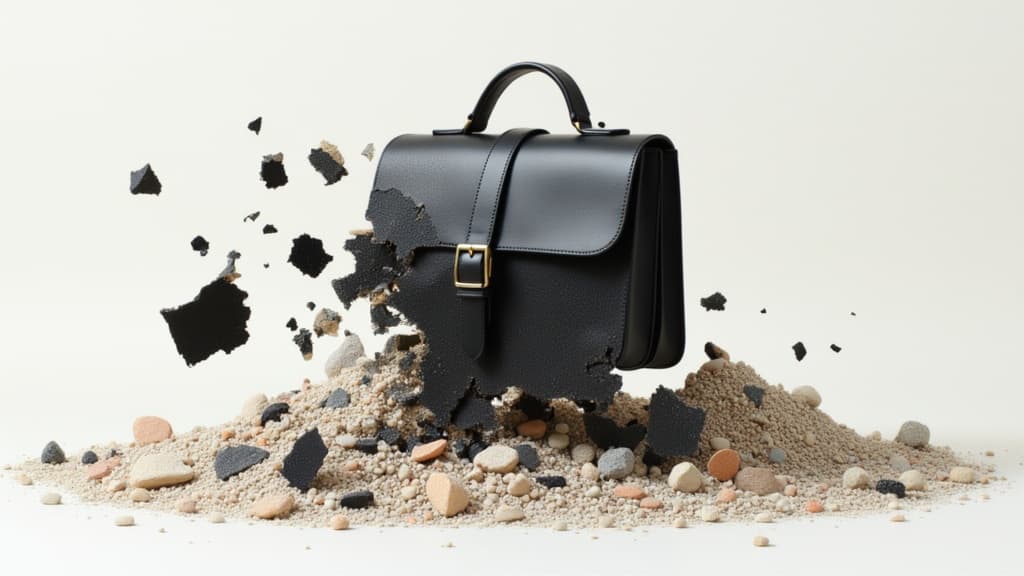
Animate images into pro videos
1.6 kredi
Cinematic transitions between two images
0.1 kredi
Animate between first/last frames
1.6 kredi
Physics-driven video from images
0.4 kredi
Character-consistent video from references
0.1 kredi
