Transparent background image generation




Ideogram Transparent is a specialized text-to-image model designed to generate images with transparent backgrounds directly from a text prompt. Unlike traditional image generators that produce images on solid or scene-based backgrounds, Ideogram Transparent outputs clean, cutout-style visuals — making it an indispensable tool for designers, brand creators, and visual artists who need assets ready to layer, composite, and integrate into larger projects without the tedious step of manual background removal.
At its core, Ideogram Transparent takes your written description and transforms it into a polished image with no background. Simply type what you want — a logo, an icon, a character, a decorative element — and receive a production-ready asset with full transparency. This eliminates one of the most common bottlenecks in creative workflows: the need to generate an image in one tool, then painstakingly mask or erase the background in another. With Ideogram Transparent, the output is clean and compositing-ready from the start.
The model is tagged with strengths in stylized imagery, transformation, and typography, making it particularly well-suited for logo design, branding assets, typographic compositions, and any visual work where text rendering quality matters. If you've ever struggled with AI models that garble or distort lettering, Ideogram Transparent's typography capabilities are a standout feature. Whether you're designing a coffee shop logo, a badge, an emblem, or a decorative headline, the model is built to handle text within images with care and precision.
One of the most powerful creative controls available is MagicPrompt, an intelligent prompt expansion feature that is enabled by default. When turned on, MagicPrompt automatically enhances and enriches your text description to help the model produce more detailed, vibrant, and visually compelling results. If you prefer to maintain tight control over exactly what's generated, you can turn MagicPrompt off and rely solely on your own prompt wording. This gives you a flexible creative dial: lean on MagicPrompt for inspiration and embellishment, or disable it when you need precision.
You also have access to a negative prompt option, which lets you specify what you don't want to appear in your image. For example, if you're generating a floral emblem but want to avoid certain colors or elements, you can describe those exclusions. Note that the main prompt always takes priority over the negative prompt, so your primary description will guide the generation most strongly.
Ideogram Transparent offers an impressive range of aspect ratio options, giving you flexibility across virtually any layout need. Choose from 15 different aspect ratios including square (1:1), vertical formats like 9:16 and 2:3 (ideal for mobile screens, stories, and portrait-oriented designs), wide formats like 16:9 and 3:1 (perfect for banners, headers, and cinematic compositions), and many ratios in between such as 4:5, 3:4, 10:16, and more. This breadth of options means you can generate transparent assets sized appropriately for social media posts, app icons, web banners, print layouts, presentation slides, and virtually any other format without needing to crop or resize after the fact.
The model provides four rendering speed modes — Flash, Turbo, Balanced, and Quality — letting you choose the tradeoff between speed and refinement that suits your workflow. Flash and Turbo modes are ideal when you're brainstorming, iterating quickly, or generating a high volume of concepts. Balanced mode, which is the default, offers a solid middle ground between generation speed and output quality. Quality mode is your go-to when you need the highest level of detail and polish, such as when producing final assets for a client presentation or a shipped product. This tiered system lets you work efficiently during the ideation phase and then dial up the fidelity for your final selections.
You can generate up to 8 images in a single request, which is tremendously useful for exploring variations. Need to see multiple logo concepts, icon styles, or character poses side by side? Generate a batch and compare. Coupled with the seed control — which lets you lock in a specific random seed to reproduce or revisit a particular result — you have a reliable way to iterate on designs you like while exploring new directions for those you want to reimagine.
The output format is PNG, which natively supports transparency, ensuring your generated images are immediately usable in design software like Photoshop, Illustrator, Figma, Canva, After Effects, and any other tool that supports layered or transparent assets.
Ideal users for Ideogram Transparent include graphic designers creating logos and brand identities, social media creators building layered compositions, game designers producing character sprites or UI elements, marketers generating ad assets and promotional graphics, and illustrators who need clean cutout elements for collage or mixed-media work. Anyone whose workflow involves placing generated visuals on top of other backgrounds, textures, or layouts will find this model a significant time-saver.
In summary, Ideogram Transparent combines transparent-background generation, strong typography handling, intelligent prompt enhancement via MagicPrompt, flexible aspect ratios, adjustable rendering speed, and batch generation into a focused, production-oriented tool for creative professionals who need compositing-ready assets straight from a text prompt.
A woman kneeling in darkness, illuminated by a warm, radiant beam of light emerging from her raised hand.
พิมพ์พรอมต์ที่อธิบายภาพที่ต้องการพร้อมรายละเอียดสไตล์ แสง และองค์ประกอบ
โมเดลเข้าใจฟิสิกส์ แสง และเจตนาอารมณ์ของฉากของคุณ
คลิกเพื่อสร้างผลลัพธ์สุดท้ายและดาวน์โหลดภาพคุณภาพโปรดักชัน
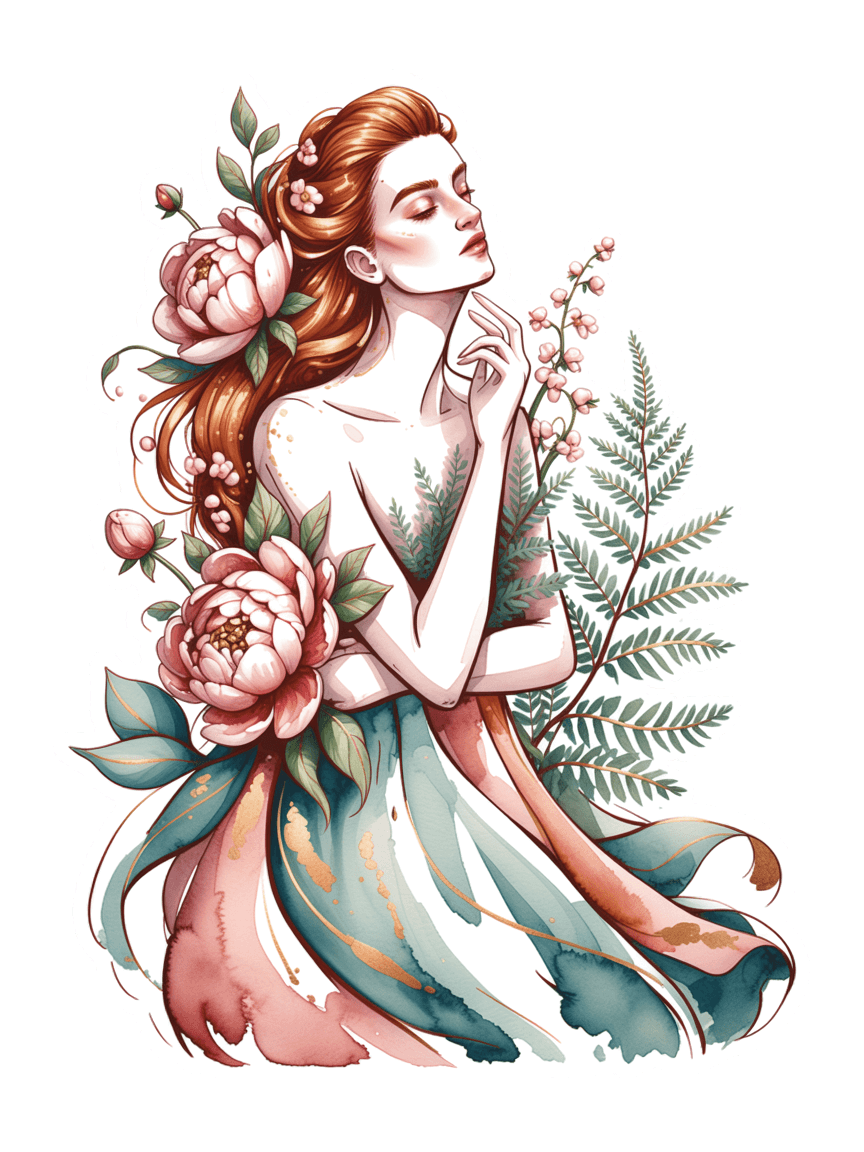
Hero images for websites often require transparent elements that can be composited over gradient or dynamic backgrounds. This prompt highlights the model's capability to generate complex scenic illustrations with clean transparency for web design layering.
Ideogram Transparent excels at typography-heavy designs — its core strength in text rendering combined with transparent output makes it ideal for creating labels, badges, and typographic lockups that designers can overlay onto packaging mockups.
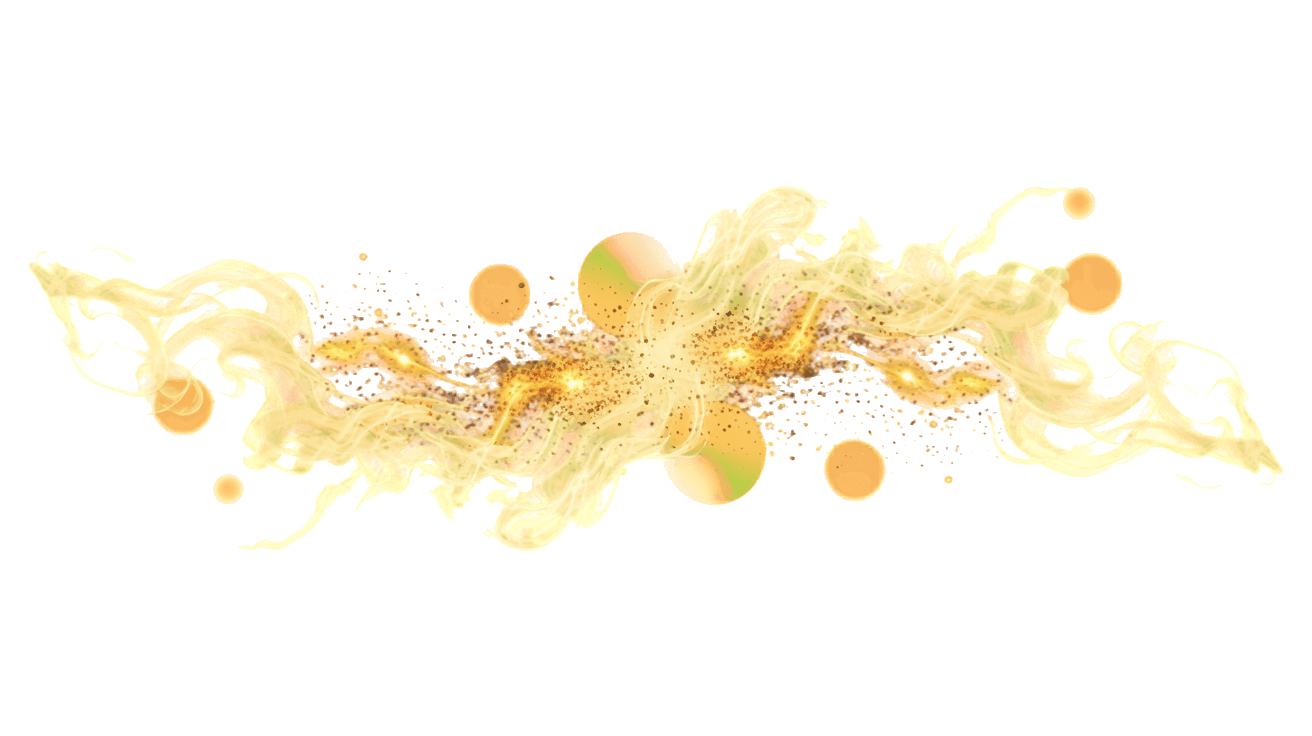
Transparent overlays for photo and video editing are a powerful use case — atmospheric elements like smoke, particles, and light effects on transparent backgrounds allow creators to composite cinematic effects. This tests the model's handling of soft, semi-transparent visual elements.
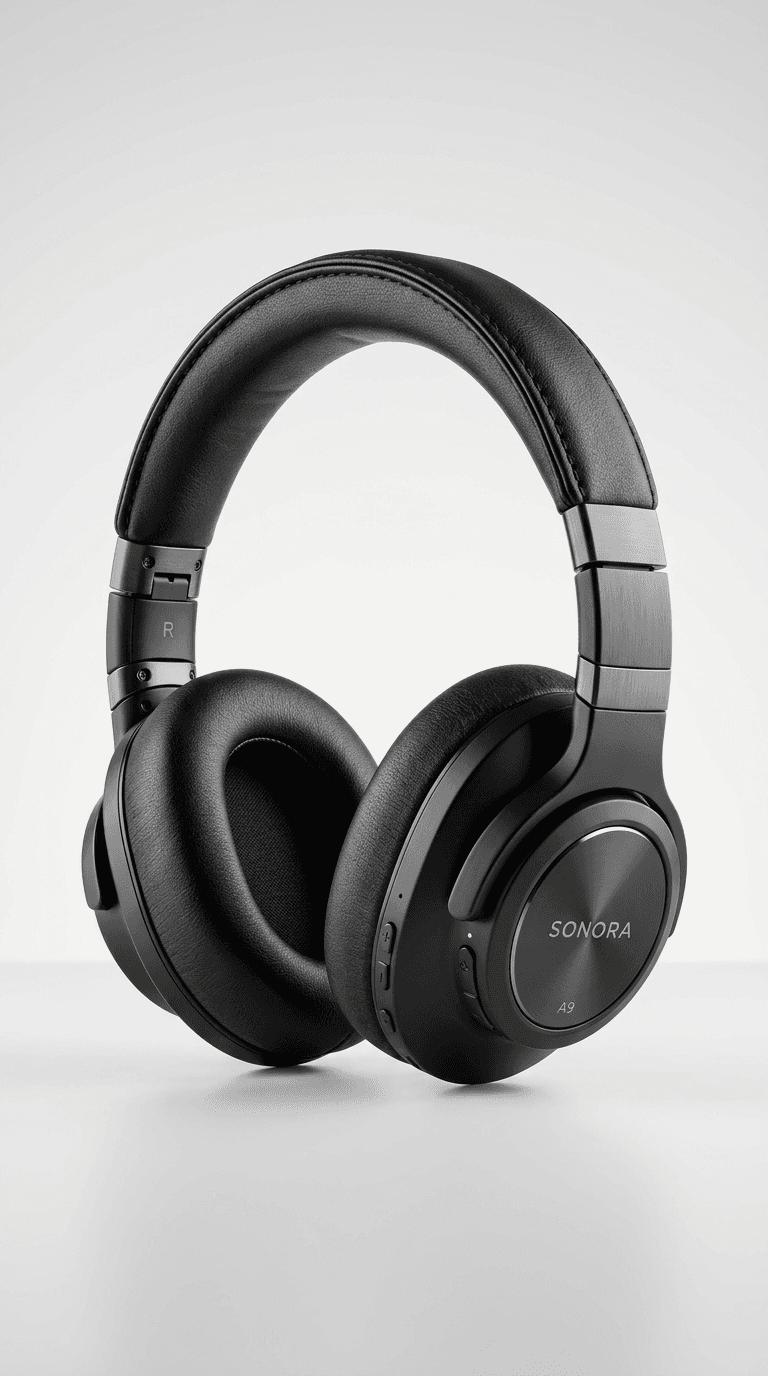
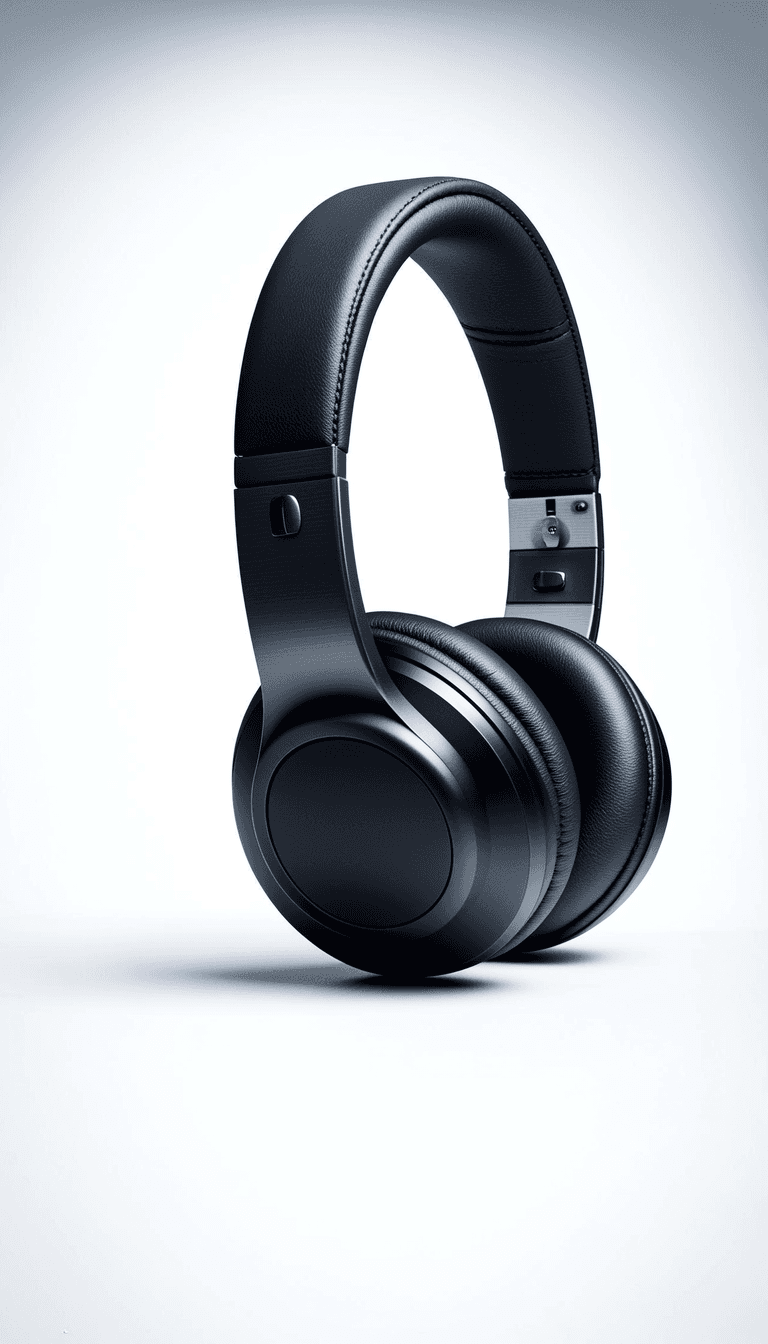
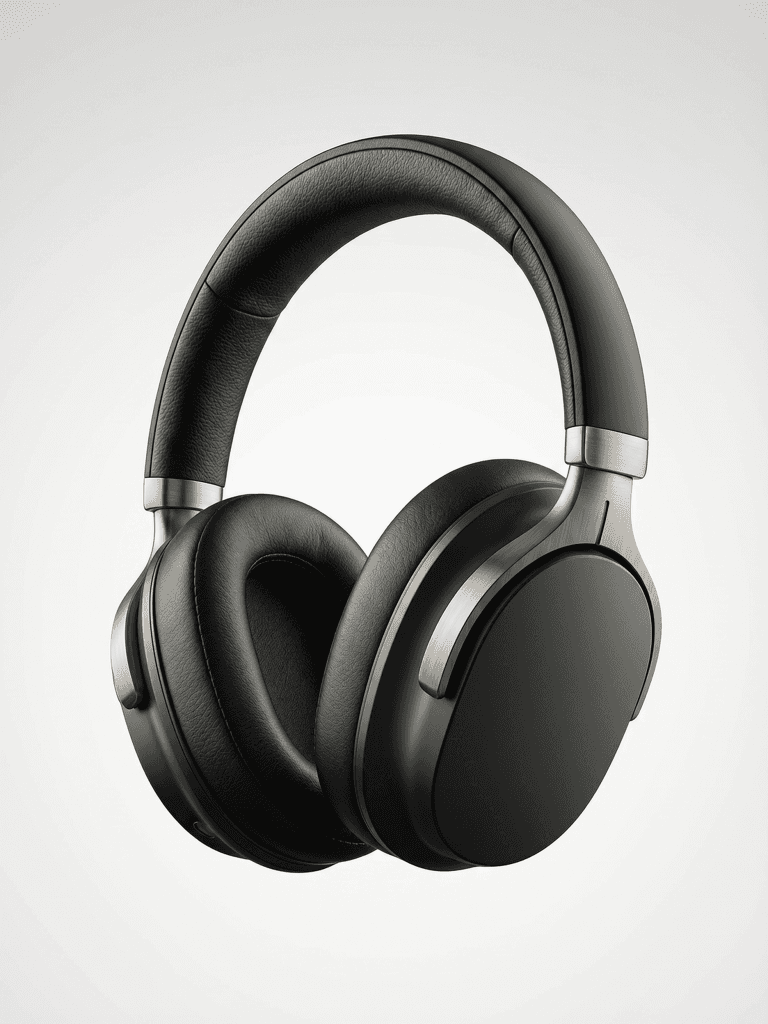
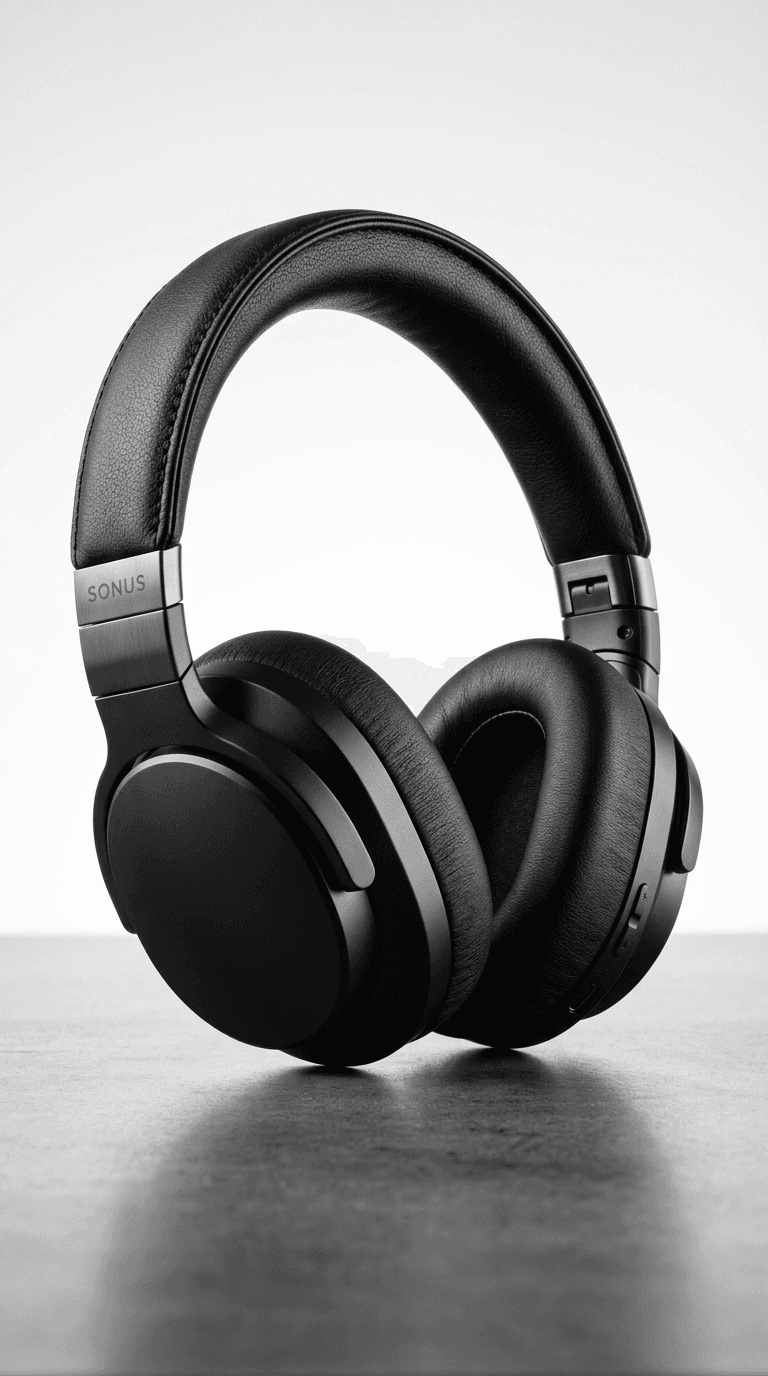
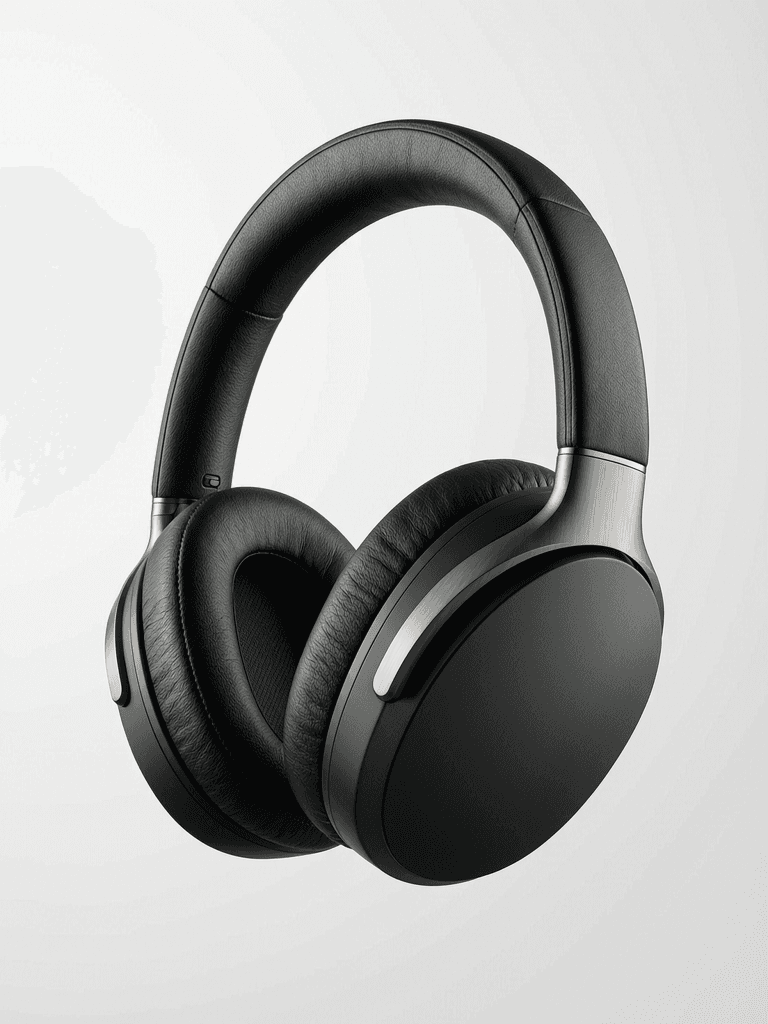
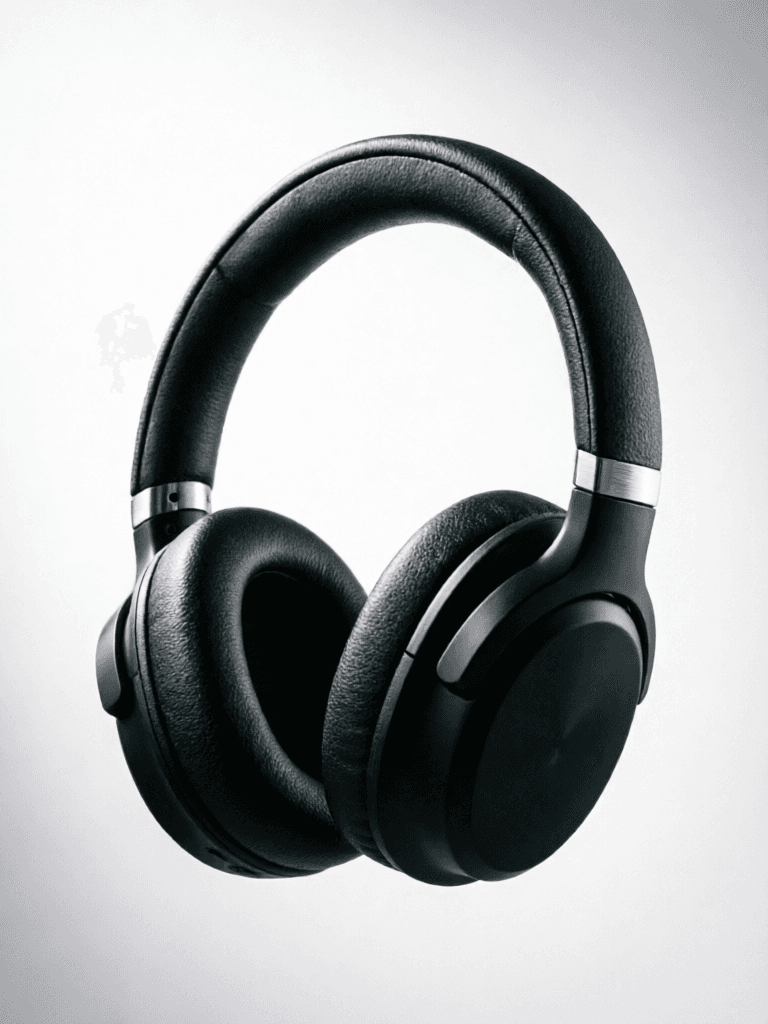
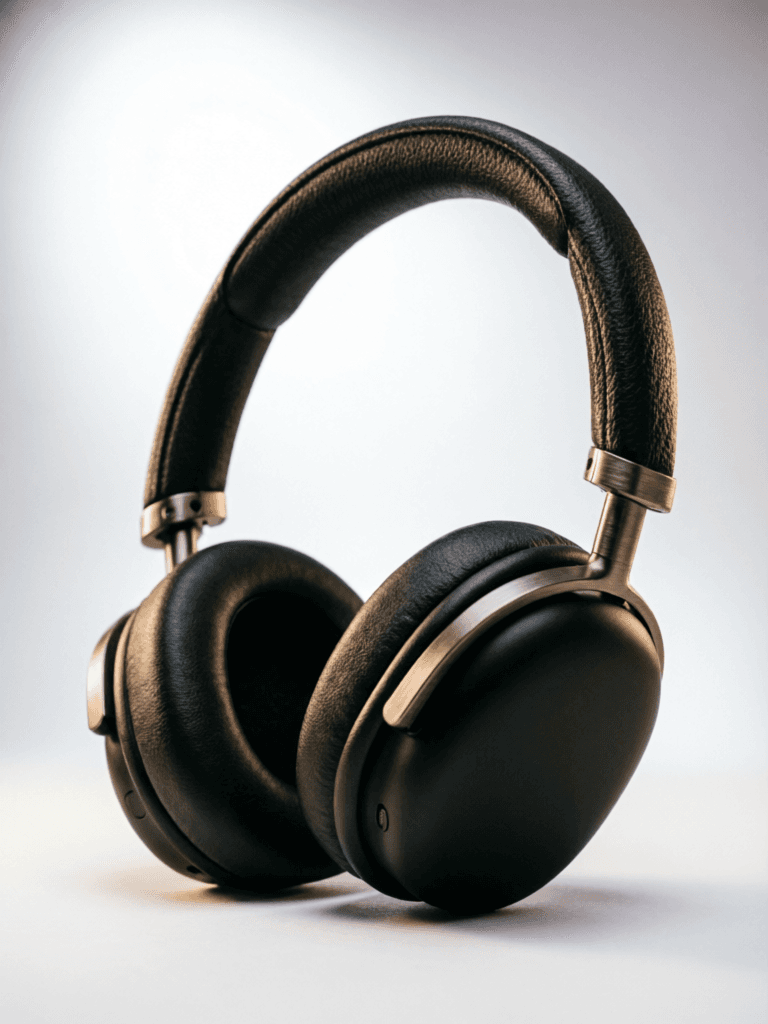
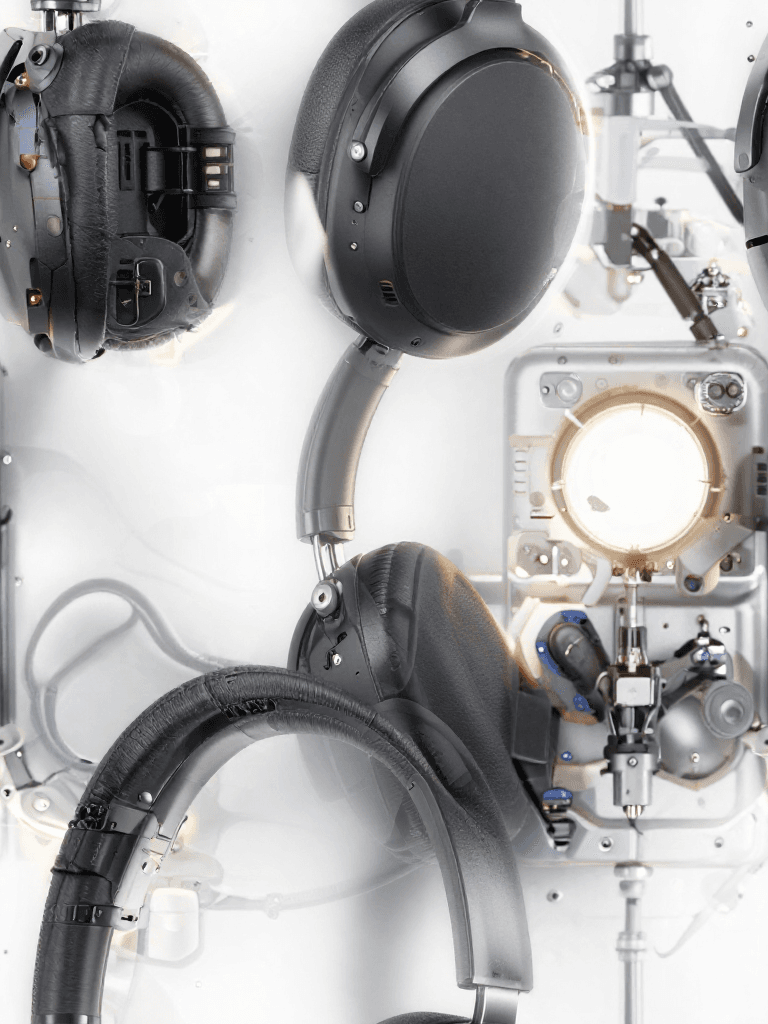
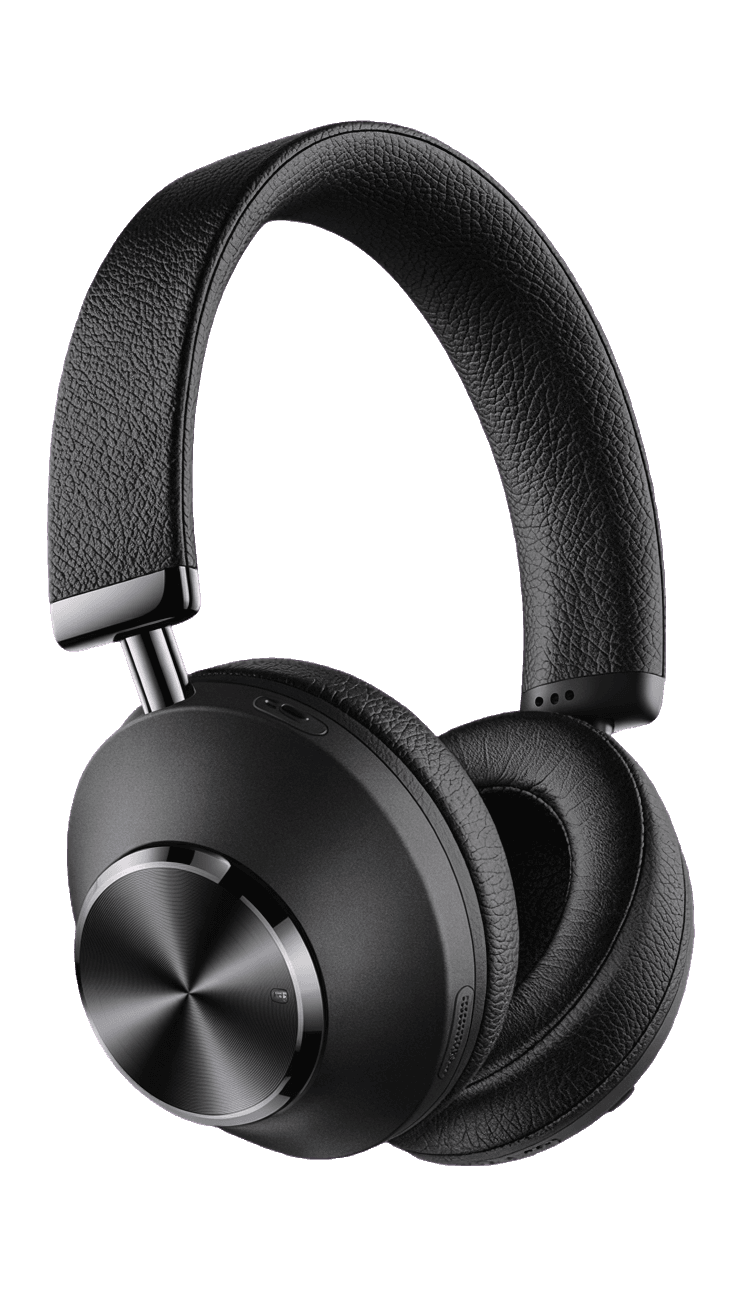
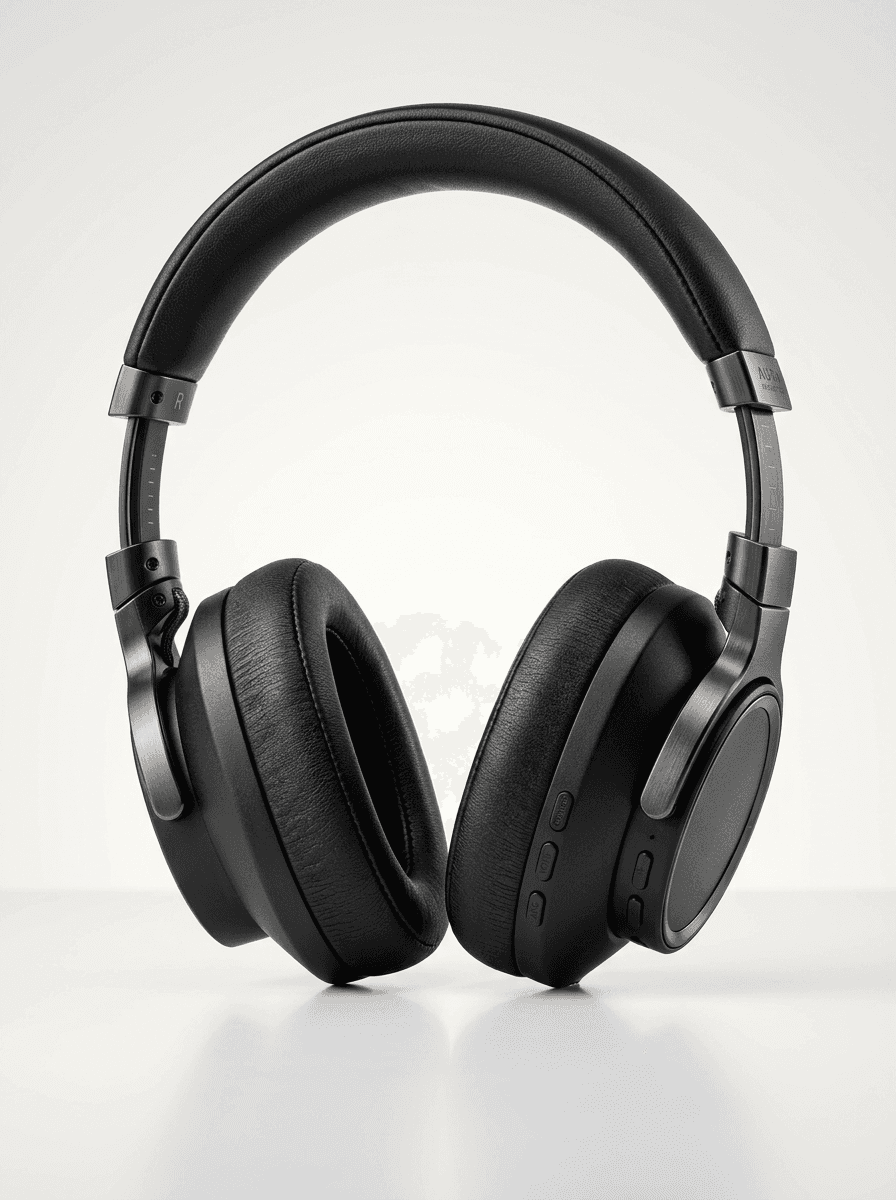
“High-end studio product photography of premium wireless over-ear headphones in matte black finish. Dramatic three-point lighting with soft key light from upper left, rim light highlighting the ear cup contours, and subtle fill. Clean white seamless backdrop with soft gradient. Sharp focus on texture details of the leather headband and brushed metal accents. Professional advertising quality, 8K resolution, photorealistic rendering.”
เปลี่ยนมาใช้การสังเคราะห์ที่นำทางด้วยการใช้เหตุผลวันนี้
Fast, high-quality text-to-image
0.5 เครดิต
Unified text-to-image generation
0.6 เครดิต
Personalized photo generation from text
0.4 เครดิต

Premium pro text-to-image generation
0.3 เครดิต

Seamless photorealistic tiling from text
0.3 เครดิต
Unified image generation and editing
0.3 เครดิต
![FLUX.2 [klein] 4B LoRA](/marketing-assets/_next/image?url=https%3A%2F%2Fv3b.fal.media%2Ffiles%2Fb%2F0a928da0%2F57Gi1qonPRBT6XhWAvMAH_ac391991cfe0414199ae74f054947eef.jpg&w=3840&q=75)
Ultra-realistic images, advanced editing
0.3 เครดิต
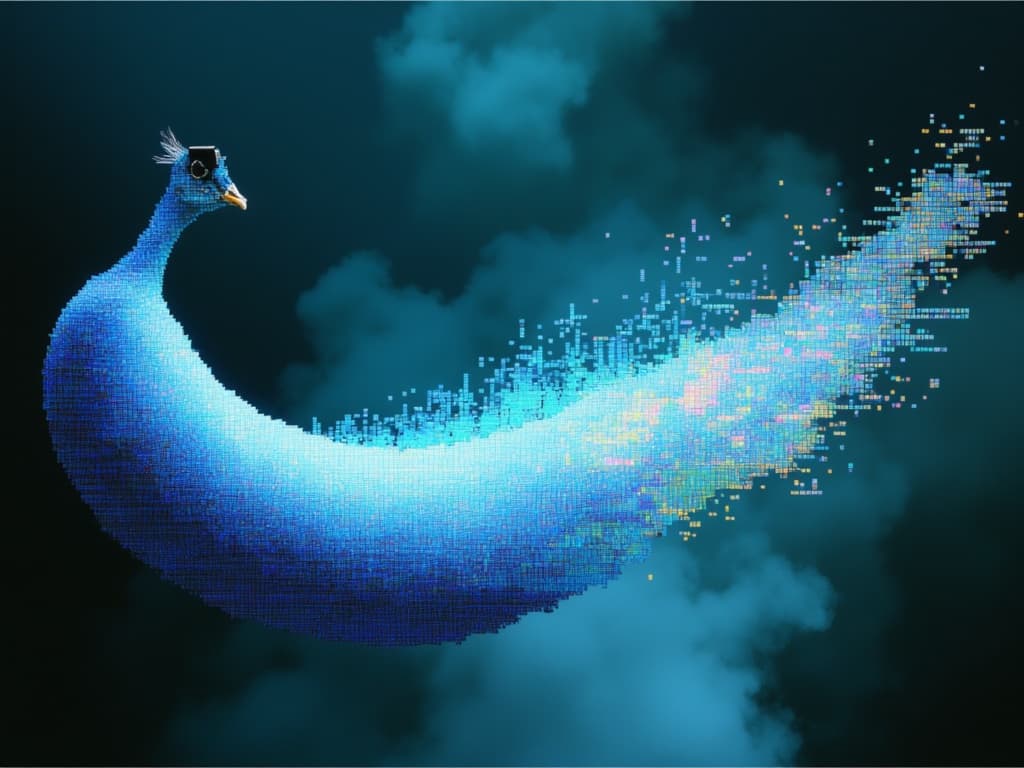
Ultra-fast advanced image generation
0.7 เครดิต
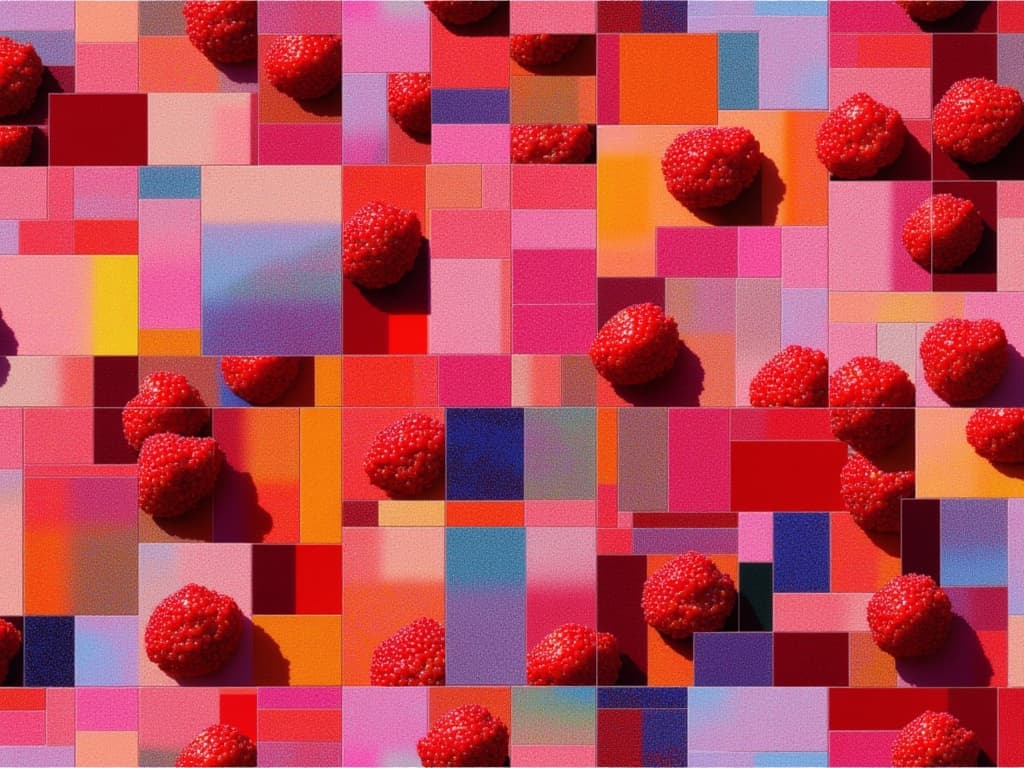
Seamless photorealistic textures from text
0.8 เครดิต

![FLUX.2 [klein] 4B LoRA output](/marketing-assets/_next/image?url=https%3A%2F%2Fassets.shortgenius.com%2Fexample-model-output%2F8a335173-50f5-4ae6-a560-420d1a146372.png&w=3840&q=75)