Character-consistent video from references
PixVerse C1 Reference to Video is a powerful image-to-video model that lets you bring your characters, objects, and scenes to life by transforming reference images into dynamic, consistent video clips. At its core, this model solves one of the most challenging problems in AI video generation: maintaining the identity and visual consistency of a specific character or subject throughout an entire video. Simply upload one or more reference images, describe what you want to happen in your scene, and the model generates a video where your characters look exactly as they should — preserving their unique features, style, and personality from frame to frame.
The magic of PixVerse C1 lies in its reference system. You can upload up to seven reference images per generation, and each reference can be tagged as either a "subject" (for characters, people, animals, or objects) or a "background" (for scenes and environments). You then write a text prompt that describes the action or narrative you want, using simple mentions to tell the model which reference to use where. For example, if you upload a character illustration and name it "hero," you can write a prompt like "A hero runs through a rainy city street at night" — and the model will generate a video starring your exact character in that scenario. This reference-based workflow gives you granular control over who and what appears in your video, making it an incredibly versatile tool for storytelling, animation, and content creation.
PixVerse C1 supports a wide range of video resolutions, from 360p all the way up to full 1080p HD, so you can choose the right quality level for your project — whether it's a quick social media draft or a polished cinematic clip. You also have flexible aspect ratio options to match virtually any format: standard widescreen (16:9), vertical video for mobile and social platforms (9:16), classic formats (4:3), square (1:1), and even ultrawide (21:9) for cinematic presentations. Additional options like 2:3 and 3:2 give you even more compositional freedom for portrait and landscape orientations. This means you can create content optimized for YouTube, Instagram Reels, TikTok, film projects, or any other platform without needing to crop or reformat.
Video duration is fully adjustable, ranging from 1 to 15 seconds per generation. While that may sound short, these clips are perfect building blocks for larger projects — storyboard previews, animated character introductions, motion tests, social media loops, and short narrative sequences. The ability to control exact duration means you never waste time generating more footage than you need.
One of the standout features of PixVerse C1 is its built-in audio generation. When enabled, the model can automatically produce background music, sound effects, and even dialogue to accompany your video. This transforms what would otherwise be a silent clip into a rich, immersive audiovisual experience — no need to source or sync audio separately. For creators working on social content, short films, or animated scenes, this is a significant time-saver and creative enhancer.
For reproducibility, the model offers a seed option. Using the same seed with the same prompt and settings will produce the same video every time. This is invaluable for iterative creative workflows — you can lock in a result you like and then make incremental changes to your prompt or references to fine-tune the output, confident that unrelated elements will remain stable.
Who benefits most from PixVerse C1? The model is designed for a broad range of creative professionals. Character designers and illustrators can see their static artwork come alive with motion and expression. Animators can rapidly prototype scenes and test character movement without manual frame-by-frame work. Filmmakers and storyboard artists can visualize sequences with their actual character designs before committing to full production. Social media creators and marketers can produce eye-catching, character-driven video content at scale. Game developers can create cinematic trailers or cutscene prototypes featuring their original characters. And hobbyists or independent creators can produce professional-quality animated content that would otherwise require a full production team.
The reference-based approach is particularly powerful for anyone building a consistent visual universe. Because you can reuse the same character reference images across multiple generations, you can create a series of videos featuring the same cast of characters in different scenarios — perfect for episodic content, brand mascots, webcomics brought to motion, or serialized storytelling.
In terms of creative workflow, PixVerse C1 fits naturally into a pipeline where you first create or source your character and environment artwork (using any tool you prefer — traditional illustration, 3D rendering, AI image generation, or photography), then feed those images into the model alongside descriptive prompts to produce finished video clips. The combination of subject and background references means you can mix and match characters with different environments freely, opening up endless creative possibilities without needing to redesign assets for each new scene.
Whether you're crafting a single animated portrait or building out an entire visual narrative with a recurring cast, PixVerse C1 Reference to Video gives you the creative control and consistency needed to bring your vision to life in motion.
Add the image that you want change
Adaugă o imagine opțională pentru a ghida aspectul, personajul sau mediul
A woman kneeling in darkness, illuminated by a warm, radiant beam of light emerging from her raised hand.
Scrie un prompt - Modelul înțelege fizica, iluminarea și intenția emoțională a scenei tale
Apasă pentru a genera ieșirea finală și a descărca videoul de calitate de producție
Animate an epic landscape scene with a character traversing through it, showcasing PixVerse C1's ability to maintain subject consistency in wide cinematic compositions while bringing vast natural environments to life with atmospheric motion.
Bring a luxury product still life to life with fluid dynamics and dramatic lighting shifts, demonstrating the model's capability for high-end commercial animation with swirling liquids, reflections, and cinematic camera movement.
Animate an elaborate cinematic character scene with complex environmental particle effects and dramatic action, showcasing PixVerse C1's strength in maintaining character identity through dynamic movement in richly detailed widescreen compositions.
“Animate with subtle natural movements. Add gentle breathing motion to shoulders. Create natural eye blinks every 2-3 seconds. Introduce slight head micro-movements. Hair moves softly as if in gentle breeze. Maintain the warm smile with subtle lip movements. Eyes should have natural catchlight movement. Keep animation subtle and lifelike, not exaggerated. 5 seconds, smooth looping.”
Treci la sinteza ghidată de raționament astăzi
Fast, high-quality image animation
2.1 credite
Animate images into pro videos
1.6 credite

Animate between first/last frames
1.6 credite
Smooth image-to-image video transitions
0.1 credite

Cinematic video from images
10 credite
Physics-driven video from images
0.4 credite
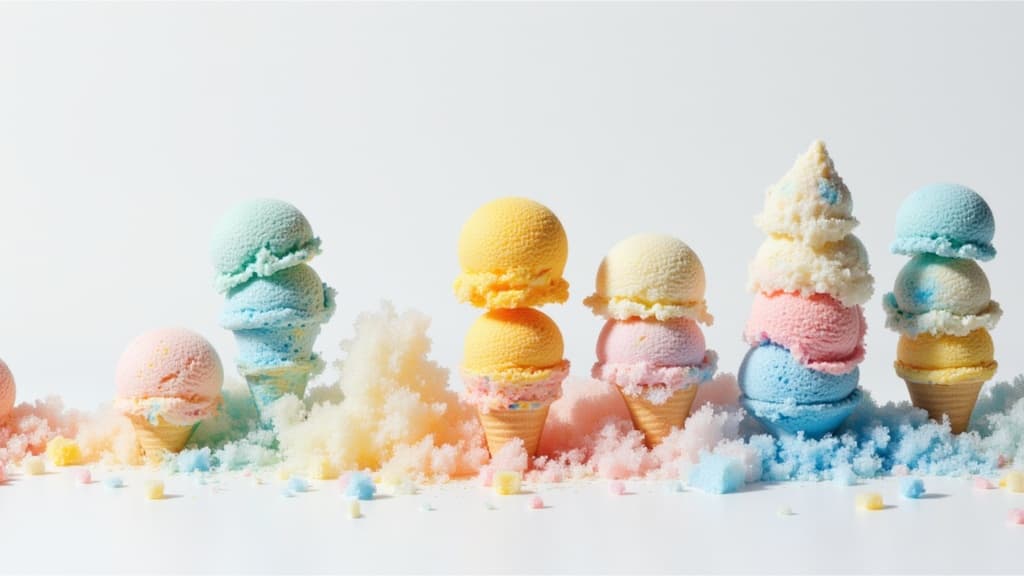
Cinematic video from images fast
0.1 credite
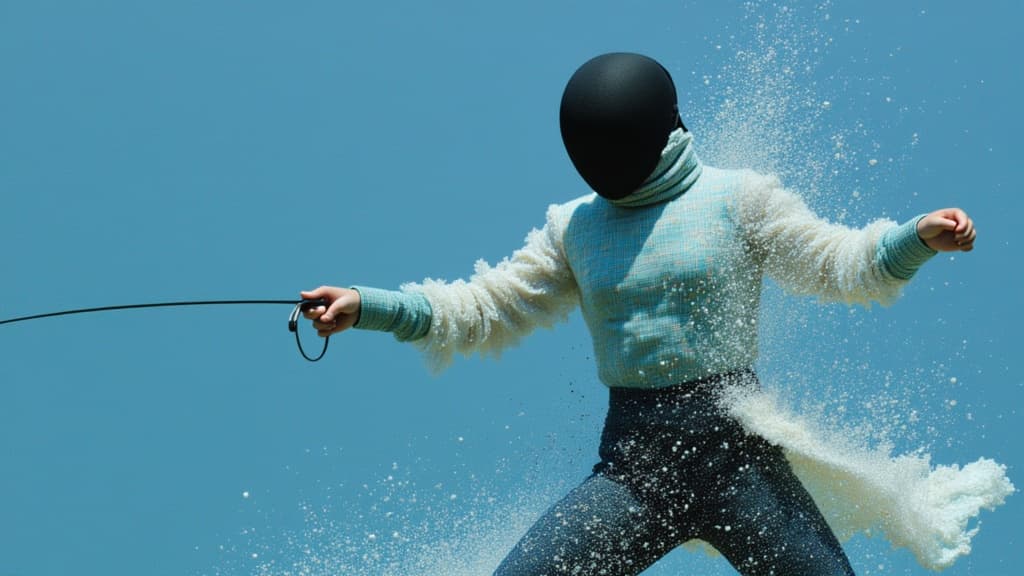
Animate images into styled videos
0.1 credite

Animate images into smooth video
2 credite
