Cinematic transitions between two images
PixVerse C1 Transition is a powerful image-to-video model designed to create seamless, cinematic transitions between two images. Whether you're a filmmaker building a montage, a content creator crafting eye-catching social media posts, or a designer exploring motion storytelling, this model transforms static images into fluid, dynamic video sequences guided by your creative vision.
At its core, PixVerse C1 Transition takes a starting image and an optional ending image, then generates a smooth video that morphs and transitions between the two based on your text prompt. The prompt acts as your creative director — describing how the scene should evolve, what kind of motion or transformation should occur, and the overall mood of the transition. For example, you might start with a photograph of a city skyline and transition into an underwater coral reef, guided by a prompt like "Scene slowly dissolves into a vibrant underwater world." The model intelligently handles the in-between frames, creating a cohesive and visually striking morph that feels intentional and cinematic.
One of the standout features of PixVerse C1 Transition is its native audio generation capability. When enabled, the model can produce background music, sound effects, and even dialogue to accompany your video. This means your transitions don't just look polished — they sound polished too. The audio is generated contextually, designed to complement the visual content and enhance the overall viewing experience. This is a game-changer for creators who want to produce complete, ready-to-share video clips without needing to source and sync audio separately.
The model supports resolutions up to 1080p, giving you the flexibility to produce content suitable for everything from quick social media stories to higher-quality presentations and film projects. You can choose from four resolution tiers — 360p, 540p, 720p, and 1080p — depending on your project's needs and where the final video will be viewed. The default resolution is 720p, which strikes a solid balance between visual quality and efficiency for most creative workflows.
Aspect ratio flexibility is another major creative control at your disposal. PixVerse C1 Transition supports a wide range of aspect ratios including 16:9 (widescreen, ideal for YouTube and film), 9:16 (vertical, perfect for TikTok, Instagram Reels, and Stories), 1:1 (square, great for Instagram feed posts), 4:3 and 3:4, 2:3 and 3:2, and even the ultra-wide 21:9 cinematic format. This breadth of options means you can tailor your output to virtually any platform or display format without cropping or compromising your creative intent.
Video duration is fully adjustable, ranging from 1 to 15 seconds. While the default is 5 seconds, you can create anything from a quick, punchy 1-second morph to a longer, more gradual 15-second transition that gives the viewer time to absorb the transformation. This control is especially useful for filmmakers and editors who need precise timing to fit transitions into a larger sequence or narrative.
The model also includes a reproducibility feature through a seed value. By using the same seed along with the same prompt and images, you can generate identical results every time. This is invaluable for iterative creative work — if you find a transition you love but want to experiment with slight prompt variations, you can lock in the seed to maintain consistency while fine-tuning your text description.
PixVerse C1 Transition is built around a straightforward creative workflow. At minimum, you provide a starting image and a text prompt describing the desired transition. Optionally, you can also provide an ending image, which gives the model a concrete visual target for where the transition should land. When both images are provided, the model creates a seamless bridge between the two visual states. When only the starting image is used, the prompt takes on even greater importance in guiding where the video goes visually.
This model is ideal for a wide range of creative applications. Music video producers can use it to create dreamlike visual morphs between scenes. Social media marketers can produce attention-grabbing transition videos that stop the scroll. Filmmakers can prototype transition concepts before committing to expensive post-production work. Artists can explore surreal visual storytelling by morphing between vastly different compositions. Event videographers can create elegant transitions between highlight moments. The possibilities are as broad as your imagination.
The combination of image-to-image morphing, text-guided creative direction, native audio generation, flexible aspect ratios, adjustable duration, and resolution options up to 1080p makes PixVerse C1 Transition a versatile and accessible tool for any creator looking to add cinematic motion and polish to their visual projects. Whether you're producing professional content or experimenting with creative ideas, this model puts sophisticated video transition capabilities directly in your hands.
Add the image that you want change
Adicione uma imagem opcional para guiar o aspeto, personagem ou ambiente
A woman kneeling in darkness, illuminated by a warm, radiant beam of light emerging from her raised hand.
Digite um prompt - O modelo compreende a física, iluminação e intenção emocional da sua cena
Clique para gerar a sua saída final e descarregar vídeo de qualidade de produção
Mude para a síntese guiada por raciocínio hoje
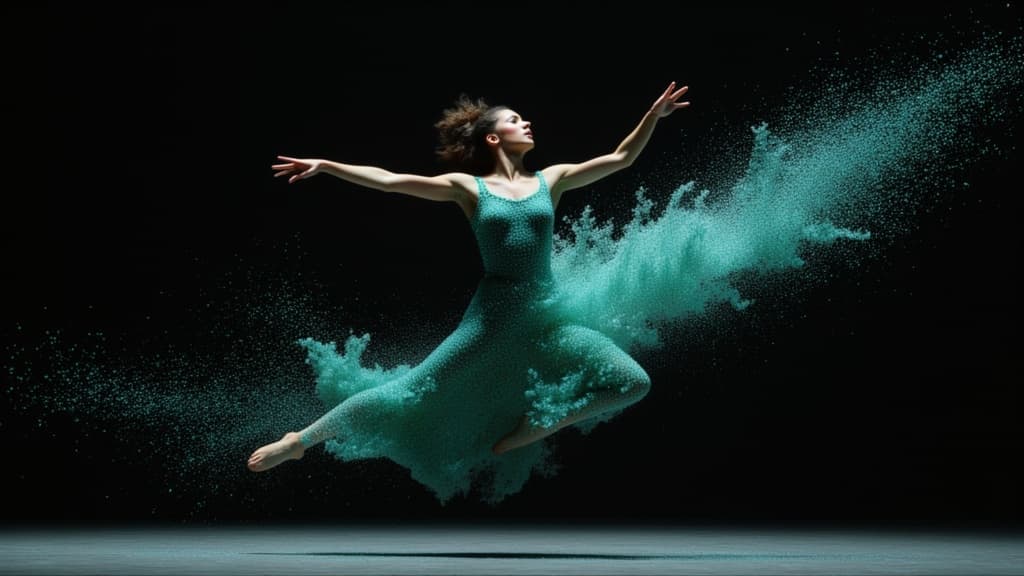
Cinematic video from your images
0.1 créditos

Cinematic video from images
10 créditos
Reference-guided consistent video generation
0.3 créditos
Physics-driven video from images
0.4 créditos
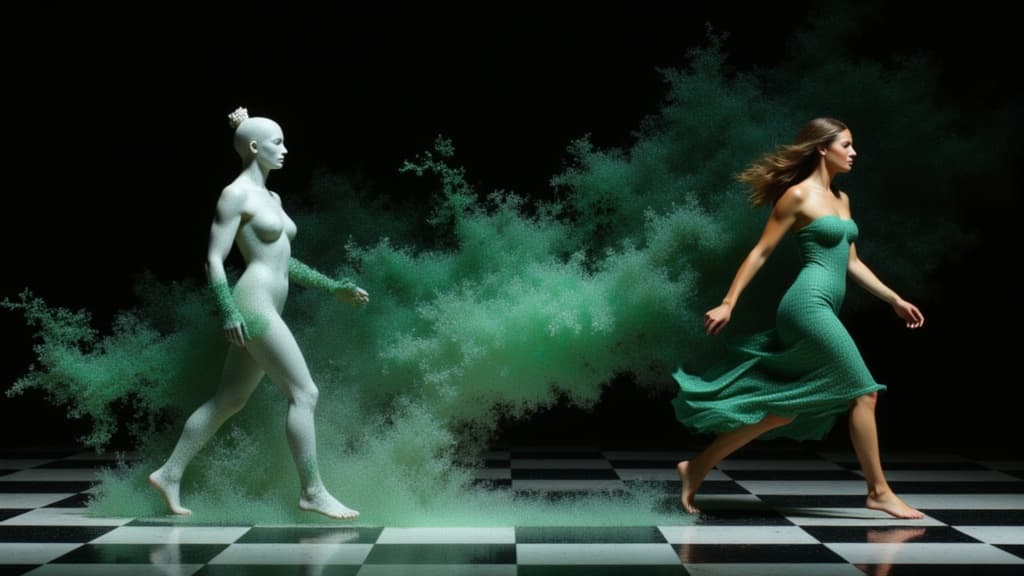
Character-consistent video from references
0.1 créditos

Cinematic video from images fast
0.1 créditos
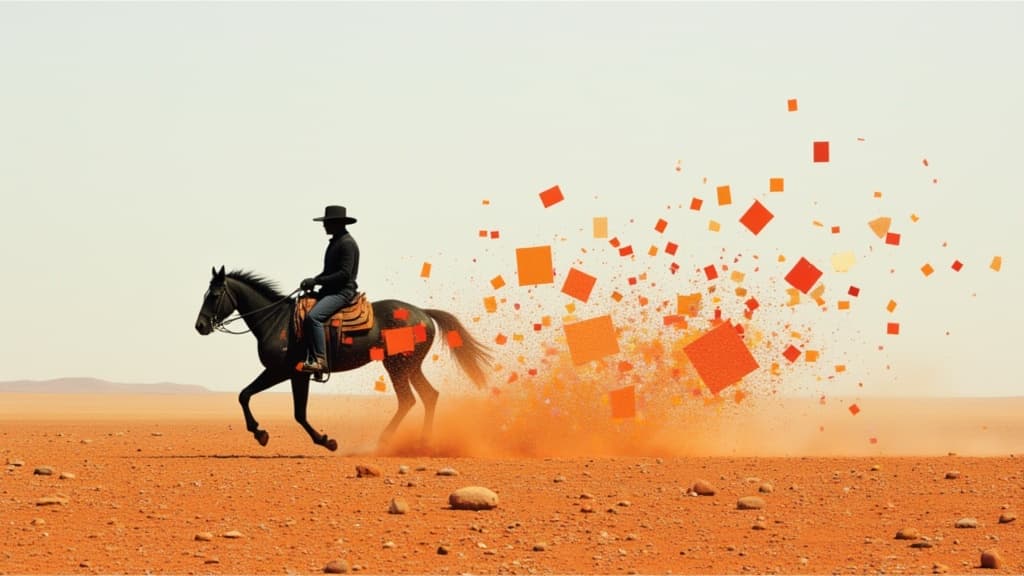
Smooth image-to-image video transitions
0.1 créditos

Animate between first/last frames
1.6 créditos
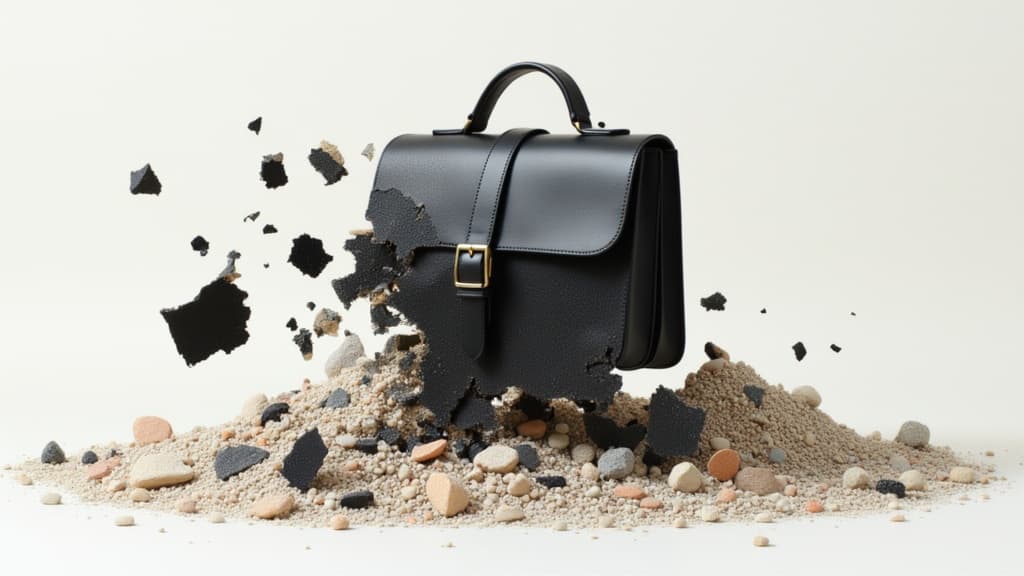
Animate images into pro videos
1.6 créditos
