Cinematic video from your images
PixVerse C1 Image to Video is a powerful image-to-video model that transforms your still images into cinematic, animated video clips. Whether you're a filmmaker looking to prototype a scene, an animator breathing life into concept art, or a content creator seeking eye-catching motion graphics for social media, PixVerse C1 offers an intuitive way to turn any static image into a dynamic, high-quality video — complete with optional audio.
At its core, the model works by taking an image you provide and using it as the first frame of a generated video. You then guide the animation with a text prompt describing the motion, action, or narrative you want to unfold. This combination of visual input and text direction gives you precise creative control: the model respects the look and feel of your original artwork while animating it according to your instructions. Imagine uploading a digital painting of a warrior standing in a frozen landscape and prompting the model with "A woman warrior with her hammer walking with her glacier wolf" — the result is a fluid, cinematic video that brings your still image to life with natural motion and atmosphere.
One of the standout features of PixVerse C1 is its support for resolutions up to 1080p. You can choose from four resolution tiers — 360p, 540p, 720p, and 1080p — depending on your project needs. Whether you need a quick low-resolution draft to test an idea or a polished full-HD clip for a final deliverable, the model adapts to your workflow. The default resolution is 720p, which strikes a strong balance between visual clarity and generation speed for most use cases.
Video duration is another flexible creative control. You can generate clips ranging from 1 to 15 seconds in length, with a default of 5 seconds. This range is well-suited for a variety of creative applications: short loops for social media posts, brief animated transitions for video projects, storyboard previsualization sequences, or longer narrative clips that tell a mini-story. The ability to dial in your exact duration means you're never generating more (or less) footage than you need.
Perhaps one of the most compelling capabilities of PixVerse C1 is its native audio generation. When enabled, the model doesn't just create video — it also generates accompanying sound, including background music (BGM), sound effects (SFX), and even dialogue. This is a remarkable feature for creators who want a complete audiovisual experience straight out of generation, without needing to source or sync audio separately. Imagine animating an image of a bustling marketplace and receiving not just the visual motion of people and stalls, but also the ambient sounds of chatter and activity. For filmmakers and content creators, this can dramatically accelerate the prototyping and mood-boarding process.
For projects that require consistency and reproducibility, PixVerse C1 includes a seed control. By using the same seed value along with the same prompt and image, you can reproduce the exact same video output every time. This is invaluable for iterative creative workflows — you can lock in a result you like, then experiment with small prompt variations while keeping everything else constant, or share a seed with collaborators to ensure everyone is working from the same baseline.
The model is categorized as an image-to-video tool, accepting two primary inputs: your source image and a descriptive text prompt. The image serves as the visual anchor — the first frame from which all motion originates — while the prompt directs the narrative, movement, and energy of the resulting clip. This dual-input approach means you maintain strong visual continuity with your original artwork or photograph while gaining full control over how the scene evolves.
PixVerse C1 is ideal for a wide range of creative professionals. Concept artists and illustrators can use it to showcase their work in motion, adding an impressive dynamic dimension to portfolio pieces. Filmmakers and directors can rapidly prototype scenes and sequences, testing camera movements and character actions before committing to full production. Social media creators and marketers can transform static brand imagery into scroll-stopping video content. Game designers can animate character art and environment concepts to pitch ideas or create promotional materials. Storyboard artists can turn their panels into rough animated sequences to better communicate timing and flow to production teams.
The model's output is a video file that you can download and use in your projects. The straightforward workflow — upload an image, write a prompt, choose your resolution and duration, optionally enable audio, and generate — makes it accessible even if you have no background in animation or video production. You're leveraging sophisticated video generation technology through simple, intuitive creative controls.
Whether you're creating a moody cinematic loop of a rain-soaked cityscape, animating a fantasy character striding through an epic landscape, or producing a quick product animation for an e-commerce campaign, PixVerse C1 Image to Video provides the tools to transform your vision from a single frame into a living, breathing scene. With support for up to 1080p resolution, flexible duration, native audio generation, and reproducible results via seed control, it's a versatile and powerful addition to any creative toolkit.
Add the image that you want change
Adicione uma imagem opcional para guiar o aspeto, personagem ou ambiente
A woman kneeling in darkness, illuminated by a warm, radiant beam of light emerging from her raised hand.
Digite um prompt - O modelo compreende a física, iluminação e intenção emocional da sua cena
Clique para gerar a sua saída final e descarregar vídeo de qualidade de produção
Animate a stunning natural landscape with complex fluid dynamics, glowing light effects, and sweeping camera movement — showcasing PixVerse C1's cinematic 1080p capabilities for nature content.
Animate a luxury product still life with fluid dynamics, light refractions, and elegant environmental effects — ideal for high-end product marketing and e-commerce video ads.
Bring an urban nightscape to life with flickering neon reflections, moving crowds, and atmospheric haze — demonstrating PixVerse C1's ability to handle complex multi-element scene animation with native audio generation.
“Animate with subtle natural movements. Add gentle breathing motion to shoulders. Create natural eye blinks every 2-3 seconds. Introduce slight head micro-movements. Hair moves softly as if in gentle breeze. Maintain the warm smile with subtle lip movements. Eyes should have natural catchlight movement. Keep animation subtle and lifelike, not exaggerated. 5 seconds, smooth looping.”
Mude para a síntese guiada por raciocínio hoje

Animate images into smooth video
2 créditos
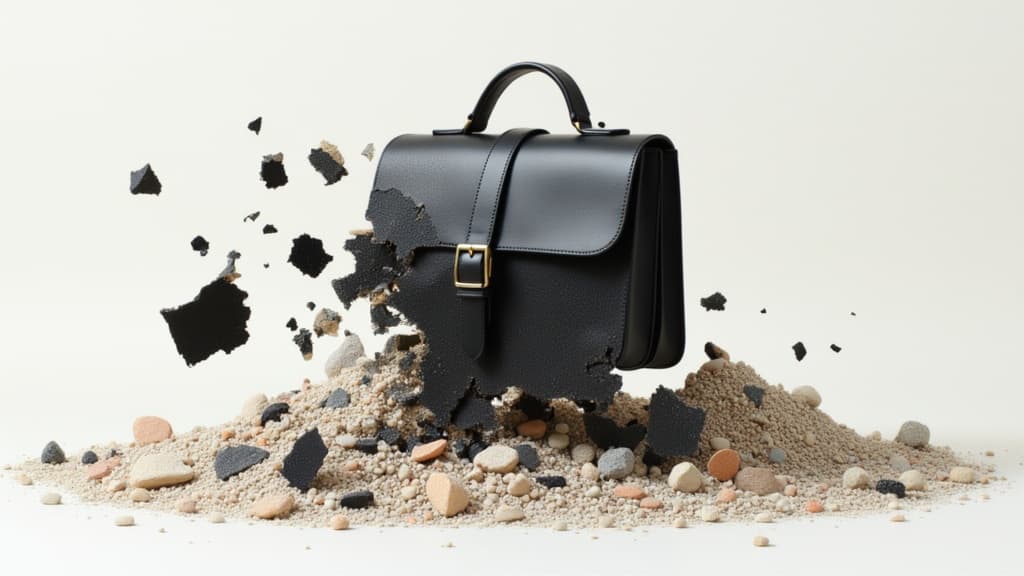
Animate images into pro videos
1.6 créditos

Animate between first/last frames
1.6 créditos
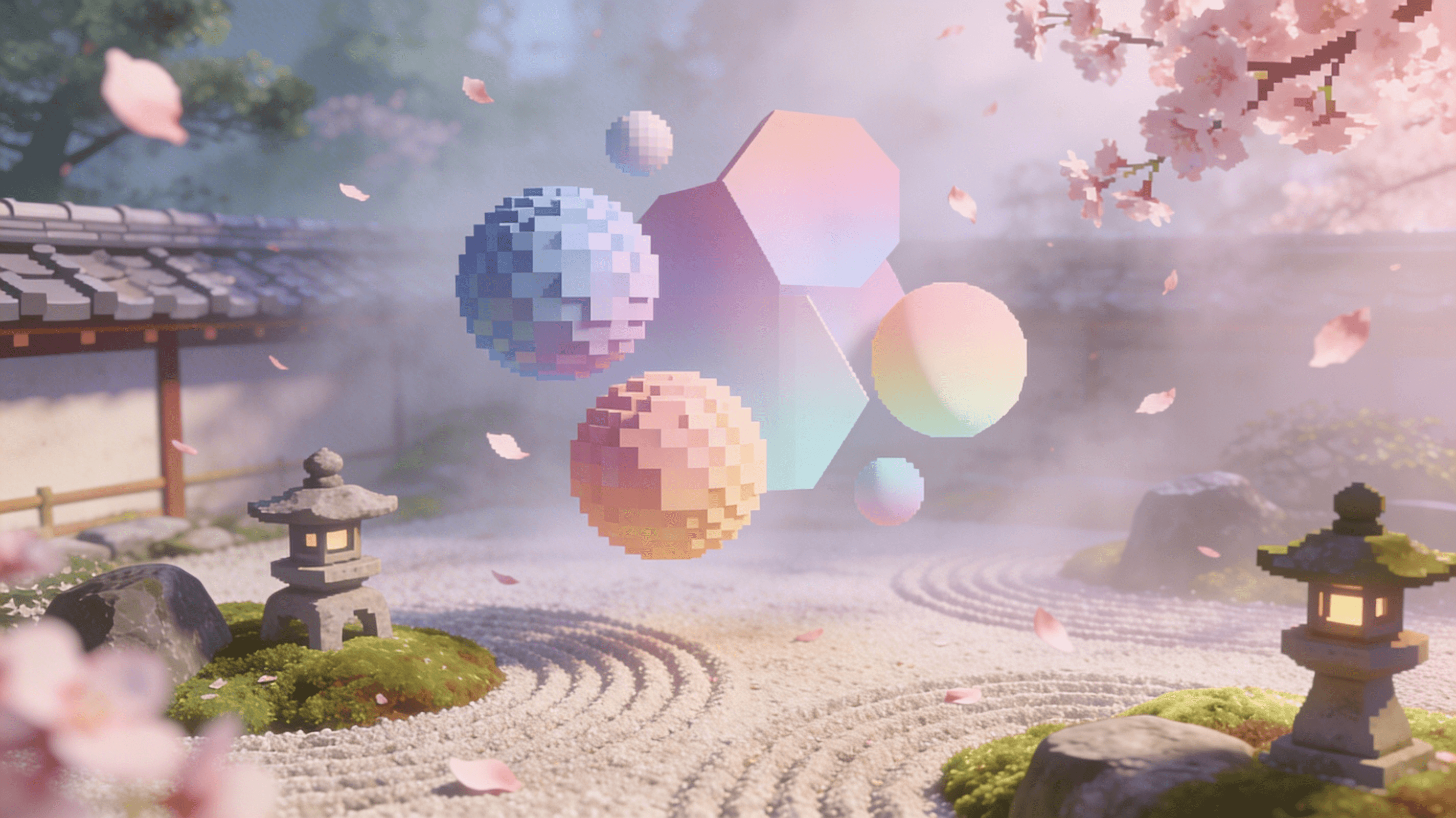
Reference-guided consistent video generation
0.3 créditos

Cinematic video from images
10 créditos
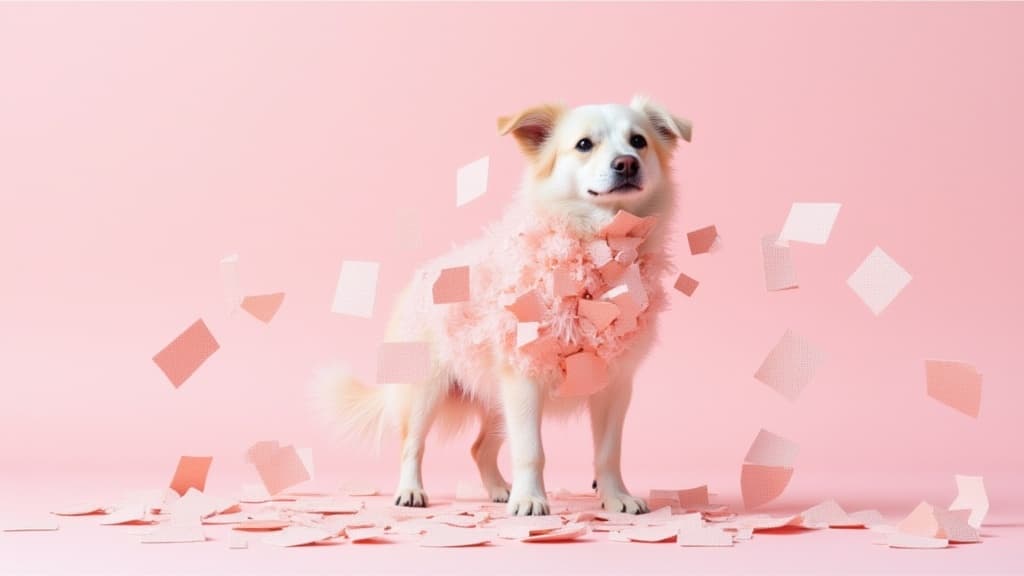
Fast, high-quality image animation
2.1 créditos
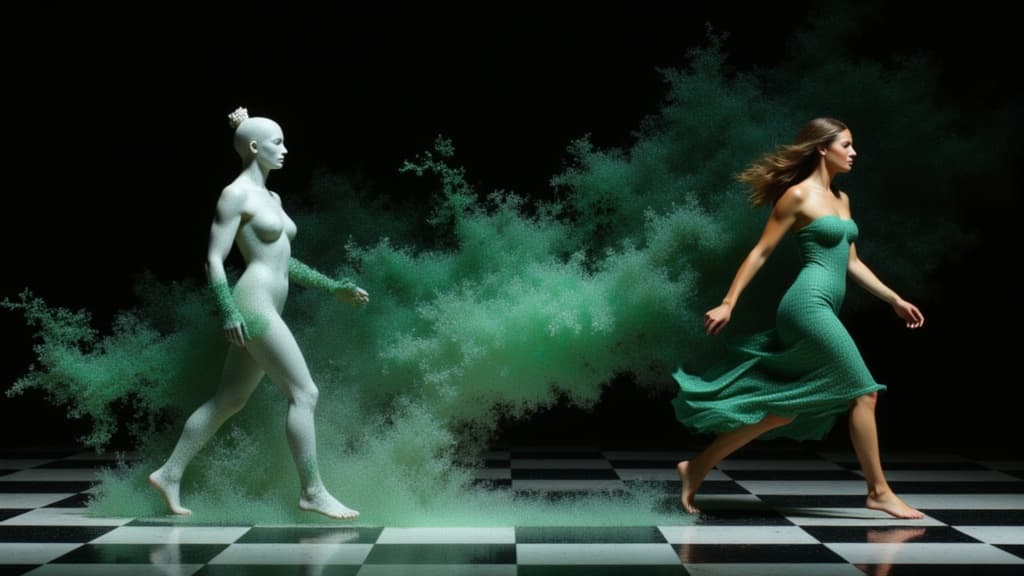
Character-consistent video from references
0.1 créditos
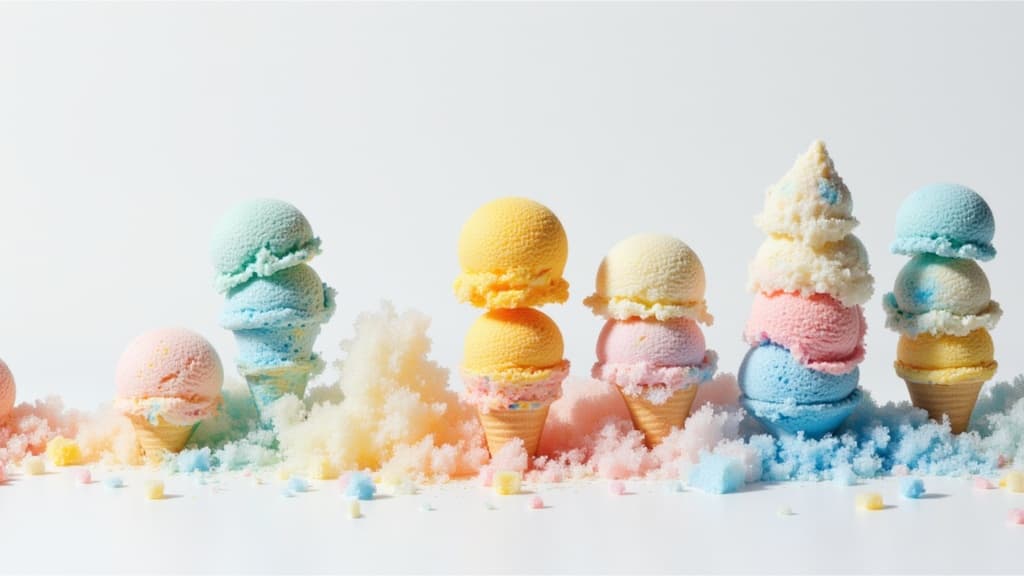
Cinematic video from images fast
0.1 créditos
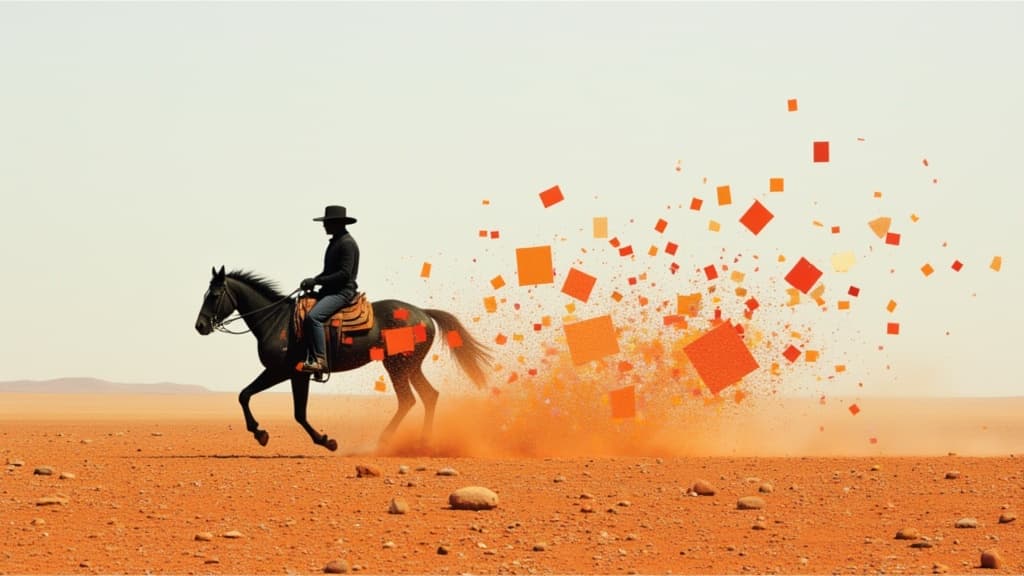
Smooth image-to-image video transitions
0.1 créditos
