Animate images into pro videos
Veo 3.1 Lite Image to Video is a powerful image-to-video model that transforms your still images into dynamic, animated video clips. Designed to balance practical utility with professional capabilities, this model takes any static image you provide — along with a text description of how you'd like it to move — and produces a fully realized video, complete with optional synchronized audio.
At its core, the workflow is simple and intuitive: upload an image, write a prompt describing the motion or animation you envision, and the model generates a video that brings your still frame to life. For example, you might upload a portrait and prompt the model with "The subject turns to face the camera and smiles warmly," and Veo 3.1 Lite will animate that exact action with natural, fluid motion. This makes it an exceptionally versatile tool for anyone who works with visual media — from filmmakers and motion designers to social media creators and digital artists.
One of the standout features of Veo 3.1 Lite Image to Video is its built-in audio generation. By default, the model creates synchronized audio to accompany your video output, adding an extra layer of realism and polish. Whether it's ambient sound, subtle environmental audio, or audio that matches on-screen lip movements, this feature saves you the step of sourcing or producing a separate audio track. You can also choose to disable audio generation if you prefer a silent clip or plan to add your own soundtrack in post-production.
The model is particularly well-suited for lip-sync applications. Veo 3.1 Lite can animate faces and mouths in sync with generated audio, opening up creative possibilities for dialogue scenes, character animations, talking-head content, and expressive portrait work. Combined with its stylized and transformation capabilities, this model can serve a wide range of artistic visions — from realistic live-action-style animations to more stylized, artistic interpretations.
When it comes to creative controls, Veo 3.1 Lite offers a thoughtful set of customization options that give you meaningful flexibility without overwhelming complexity. You can choose your video's aspect ratio, selecting between a widescreen 16:9 format (ideal for cinematic and landscape content), a vertical 9:16 format (perfect for mobile-first platforms like Instagram Reels or TikTok), or an automatic setting that matches the orientation of your input image. Resolution options include 720p for quick previews and lightweight output, or 1080p for higher-fidelity, production-ready results.
Duration is another adjustable setting, with options for 4-second, 6-second, or 8-second clips. The default is 8 seconds, giving you a generous canvas for motion and storytelling, while shorter durations are great for punchy social media clips or quick animated loops. This flexibility lets you tailor your output to the specific demands of your project, whether it's a brief animated thumbnail or a longer cinematic moment.
For fine-tuning your creative vision, the model supports negative prompts — a way to tell the model what you don't want in the output. If you want to avoid certain visual artifacts, styles, or elements, you can describe those exclusions and the model will steer away from them during generation. This gives you an additional layer of creative direction beyond the main animation prompt.
The model also includes an automatic prompt fix feature. If your text description triggers a content policy check or validation issue, enabling this option lets the model automatically adjust your prompt to meet guidelines while preserving your creative intent as closely as possible. This can be a helpful time-saver, reducing the back-and-forth of prompt refinement.
For creators who need reproducible results, a seed value can be set to control the randomness of the generation process. By using the same seed with the same inputs, you can recreate identical outputs — useful for iterating on a concept, maintaining consistency across a series, or sharing exact results with collaborators.
Content moderation is handled through an adjustable safety tolerance setting with six levels, ranging from the most restrictive (which blocks the widest range of content) to the least restrictive. This gives you control over how aggressively the model filters its output, allowing you to find the right balance for your project's needs.
For best results, input images should be 720p or higher resolution in either a 16:9 or 9:16 aspect ratio. Starting with a high-quality source image ensures the model has the detail it needs to produce clean, compelling animations. Prompts can be quite detailed — supporting up to 20,000 characters — so you have plenty of room to describe complex or nuanced motion sequences.
Veo 3.1 Lite Image to Video is ideal for a broad spectrum of creative professionals. Filmmakers can use it to pre-visualize scenes or create animated storyboards from concept art. Social media creators can turn product photos into eye-catching animated posts. Digital artists can bring their illustrations to life with motion and sound. Motion designers can rapidly prototype animations from static keyframes. And anyone working in content creation can leverage this tool to add dynamic video content to their workflow without the need for traditional video production.
In summary, Veo 3.1 Lite Image to Video bridges the gap between still imagery and video production, offering a streamlined, professional-grade tool for transforming static visuals into animated, audio-enhanced video clips with meaningful creative control.
Add the image that you want change
Legg til et valgfritt bilde for å styre utseende, karakter eller miljø
A woman kneeling in darkness, illuminated by a warm, radiant beam of light emerging from her raised hand.
Skriv en prompt – Modellen forstår fysikken, lyset og den emosjonelle intensjonen i scenen din
Klikk for å generere det endelige resultatet og laste ned produksjonsklar video
Bring a dramatic landscape photograph to life with dynamic weather, volumetric clouds, and environmental audio, perfect for travel content and cinematic establishing shots.
Animate a stylized cinematic scene with character movement, environmental lighting effects, and immersive audio design, ideal for short film openers and narrative social content.
“Animate the dress with flowing fabric motion. Silk material billows and ripples as if caught in gentle wind. Hair continues its windswept movement. Model turns head slowly toward camera with confident expression. Arm moves gracefully in elegant gesture. Fabric train slides along floor. Maintain dramatic lighting as subject moves. Add subtle atmospheric dust particles in light beams. 5 seconds, fashion film quality.”
Bytt til resonneringsstyrt syntese i dag
Smooth image-to-image video transitions
0.1 kreditter
Cinematic video from images
10 kreditter
Fast, high-quality image animation
2.1 kreditter
Animate images into styled videos
0.1 kreditter

Animate images into smooth video
2 kreditter
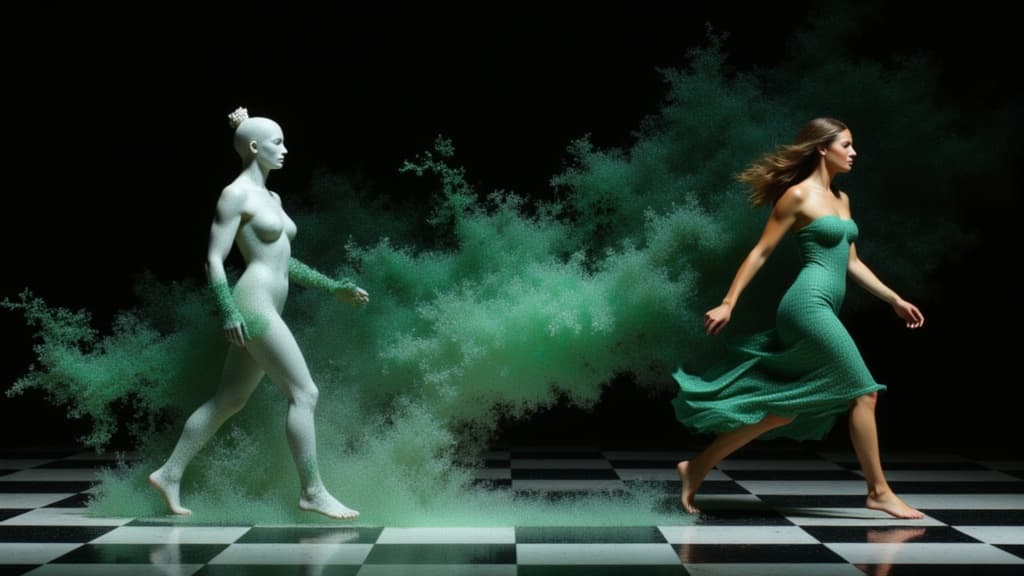
Character-consistent video from references
0.1 kreditter
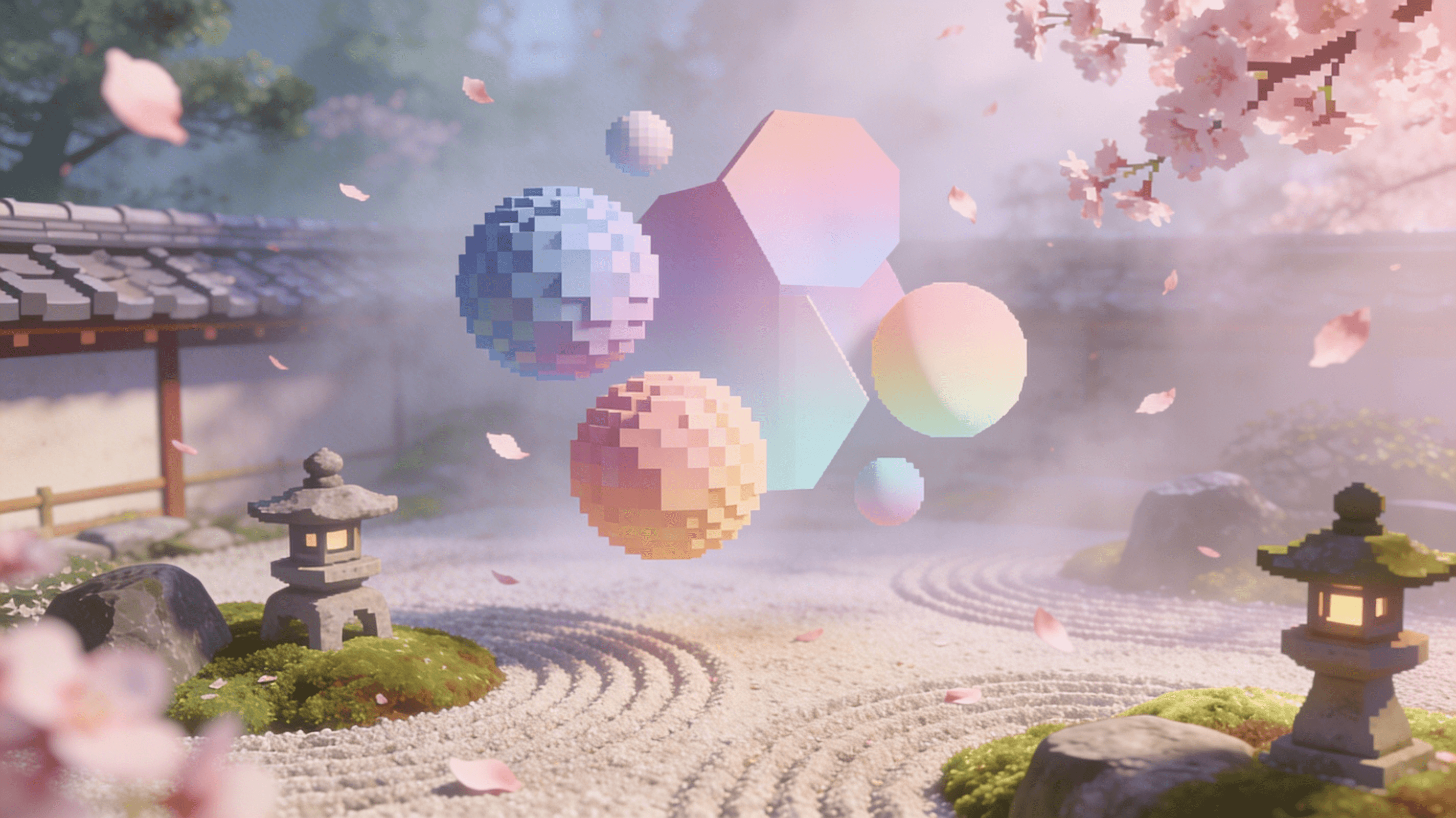
Reference-guided consistent video generation
0.3 kreditter
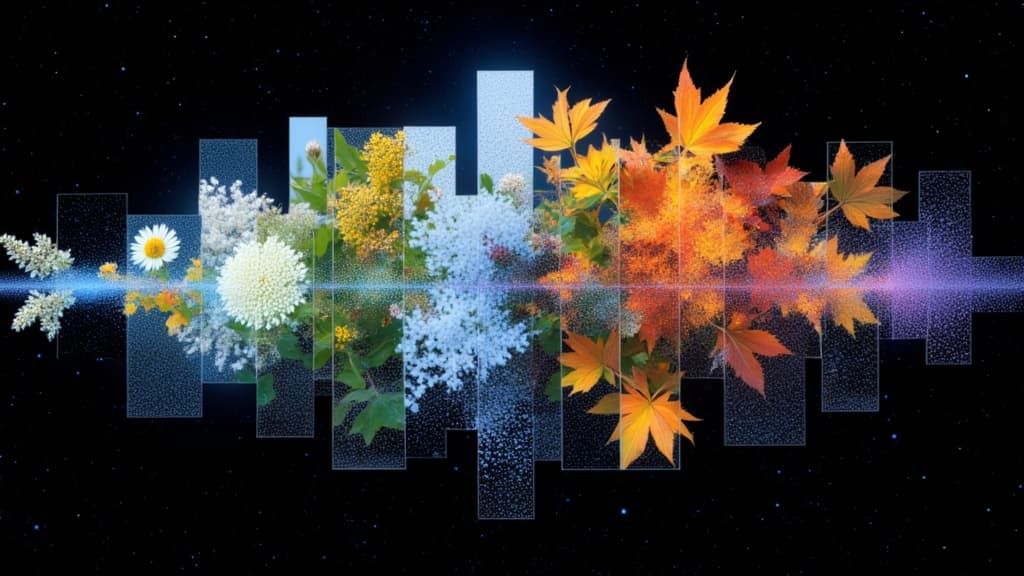
Cinematic transitions between two images
0.1 kreditter
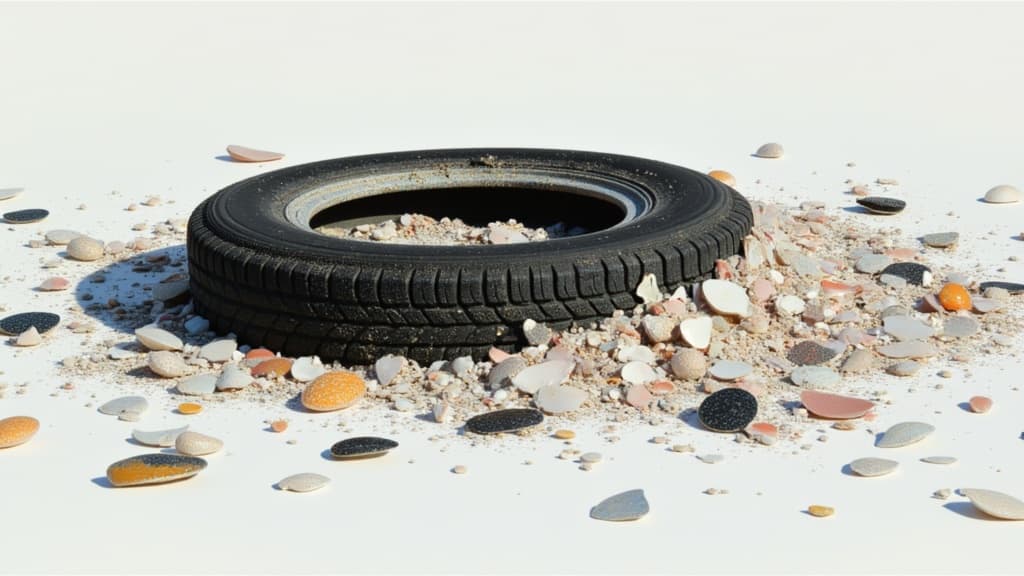
Animate between first/last frames
1.6 kreditter
