Pixverse is a powerful text-to-video model that transforms written descriptions into vivid, dynamic video content. Now in its latest v6 iteration, Pixverse empowers creators to bring their visions to life by simply typing a prompt — no camera, no crew, no complex editing software required. Whether you're a filmmaker sketching out a concept, a designer prototyping motion graphics, an animator exploring new styles, or a content creator looking to produce eye-catching social media clips, Pixverse v6 offers a rich set of creative tools to help you generate professional-quality video from nothing more than your imagination and a few well-chosen words.
At its core, Pixverse v6 takes a text prompt and generates a video in MP4 format. But what sets it apart is the depth of creative control it offers. You can craft highly detailed, cinematic prompts — describing camera angles, art styles, lighting conditions, character details, and atmospheric elements — and the model will interpret those directions to produce visually striking results. For example, you might describe "an epic low-angle capture of a figure in ultraviolet threads, luminous diamond skin glistening under a vast moon, soaring among mystical ruins in a hyper-detailed Peter Max art style," and the model will work to realize that vision as a moving scene.
One of the standout features of Pixverse v6 is its flexible video duration. You can generate clips anywhere from 1 to 15 seconds long, giving you the ability to create everything from quick social media loops to longer narrative sequences. This range makes it ideal for a wide variety of creative workflows — short attention-grabbing hooks, mood boards in motion, animated story beats, or experimental visual art pieces.
Pixverse v6 supports a broad range of aspect ratios to match virtually any platform or project requirement. You can choose from 16:9 for widescreen and cinematic formats, 9:16 for vertical social media content like Instagram Reels or TikTok, 1:1 for square posts, 4:3 and 3:4 for classic and portrait formats, 2:3 and 3:2 for photography-inspired compositions, and even 21:9 for ultra-wide cinematic looks. This flexibility means you can tailor your output to the exact canvas you need, whether it's a phone screen, a theater display, or an art installation.
Resolution options range from 360p all the way up to 1080p, letting you balance visual quality with your specific needs. For quick drafts and concept explorations, lower resolutions work perfectly. When you're ready to produce polished final content, 1080p delivers crisp, high-definition output suitable for professional use.
Beyond the basics, Pixverse v6 offers a suite of creative style presets that can dramatically change the look and feel of your generated video. You can select from anime, 3D animation, clay, comic, and cyberpunk styles, each of which transforms the visual treatment of your scene. Want a hand-sculpted claymation aesthetic? Choose the clay style. Looking for neon-drenched futuristic cityscapes? Cyberpunk has you covered. These presets provide a quick way to explore radically different visual directions without having to rewrite your prompt from scratch.
The model also includes a negative prompt feature, which lets you specify what you don't want in your video. By listing undesirable qualities — such as blurriness, low resolution, pixelation, noise, poor lighting, or bad composition — you can steer the model away from common visual pitfalls and push the output toward cleaner, more polished results. This is a particularly useful tool for refining your generations and achieving a more professional finish.
For creators who need consistency across multiple generations, Pixverse v6 supports a seed value. Using the same seed with the same prompt and settings will produce the same video every time, which is invaluable for iterative workflows where you want to make small adjustments to a prompt while keeping other elements stable.
One of the most exciting features in v6 is built-in audio generation. When enabled, the model can produce background music, sound effects, and even dialogue to accompany your video, creating a more complete and immersive viewing experience straight out of the box. This eliminates the need to source and sync audio separately, streamlining your creative process significantly.
Pixverse v6 also introduces multi-clip generation with dynamic camera changes. When activated, this feature creates videos with varied camera angles and movements within a single generation, adding cinematic dynamism and visual storytelling depth that would typically require careful planning and editing.
Finally, the model includes a prompt optimization mode that can intelligently enhance your text descriptions for better results. You can enable it to automatically refine your prompts, disable it to use your exact wording, or set it to auto and let the model decide when optimization would be beneficial. This is especially helpful for creators who want great results without spending time perfecting every word of their prompt.
Pixverse v6 is a versatile and feature-rich text-to-video tool designed for creative professionals who want to generate compelling video content quickly and with meaningful artistic control. Its combination of style presets, flexible formatting, audio generation, multi-clip capabilities, and intelligent prompt handling makes it a comprehensive solution for modern visual storytelling.
A woman kneeling in darkness, illuminated by a warm, radiant beam of light emerging from her raised hand.
Describe tu escena de vídeo con movimiento, ángulos de cámara y estado de ánimo
El modelo crea movimiento cinematográfico con física e iluminación natural
Descarga y comparte tu vídeo listo para producción
Pushes Pixverse v6's environmental rendering and cyberpunk style capabilities with sweeping landscape cinematography, particle effects, and dramatic atmospheric shifts suited for widescreen cinematic storytelling.
Highlights Pixverse v6's ability to render viscous fluid dynamics, macro-level detail, and precise slow-motion physics — ideal for high-end food commercial content with dramatic close-up camera work.
“Cinematic reveal of a sleek black luxury sports car in a dark studio. Camera starts close on the chrome badge, slowly pulling back while orbiting 180 degrees around the vehicle. Dramatic rim lighting gradually intensifies, highlighting the car's sculptural curves and glossy finish. Reflections dance across the body as the camera moves. Dust particles float in volumetric light beams. Final wide shot reveals the full silhouette against a gradient backdrop. 8 seconds, smooth motion, 24fps cinematic quality.”
¡Cambia hoy a la síntesis guiada por razonamiento!
Cinematic video with native audio
1.4 créditos
High-quality, fast video generation
2 créditos
![Kling Video v3 Text to Video [Pro]](/marketing-assets/_next/image?url=https%3A%2F%2Fv3b.fal.media%2Ffiles%2Fb%2F0a8cfd13%2Ft6TSkWzl6cFAzvO1PCdDu_f38263f637d245929f03881454951540.jpg&w=3840&q=75)
Cinematic video, fluid motion, audio
4 créditos
Cinematic video from references
0.4 créditos
Fast cinematic video with audio
0.1 créditos
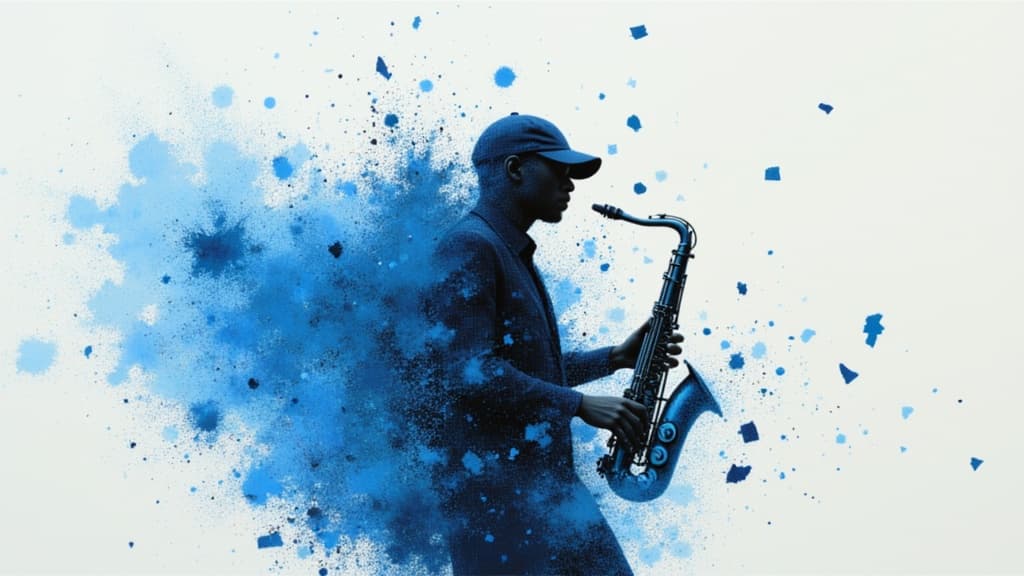
Smooth, coherent AI video generation
2 créditos
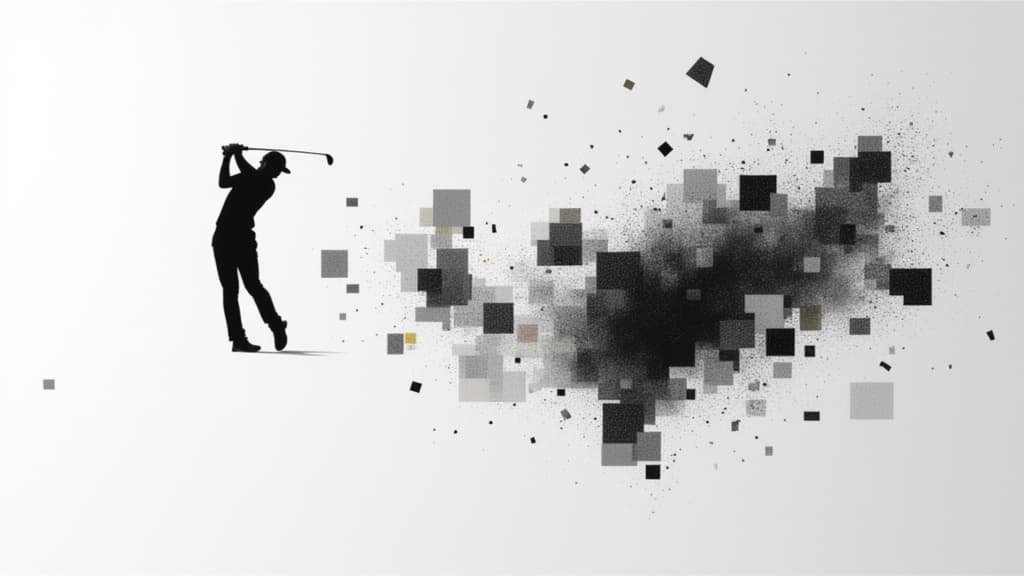
Fast, high-quality text-to-video
2.1 créditos

Cinematic video from references
10 créditos
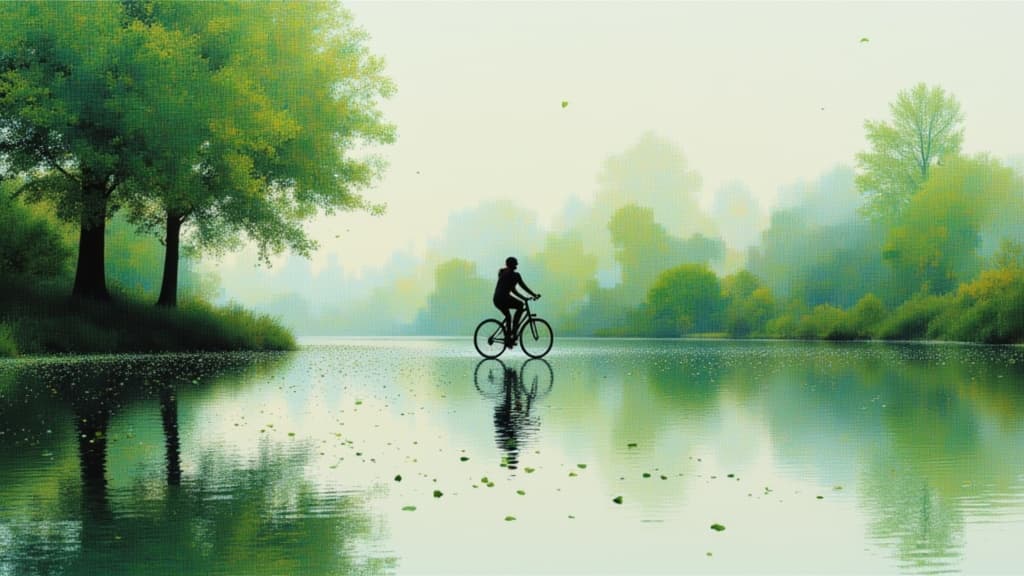
Character-driven video from references
2 créditos
