





Wan is a powerful AI image editing model built on the WAN 2.7 architecture that lets you transform and manipulate existing images using simple text instructions. Rather than generating images from scratch, Wan takes one or more of your existing images and reimagines them based on your creative direction — whether that's changing an artistic style, altering elements within a scene, or blending concepts from multiple reference images together.
At its core, Wan is designed for text-guided image editing. You provide up to four reference images along with a written description of the changes you'd like to see, and the model produces a new image that follows your instructions. This makes it an incredibly versatile tool for artists, designers, illustrators, and content creators who want to iterate on existing visual work without starting from a blank canvas.
One of Wan's standout features is its multi-image reference system. You can supply between one and four images, and then refer to them by number in your prompt — for example, "Turn image 1 into a watercolor painting" or "Combine the background of image 2 with the subject of image 1." The order in which you provide your images matters, as you'll reference them sequentially (image 1, image 2, image 3, image 4) in your text instructions. This opens up exciting possibilities for compositing, style blending, and creative mashups that go well beyond simple single-image filters.
Wan supports prompts in both Chinese and English, making it accessible to a broad international community of creators. Your text descriptions can be up to 2,000 characters long, giving you plenty of room to articulate detailed and nuanced editing instructions. Whether you want a quick stylistic transformation or a complex multi-step creative direction, you have the space to communicate your vision clearly.
The model also includes a built-in prompt expansion feature that's enabled by default. This intelligent enhancement automatically enriches your text instructions to help the model better understand and execute your creative intent. If you prefer to maintain precise control over your prompt without any automatic adjustments, you can turn this feature off — but for most users, it helps produce more refined and detailed results with less effort.
When it comes to output flexibility, Wan offers a range of image size options to suit different creative needs. You can choose from several preset aspect ratios including square (both standard and HD), portrait in 4:3 and 16:9 ratios, and landscape in 4:3 and 16:9 ratios. For creators who need exact dimensions, you can also specify custom width and height values up to 14,142 pixels on either side, giving you tremendous flexibility for everything from social media posts to large-format print work. The default output is square HD, which provides a great balance of quality and versatility for most use cases.
You can generate up to four image variations in a single session, which is incredibly useful for exploring different interpretations of your edit or presenting options to clients. Each variation will follow your same instructions but may interpret them slightly differently, giving you a range of creative options to choose from.
For creators who need consistency and reproducibility in their work, Wan provides a seed control feature. By specifying a particular seed value, you can reproduce the exact same result from the same inputs — essential for iterative workflows where you want to make small adjustments to your prompt while keeping other variables constant. This is particularly valuable for professional projects where you need to fine-tune your results methodically.
The negative prompt feature gives you additional creative control by letting you specify what you don't want to see in the output. With up to 500 characters, you can steer the model away from unwanted elements, styles, or artifacts, helping you achieve cleaner, more intentional results.
Wan includes a built-in content moderation system that's active by default, reviewing both your input images and the generated output to help ensure safe and appropriate content. This can be toggled based on your needs and workflow requirements.
Ideal use cases for Wan span a wide range of creative disciplines. Illustrators can transform sketches or photographs into different artistic styles — watercolor, oil painting, digital art, and beyond. Designers can rapidly prototype visual concepts by editing and recombining reference imagery. Content creators can produce stylized variations of their photos for social media or marketing materials. Concept artists can iterate on visual ideas by progressively refining images through text-guided edits. And anyone working with visual media can use the multi-image reference system to create compelling composites and mashups.
Whether you're a solo creator looking to speed up your creative process or part of a larger team exploring visual directions, Wan's combination of intuitive text-based editing, multi-image support, flexible output sizes, and intelligent prompt expansion makes it a versatile and approachable tool for creative image manipulation. Its bilingual support in English and Chinese further extends its reach to creators worldwide, and its variety of creative controls ensure that both beginners and experienced professionals can achieve compelling results.
Add the image that you want change
添加您想要编辑或转换的图像
A woman kneeling in darkness, illuminated by a warm, radiant beam of light emerging from her raised hand.
描述您想要的编辑 - 风格更改、对象移除或增强
下载您的专业编辑图像
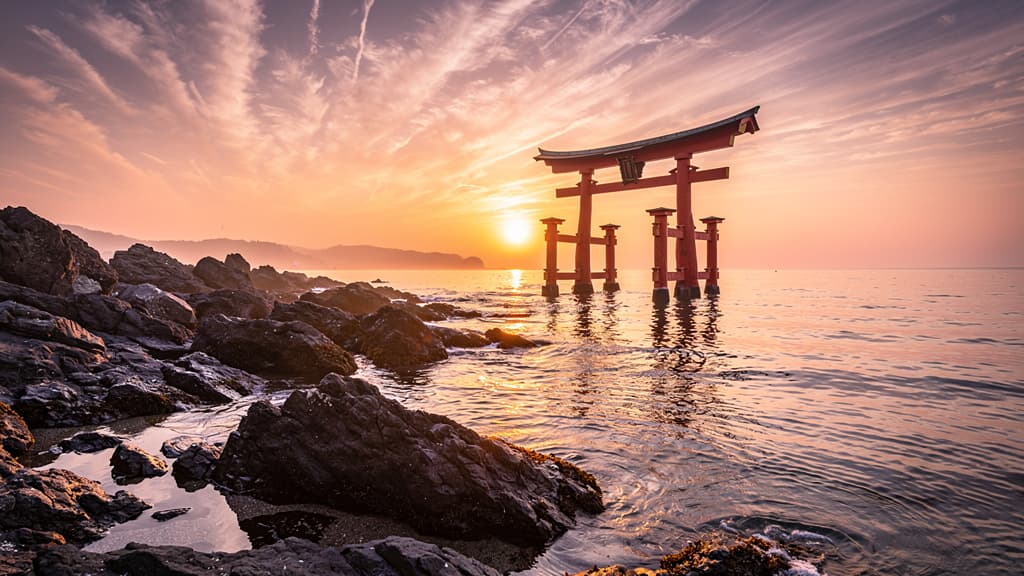
Dramatically shift a landscape photograph from golden-hour daylight to a moody midnight scene with realistic relighting, star skies, and atmospheric changes. Great for photographers exploring alternate moods from a single shoot.
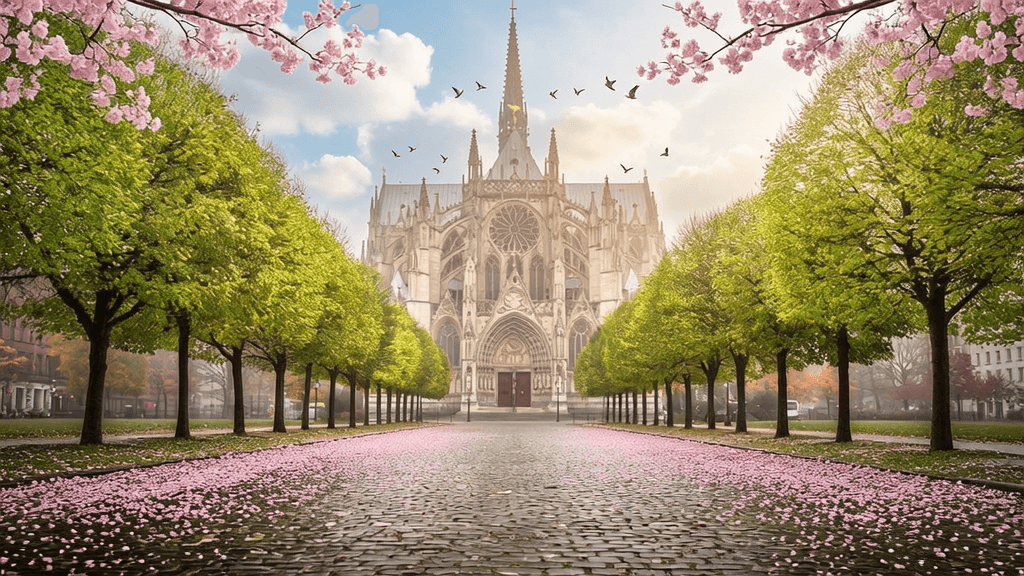
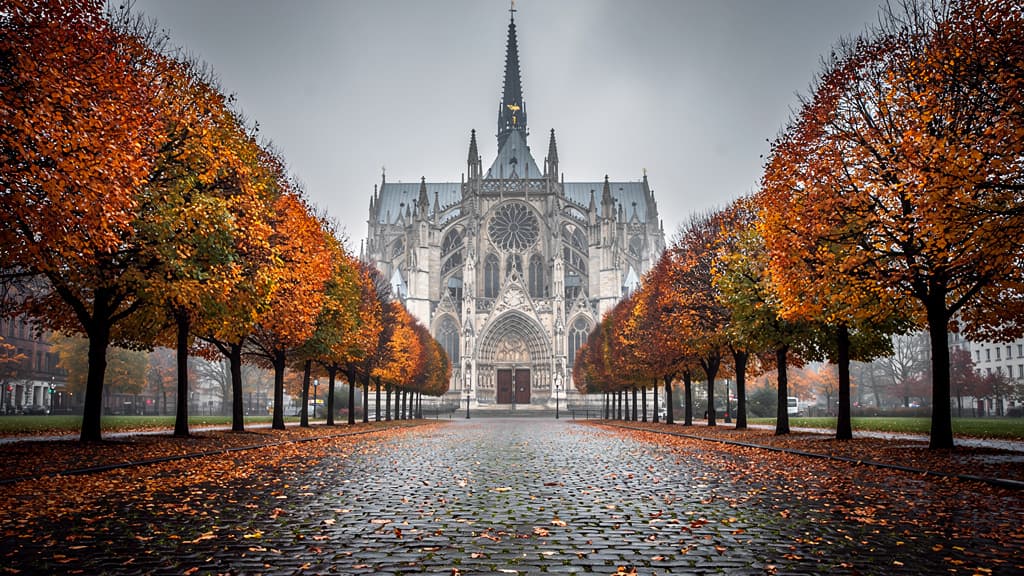
Transform the season surrounding an architectural scene from autumn to spring, changing foliage, lighting quality, and atmospheric mood while preserving the building's structure perfectly. Ideal for travel content and real estate showcasing properties across seasons.
Convert an aerial cityscape into a hyper-realistic tilt-shift miniature scene that makes real buildings look like tiny plastic models. Popular for social media content creators and urban photographers seeking a whimsical, eye-catching look.
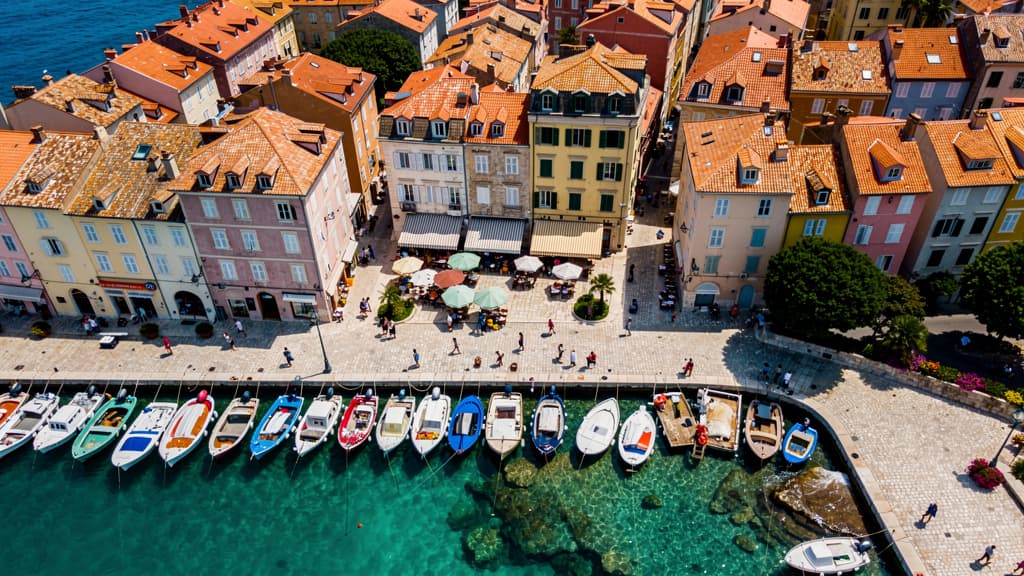
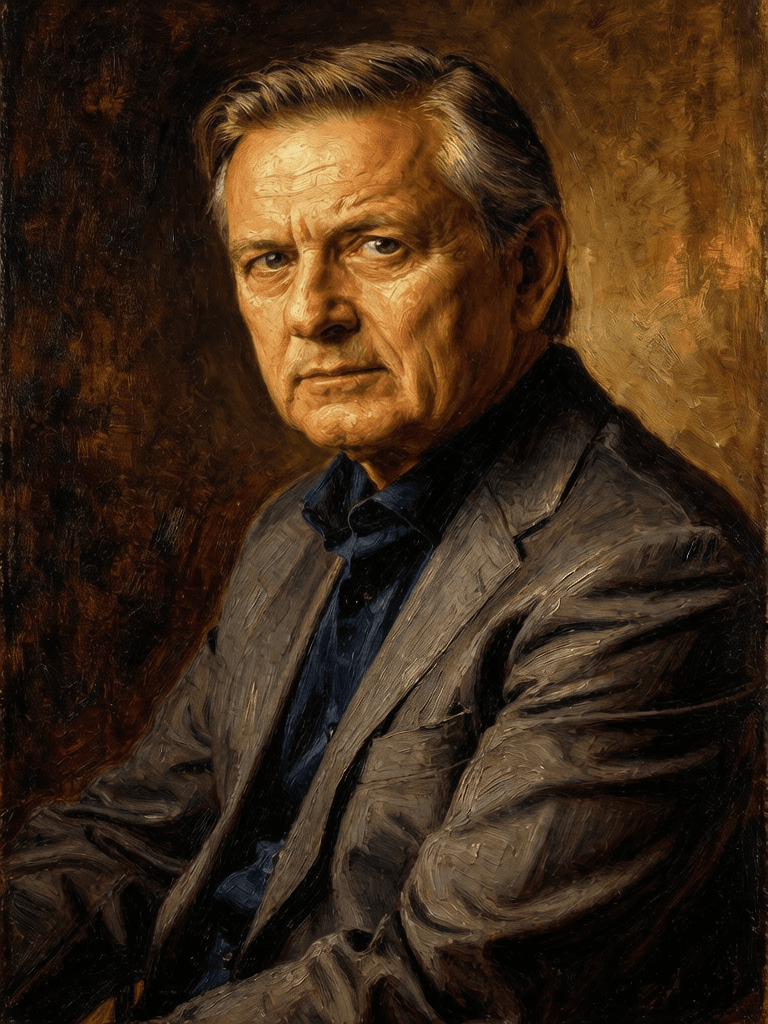
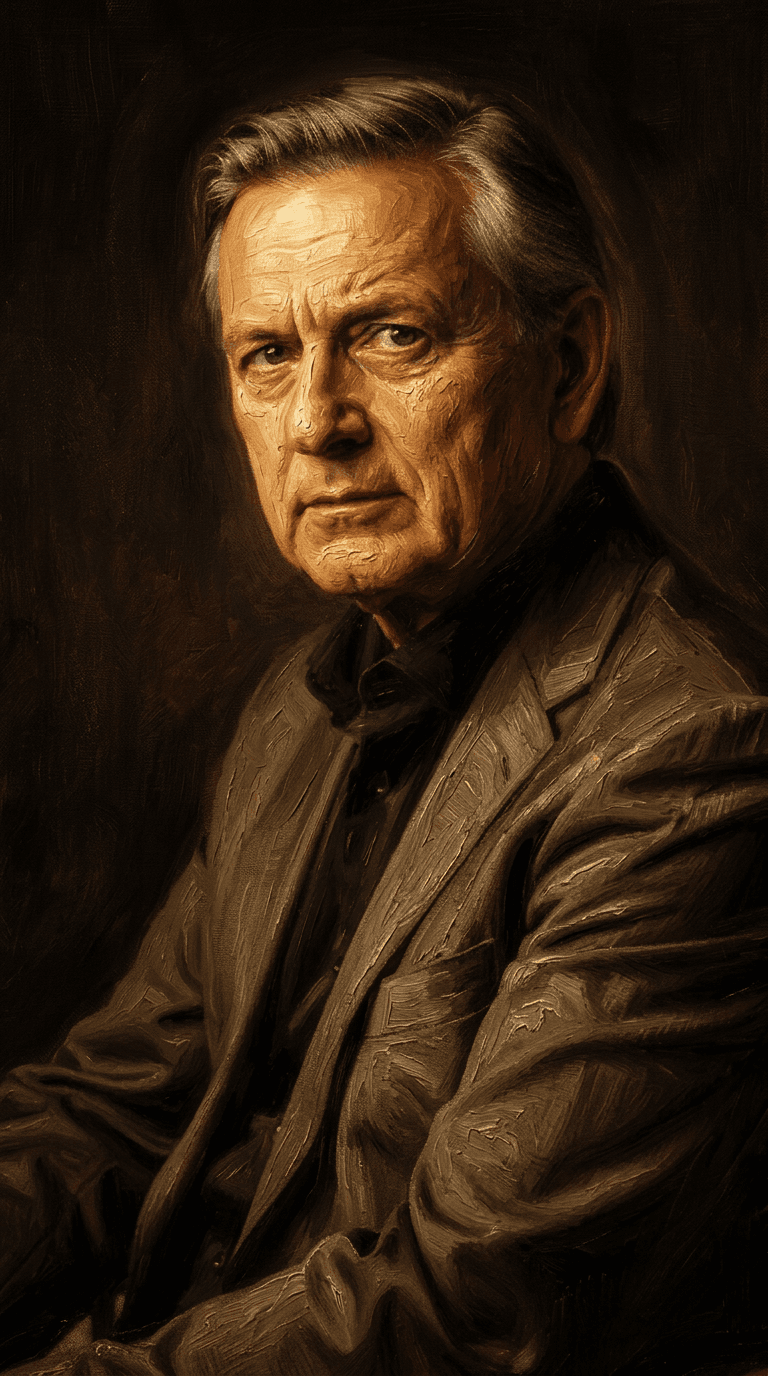
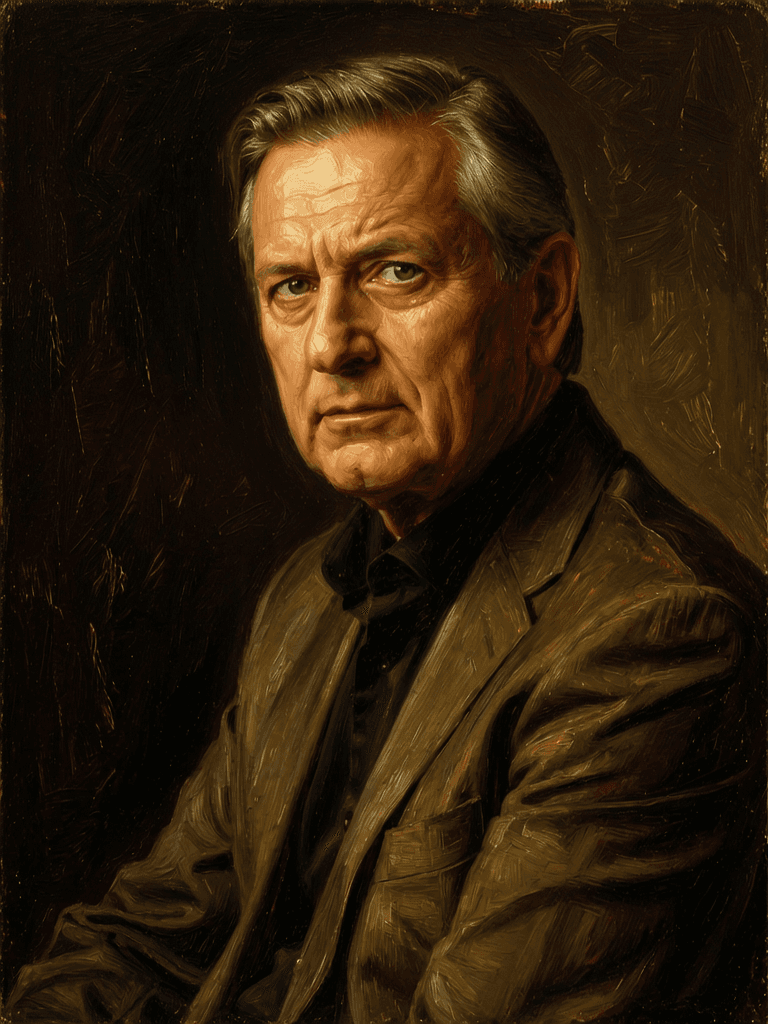
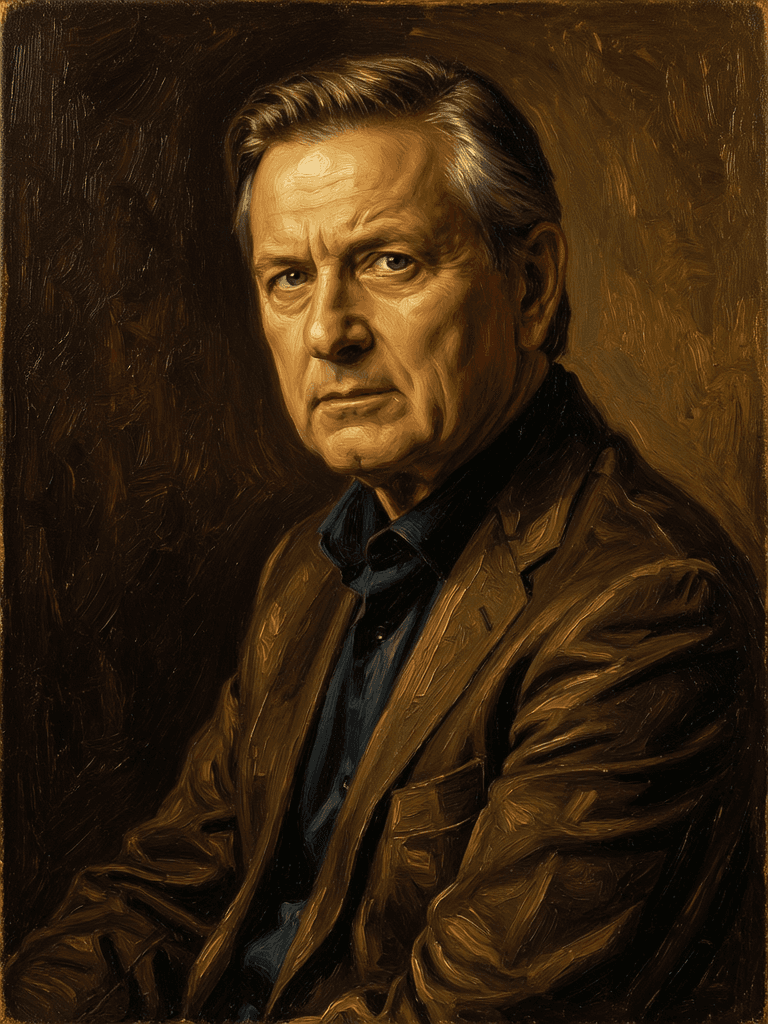
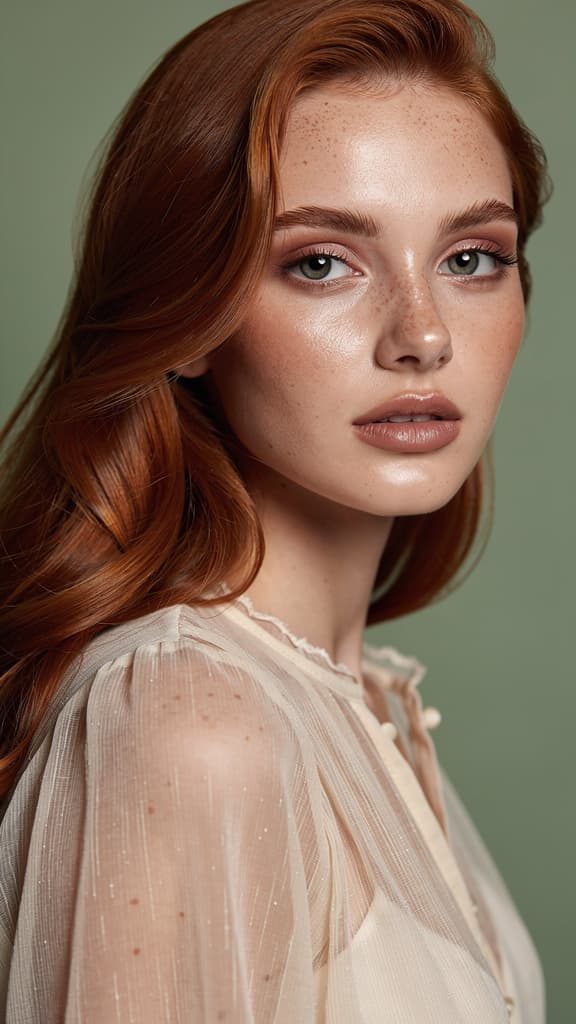
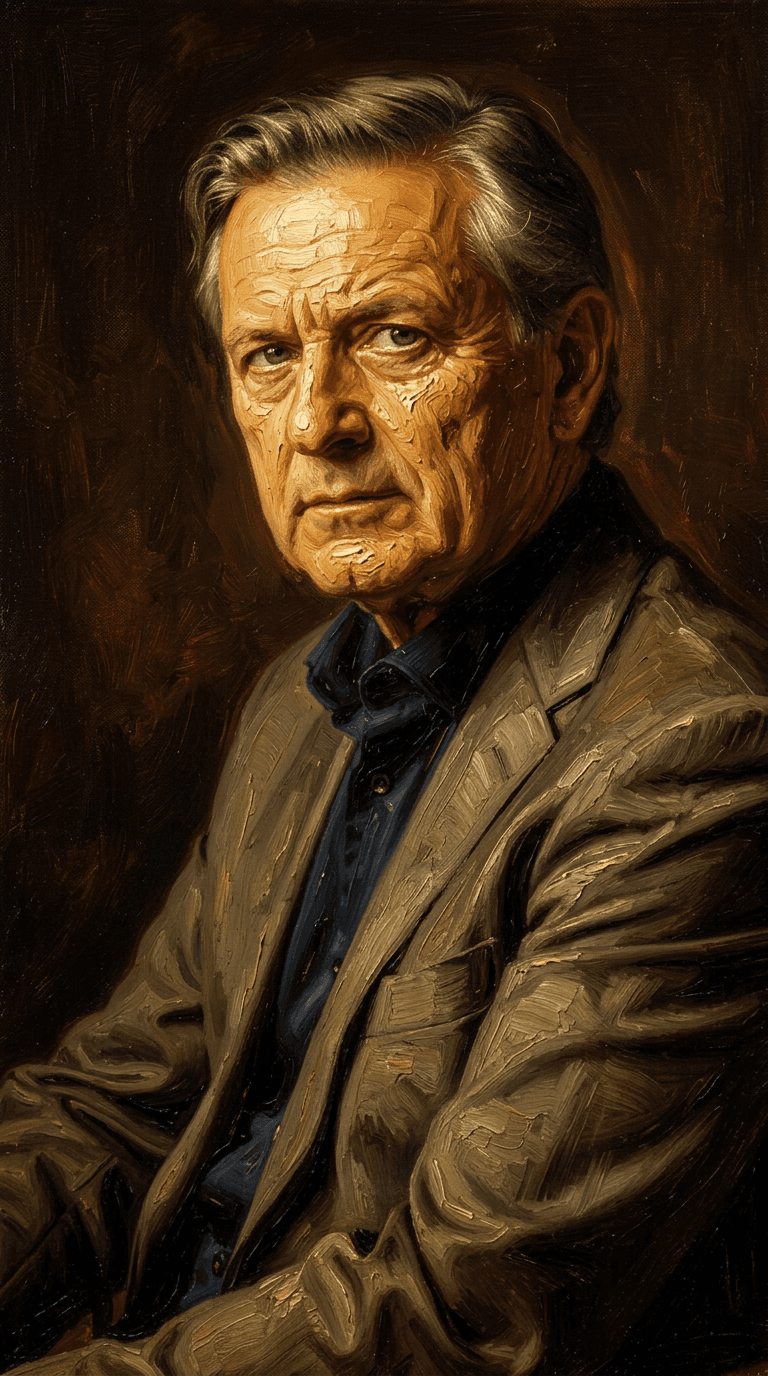
“Transform into a classical oil painting in the style of Rembrandt. Add visible impasto brushstrokes with thick paint texture. Apply warm golden undertones and dramatic chiaroscuro lighting with deep shadows. Enhance the dramatic contrast while preserving facial structure and expression. Add subtle canvas texture visible through the paint layers.”
立即切换到推理引导合成
![FLUX.2 [klein] 9B LoRA](/marketing-assets/_next/image?url=https%3A%2F%2Fv3b.fal.media%2Ffiles%2Fb%2F0a928dd2%2FyFNW07YLHtp5zuE4eJAW1_e2f89915a1b740559b3c652b0b028296.jpg&w=3840&q=75)
Precise image edits, color control
0.3 积分
Realistic physics-based image editing
1.2 积分
![FLUX.2 [klein] 9B LoRA](/marketing-assets/_next/image?url=https%3A%2F%2Fv3b.fal.media%2Ffiles%2Fb%2F0a928e3b%2FsIC-Ne9BMwZZtBvR3FwKN_9a724704a550471a9df59999e9e1017f.jpg&w=3840&q=75)
Precise natural language image editing
0.5 积分
Pro text-guided image editing
0.3 积分
Identity-preserving personalized photo editing
0.4 积分
Natural language image editing
0.8 积分
Google's advanced image editing
0.7 积分
Unified AI image editing model
0.5 积分
Unified image editing and generation
0.6 积分

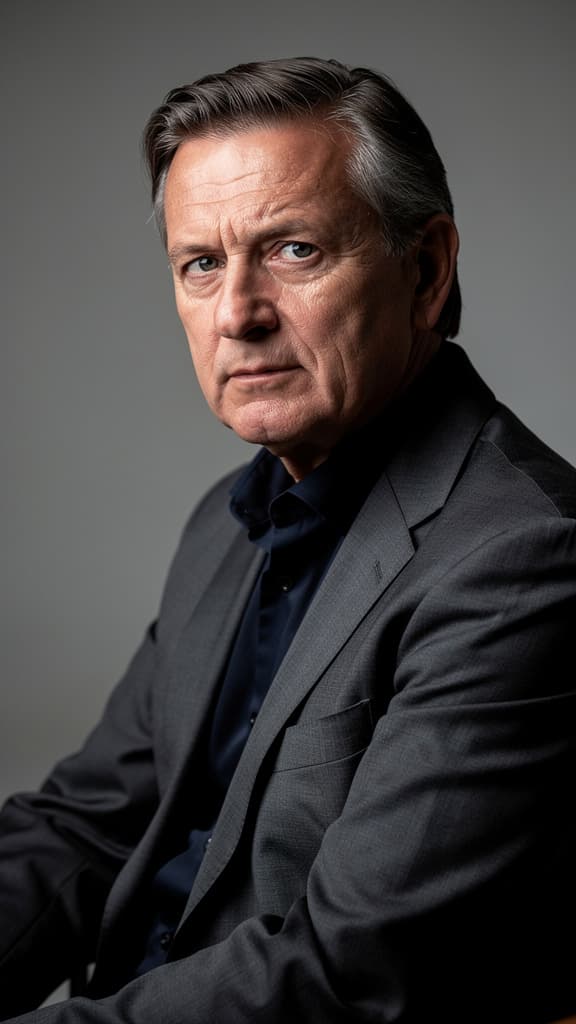
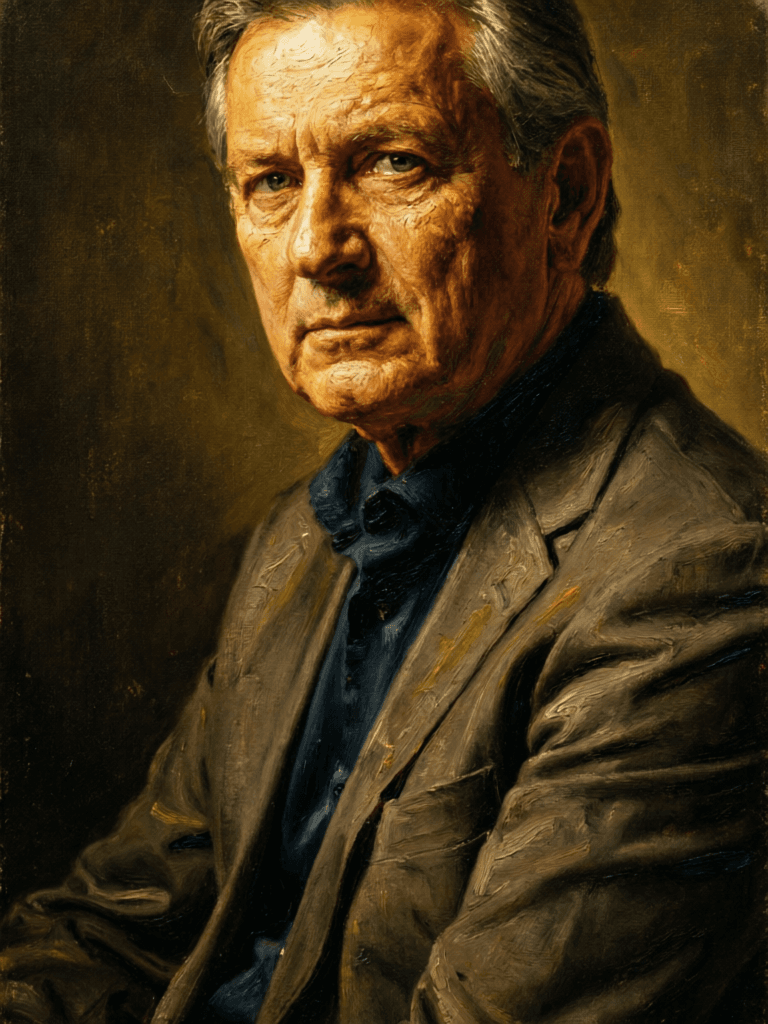
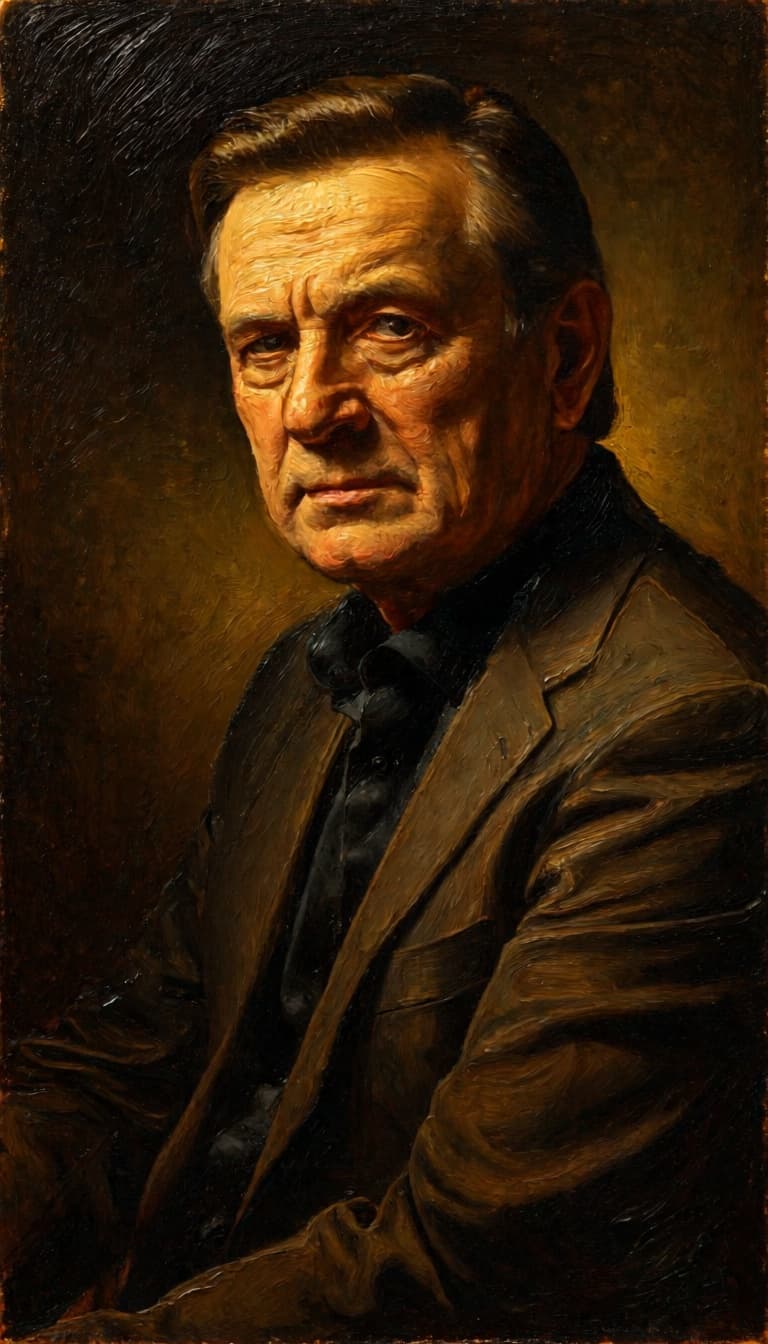
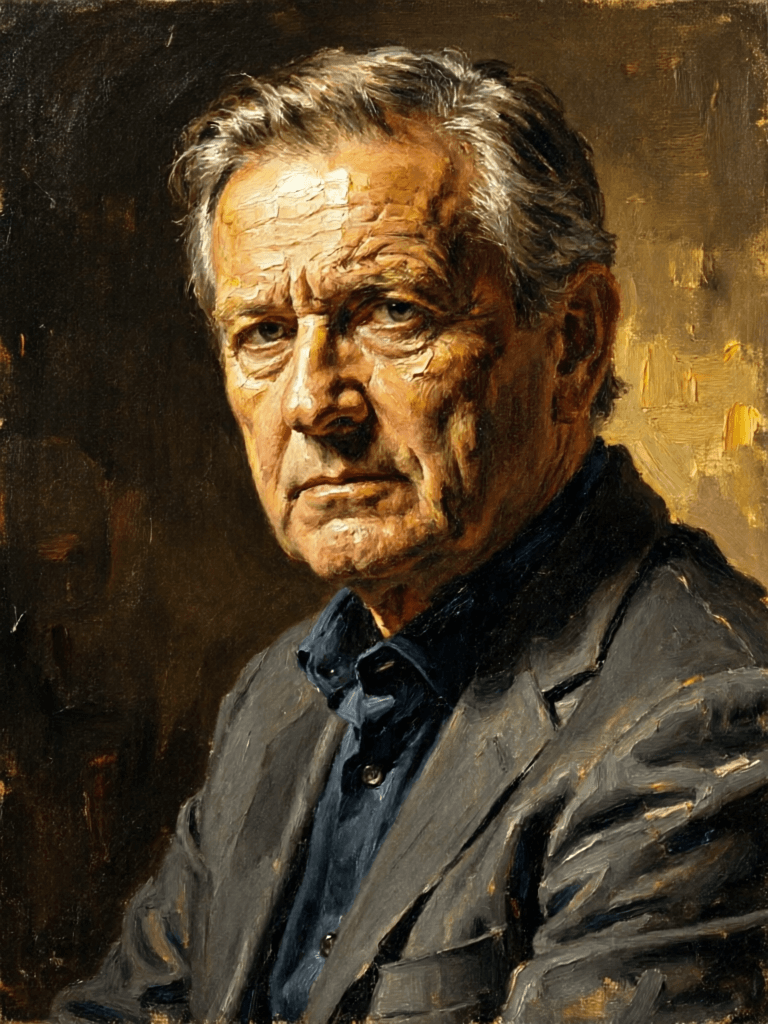
![FLUX.2 [klein] 9B LoRA output](/marketing-assets/_next/image?url=https%3A%2F%2Fassets.shortgenius.com%2Fexample-model-output%2Fcbfd8f70-6bf2-467b-918f-b020118b8db0.png&w=3840&q=75)
![FLUX.2 [klein] 9B LoRA output](/marketing-assets/_next/image?url=https%3A%2F%2Fassets.shortgenius.com%2Fexample-model-output%2Fcc1806c8-2af0-47e7-bd34-a95d2d180bfb.png&w=3840&q=75)
![FLUX.2 [klein] 4B LoRA output](/marketing-assets/_next/image?url=https%3A%2F%2Fassets.shortgenius.com%2Fexample-model-output%2F10a63e77-67c3-46e6-83d3-b7b93355e72c.png&w=3840&q=75)