Cinematic image-to-video with audio
Kling Video v3 Image to Video [Pro], developed by Black Forest Labs, is designed for creative professionals who want to convert static images into rich, cinematic video sequences with impressive visual and audio fidelity. This model allows artists, designers, filmmakers, and content creators to breathe life into their images by transforming them into short video clips, complete with fluid motion and native audio generation.
What Does Kling Video v3 Image to Video [Pro] Create?
At its core, this model takes a starting image—such as an artwork, photograph, concept render, or design asset—and turns it into a cinematic video. Users can guide the content and mood of the video through descriptive text prompts, which function like mini-director’s notes, allowing you to paint the atmosphere, movement, emotional beats, and narrative arcs. If you desire multiple scenes, you can break your vision into multiple prompts for multi-shot, storyboard-style progression.
The generated videos can include native audio, such as voices that speak the content of your prompt in English or Chinese. If you provide prompts in other languages, they are automatically translated to English audio narration. This ability to add voice and sound makes the resulting video not just visually engaging, but immersive.
Ideal Use Cases and Beneficiaries
Kling Video v3 Image to Video [Pro] serves a wide array of creative professionals:
Supported Formats, Quality, and Styles
The model outputs video files (in .mp4 format) that are suitable for direct use in digital projects, presentations, and editing software. The length of the video is adjustable, with a range of 3 to 15 seconds, giving flexibility for various storytelling or promotional purposes.
Kling Video v3 is built for cinematic visuals, supporting fluid motion that brings scenes to life—think gentle character gestures, blinking, emotional expressions, atmospheric effects, and dust particles catching light. You can further customize the look and feel by describing lighting, emotions, and narrative details in your prompts, letting you shape the aesthetic style to fit your brand or artistic vision.
Audio Capabilities
A standout feature is the ability to generate native audio: the model can create background soundscapes or voice narration drawn directly from the prompt. For example, if your prompt includes dialogue or descriptive action, the generated video may feature a narrator reading it in either English or Chinese as appropriate. Proper nouns or acronyms should be capitalized in the prompt for accurate voice output.
Creative Controls and Customization
Limitations and Considerations
Best Practices
Summary
Kling Video v3 Image to Video [Pro] is a powerful creative tool for animating images into fully produced, cinematic short videos. Its combination of visual and audio synthesis, custom element inclusion, and flexible creative direction makes it ideal for artists and professionals looking to rapidly prototype, visualize, or promote ideas with motion and sound—all from a single image and a guiding prompt.
Add the image that you want change
Ajoutez une image optionnelle pour guider l’apparence, le personnage ou l’environnement
A woman kneeling in darkness, illuminated by a warm, radiant beam of light emerging from her raised hand.
Saisissez une invite - Le modèle comprend la physique, l’éclairage et l’intention émotionnelle de votre scène
Cliquez pour générer votre sortie finale et télécharger la vidéo de qualité production
Demonstrates complex animated elements and dramatic nature transitions, perfect for landscape filmmakers and travel content creators.
Highlights product showcase animation with dynamic reflections, floating effects, and audio cues, tailored for luxury advertising and social promos.
Exhibits moving light effects, reflective surfaces, and urban energy, perfect for music videos or trending cityscape visuals.
“Animate with subtle natural movements. Add gentle breathing motion to shoulders. Create natural eye blinks every 2-3 seconds. Introduce slight head micro-movements. Hair moves softly as if in gentle breeze. Maintain the warm smile with subtle lip movements. Eyes should have natural catchlight movement. Keep animation subtle and lifelike, not exaggerated. 5 seconds, smooth looping.”
Passez à la synthèse guidée par le raisonnement dès aujourd'hui
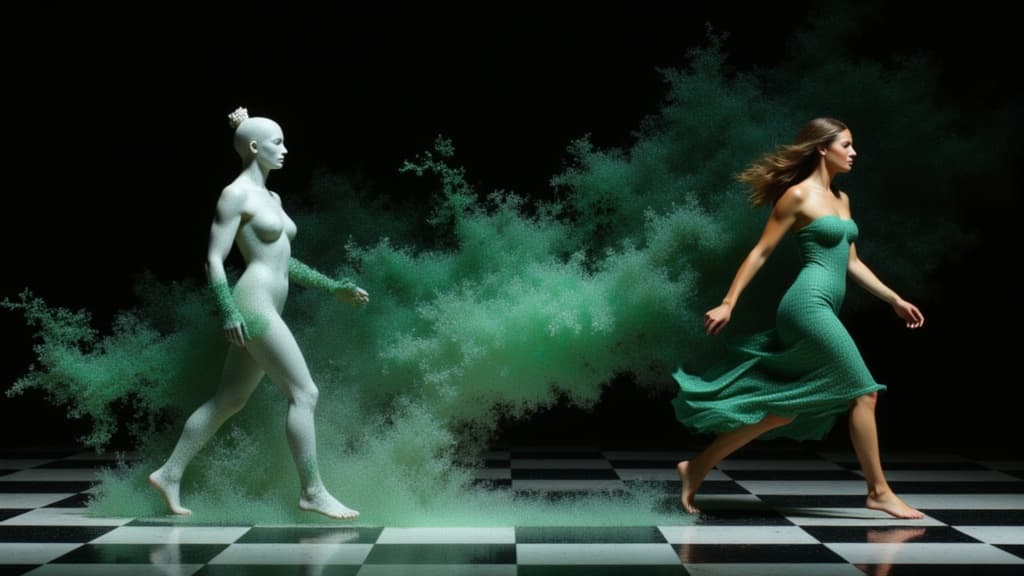
Character-consistent video from references
0.1 crédits
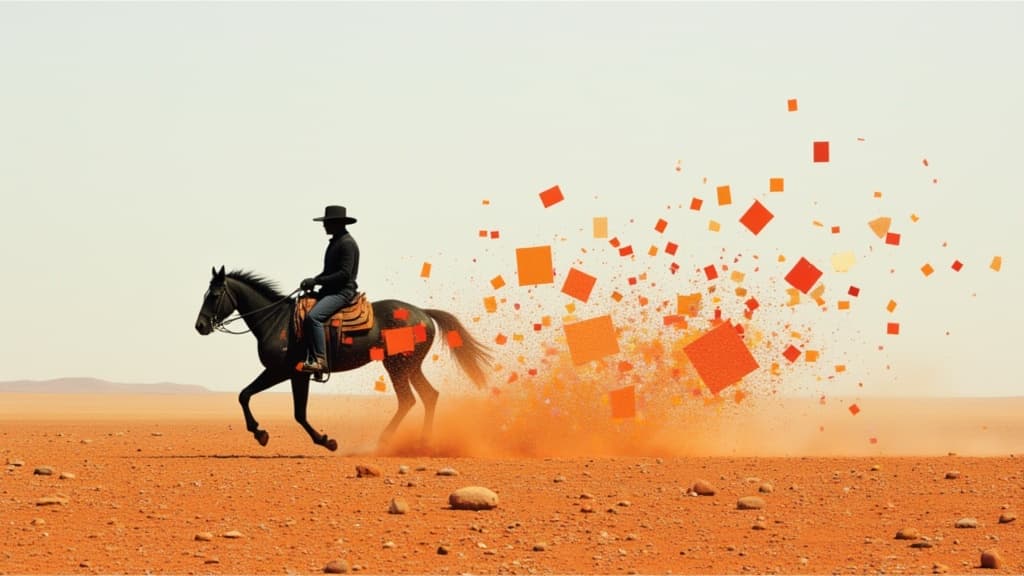
Smooth image-to-image video transitions
0.1 crédits
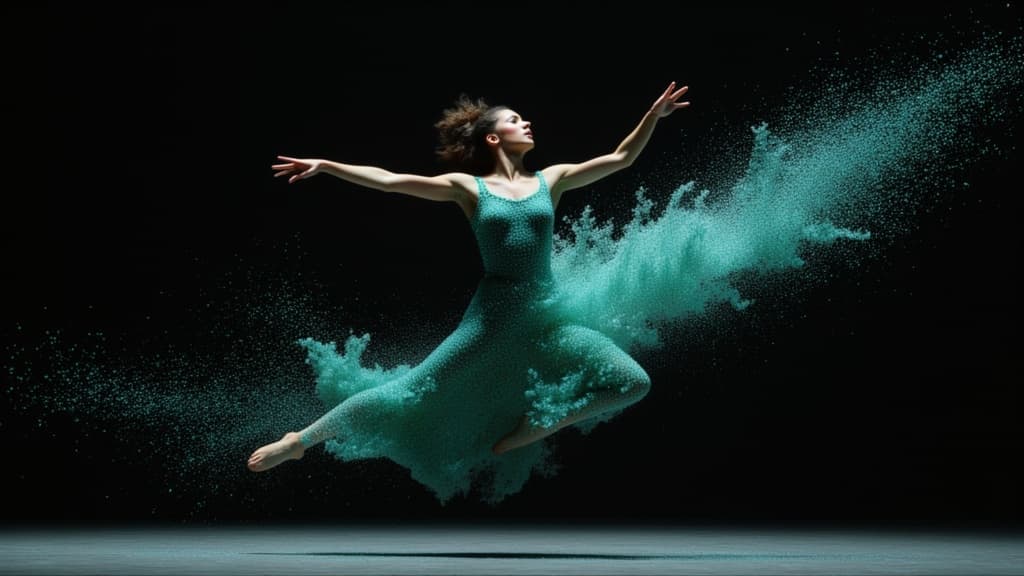
Cinematic video from your images
0.1 crédits
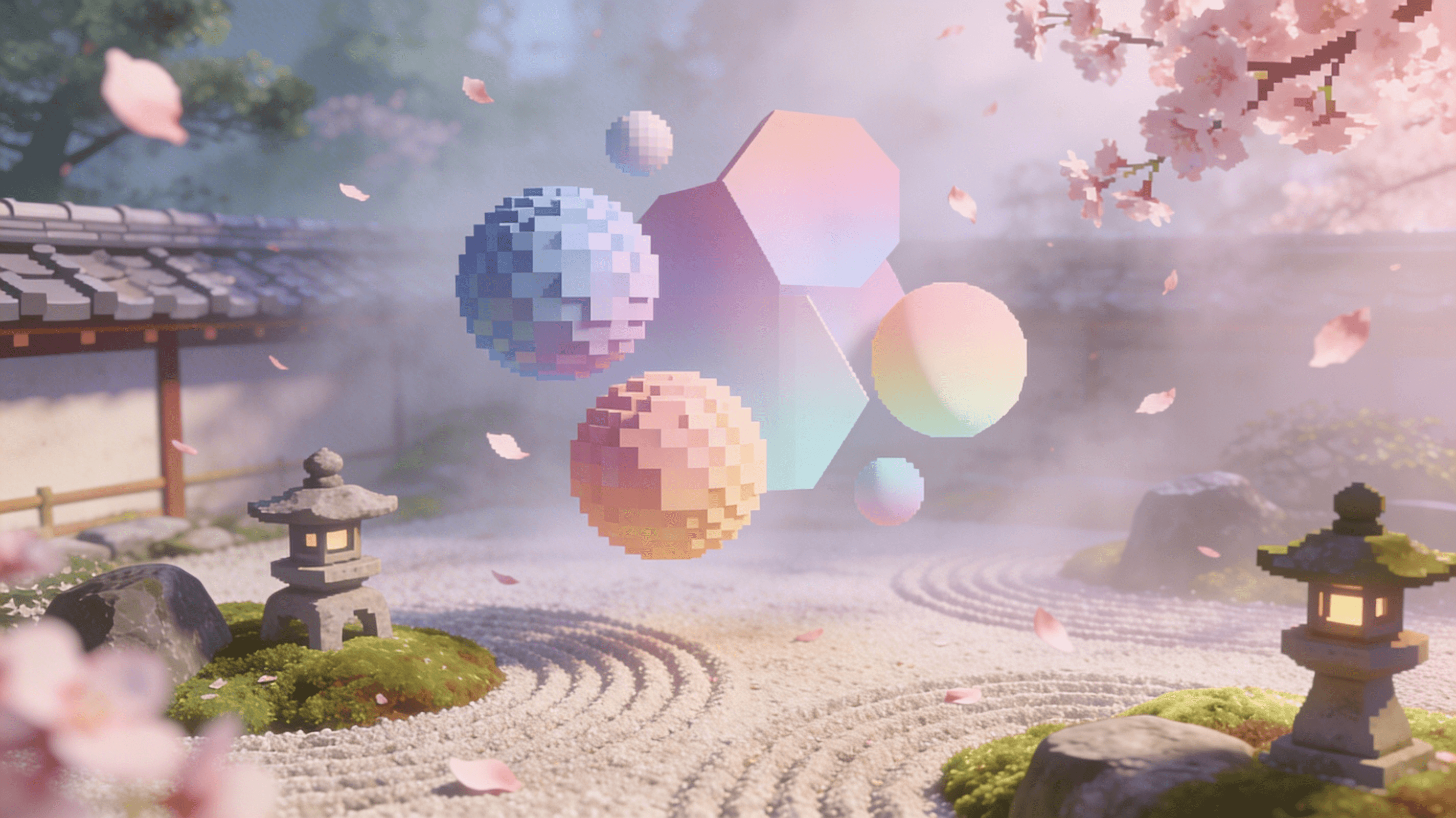
Reference-guided consistent video generation
0.3 crédits

Cinematic video from images
10 crédits
Animate images into styled videos
0.1 crédits

Animate images into smooth video
2 crédits
Animate images into pro videos
1.6 crédits
Physics-driven video from images
0.4 crédits
