Animate between first/last frames
Veo 3.1 Lite FLF is a powerful image-to-video model that brings a uniquely creative capability to your workflow: the ability to generate smooth, natural video by defining both the first and last frames of a scene. Rather than leaving your video's endpoint to chance, you supply two images — a starting frame and an ending frame — along with a text prompt describing the motion and action you want, and the model intelligently generates the video that bridges them. The result is a polished, coherent clip with fluid motion that naturally transitions between your two visual anchors.
This "first and last frame" approach opens up extraordinary creative possibilities. Imagine you have two photographs of a landscape — one at dawn and one at dusk — and you want to create a seamless timelapse between them. Or picture two poses of a character and you need the in-between animation. Veo 3.1 Lite FLF handles this by synthesizing the motion, physics, and visual continuity needed to connect those two moments in time. It balances practical utility with professional capabilities, making it suitable for a wide range of creative projects.
The model excels at generating videos with distinctive visual styles, morphing or transitioning between different states, and producing realistic mouth movements synchronized to speech or dialogue. These capabilities make it especially valuable for animators, motion designers, social media creators, and filmmakers who need dynamic content without the overhead of traditional production pipelines.
One of the standout features of Veo 3.1 Lite FLF is its built-in audio generation. By default, the model automatically produces audio to accompany your video, adding another layer of immersion and polish to your output. If you prefer a silent clip — perhaps because you plan to add your own soundtrack or sound design — you can easily toggle audio generation off. This flexibility means you can produce ready-to-share content with synchronized sound or keep things clean for further post-production work.
When it comes to output quality, you have meaningful control over the final result. The model supports two resolution options: 720p for quick iterations and lighter file sizes, and 1080p for higher-fidelity output suitable for professional presentations and final deliverables. You can also choose your aspect ratio to match your intended platform or format. The auto setting lets the model determine the best fit, while 16:9 gives you a classic widescreen cinematic look and 9:16 is perfect for vertical content destined for mobile platforms, stories, or short-form social video. Generated videos are 8 seconds in duration, providing a generous canvas for dynamic motion and storytelling within a single clip.
Your text prompt is the creative director of the generation process. You describe the kind of motion, mood, or action you want to see unfold between your two frames, and the model interprets your vision. Prompts can be highly detailed — the model accepts descriptions up to 20,000 characters — giving you ample room to articulate complex scenes, specific movements, or nuanced creative direction. In addition to your main prompt, you can use a negative prompt to steer the model away from unwanted elements, artifacts, or styles. This dual-prompt approach gives you fine-grained creative control over both what you want and what you want to avoid.
For creators who need reproducible results, the model offers a seed value option. By setting a specific seed, you can regenerate the same video output from the same inputs, which is invaluable for iterative creative workflows where you want to tweak your prompt while keeping other variables constant. This makes it easy to experiment methodically and refine your results.
The model includes a content moderation system with an adjustable safety tolerance. You can set this on a scale from the most restrictive level, which filters out a wider range of content, to the least restrictive, giving you more creative latitude. There's also an auto-fix feature that, when enabled, will automatically attempt to rewrite prompts that might otherwise be flagged by content guidelines, helping you stay in your creative flow without interruption.
Veo 3.1 Lite FLF is ideal for a broad spectrum of creative professionals. Filmmakers and video editors can use it to generate transition sequences, establishing shots, or visual effects passages. Motion designers and animators can rapidly prototype animations by defining key poses and letting the model fill in the movement. Social media creators and content marketers can produce eye-catching vertical or horizontal video content at speed. Visual artists can explore animated transformations of their static work, breathing life into illustrations, photographs, or digital art. And anyone working on lip-sync content — from dubbing to animated characters — can take advantage of the model's capabilities in that domain.
Whether you're building a mood reel, creating social content, prototyping an animation, or crafting a visual transition that would otherwise require hours of manual work, Veo 3.1 Lite FLF provides a streamlined, intuitive path from concept to finished video. By anchoring the generation to your chosen start and end points, it gives you a level of creative control that purely text-driven video models cannot match, while keeping the process fast and accessible.
Add the image that you want change
外観、キャラクター、環境をガイドする画像を追加(オプション)
A woman kneeling in darkness, illuminated by a warm, radiant beam of light emerging from her raised hand.
プロンプトを入力 - モデルはシーンの物理、法則、照明、感情的な意図を理解
クリックして最終出力を作成し、プロ品質の動画をダウンロード
Showcases the first-to-last-frame interpolation for dramatic landscape timelapse effects, smoothly transitioning between a dark pre-dawn scene and a fully illuminated golden morning with complex cloud, water, and light dynamics.
Demonstrates animating a complex lifestyle scene with multiple moving elements—liquid, garnish, city lights, and human interaction—using dual keyframes to control the start and end states of a polished social media-ready clip.
“Animate with subtle natural movements. Add gentle breathing motion to shoulders. Create natural eye blinks every 2-3 seconds. Introduce slight head micro-movements. Hair moves softly as if in gentle breeze. Maintain the warm smile with subtle lip movements. Eyes should have natural catchlight movement. Keep animation subtle and lifelike, not exaggerated. 5 seconds, smooth looping.”
今日から推論ガイダンス合成に切り替えよう
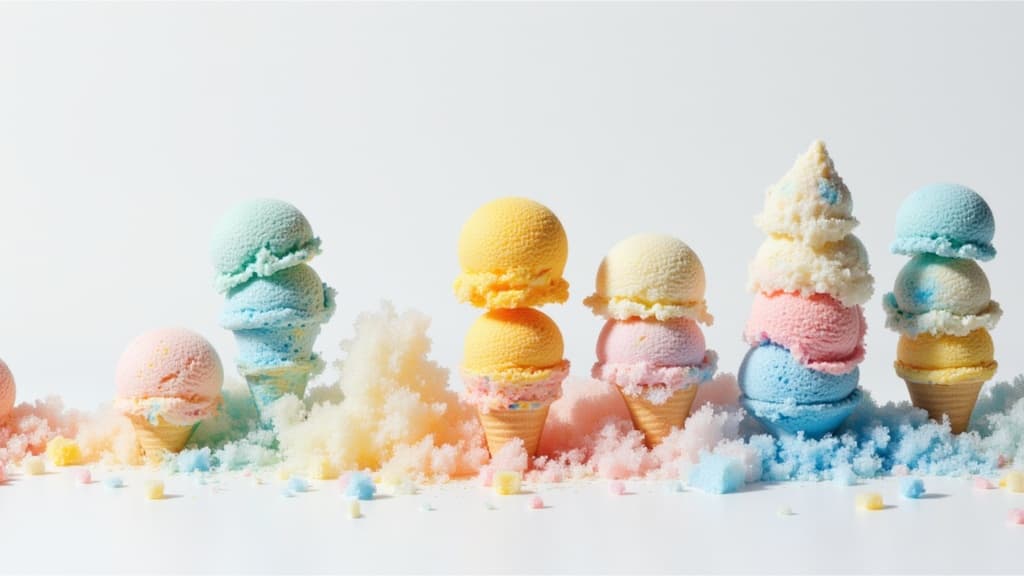
Cinematic video from images fast
0.1 クレジット
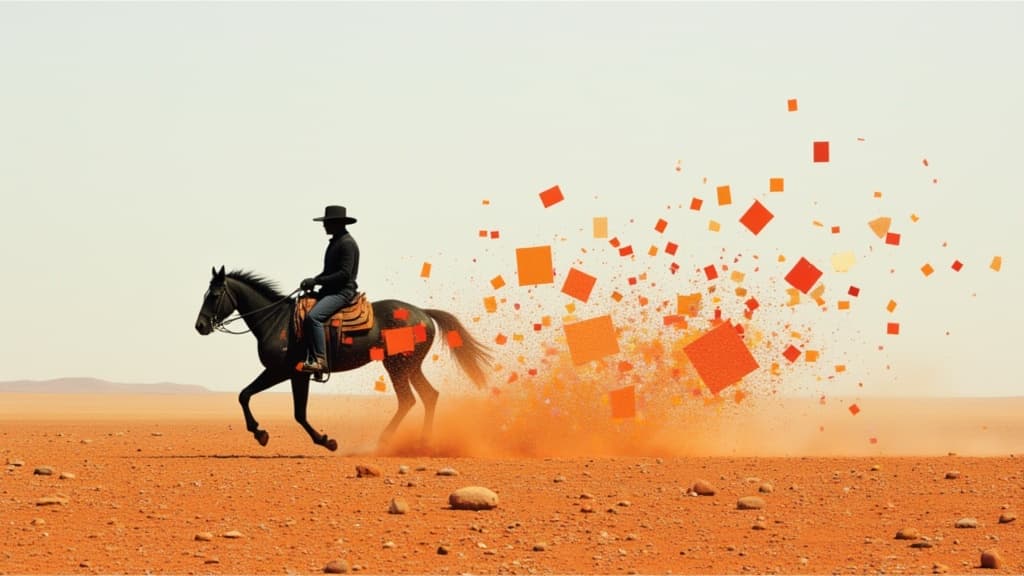
Smooth image-to-image video transitions
0.1 クレジット
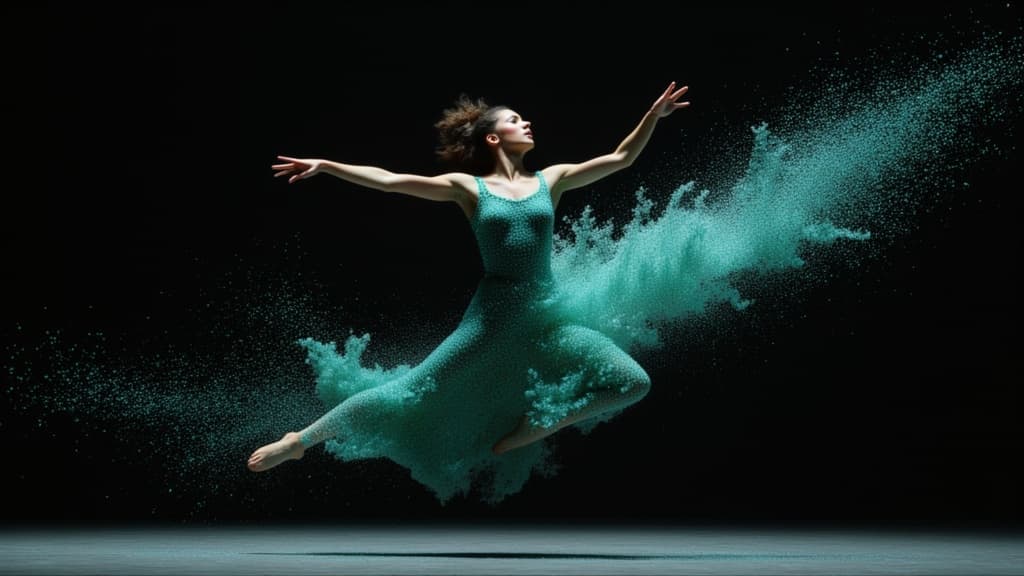
Cinematic video from your images
0.1 クレジット
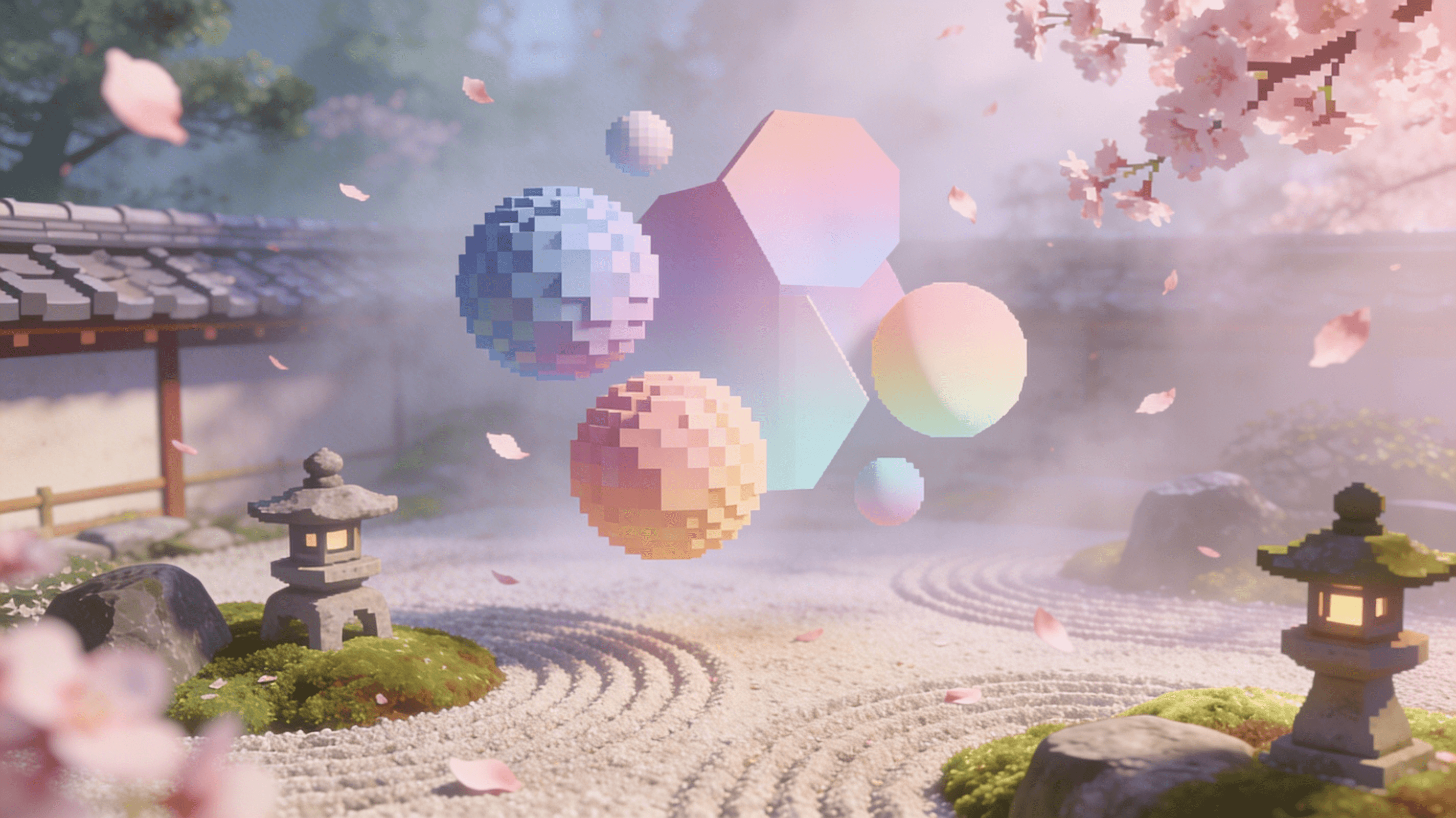
Reference-guided consistent video generation
0.3 クレジット
Animate images into styled videos
0.1 クレジット

Animate images into smooth video
2 クレジット
Character-consistent video from references
0.1 クレジット
Fast, high-quality image animation
2.1 クレジット
Animate images into pro videos
1.6 クレジット
