Identity-preserving personalized photo editing


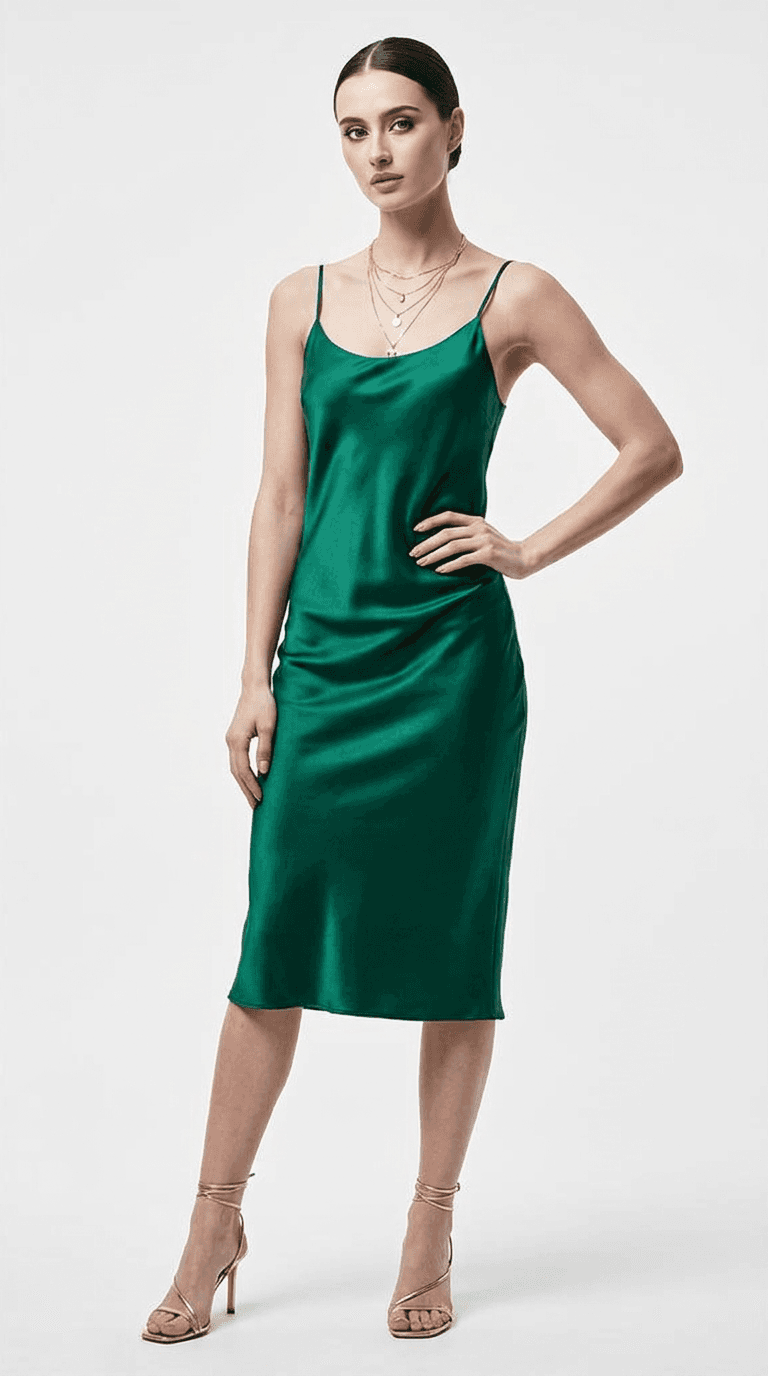



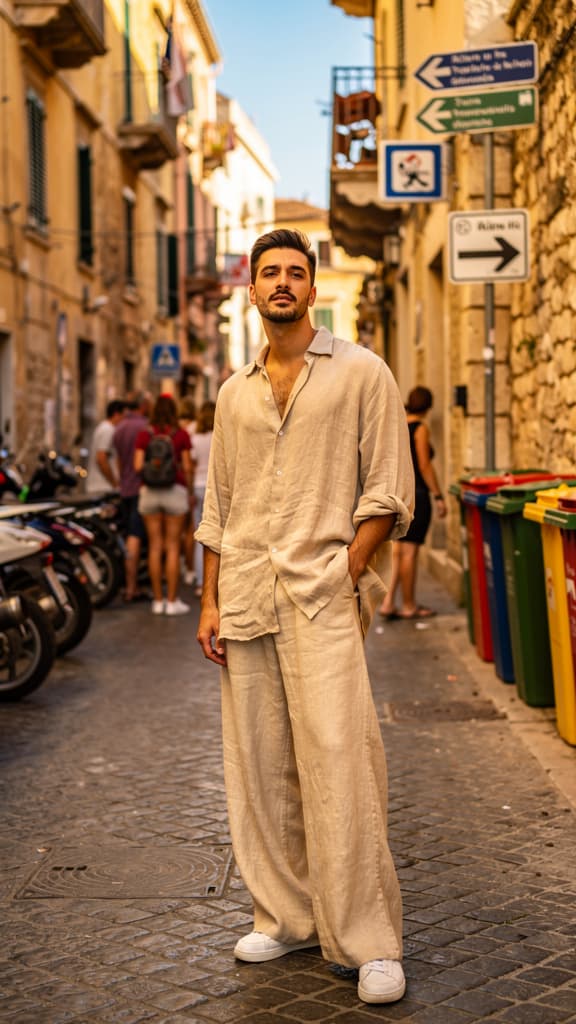
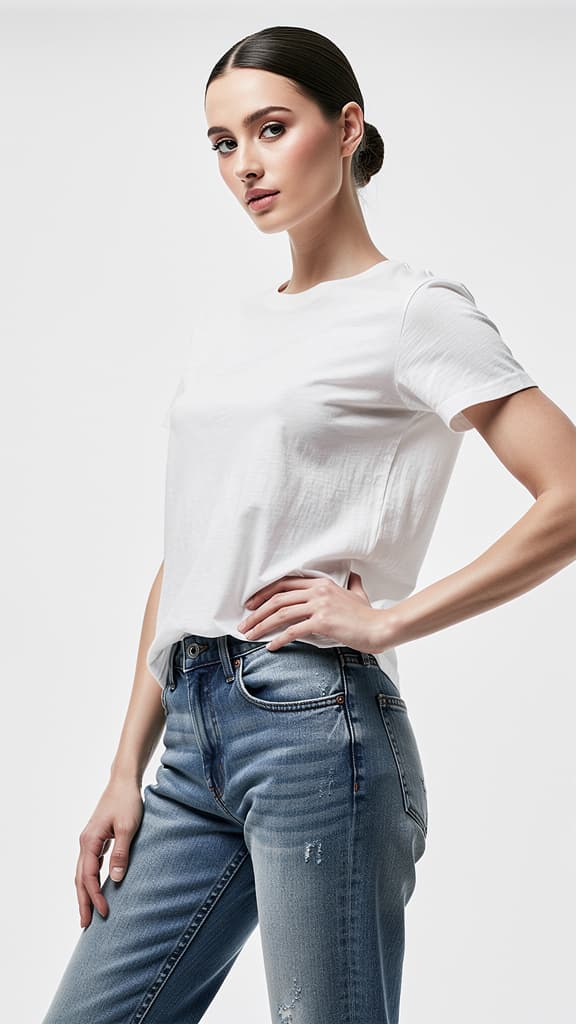
Phota is a personalized photo editing model that transforms your images through the power of text-based instructions. At its core, Phota specializes in identity-preserving edits — allowing you to modify, enhance, and reimagine your photos while keeping the essential character and recognizable features of your subjects intact. Whether you need to erase distracting elements from a scene, restyle an environment, or bring a fresh creative vision to existing imagery, Phota delivers seamless results that feel natural and intentional.
What sets Phota apart is its unique approach to personalization. The model supports profile-based editing, meaning you can define specific identity profiles and reference them directly in your prompts. By tagging profiles within your text instructions (for example, referencing a person's profile by name), you can guide Phota to preserve specific people's appearances, features, and likeness across edits. This makes it an exceptionally powerful tool for portrait retouching, character-consistent content creation, and any workflow where maintaining a subject's identity across multiple edited images is essential.
The editing process is refreshingly intuitive. You simply provide one or more source images along with a text prompt describing the changes you want. Your prompt can be as creative and open-ended as you like — from "Make this scene more realistic but still keep the game vibes" to precise instructions about removing objects, changing backgrounds, or adjusting the overall mood of a photograph. Phota interprets your natural language directions and applies them intelligently to your source material, bridging the gap between what you envision and what appears on screen.
Phota accepts up to 10 source images per editing session, giving you the flexibility to work with multi-image compositions or provide additional context for more nuanced edits. This batch capability is ideal for creators working on series, lookbooks, or visual storytelling projects where consistency across multiple frames matters. You can generate up to 4 output variations per session, making it easy to explore different interpretations of your creative direction and choose the result that best matches your vision.
Resolution options give you control over the quality and detail of your output. You can choose between standard 1K resolution for quick iterations and previews, or step up to full 4K resolution when you need publication-ready, high-fidelity results. This flexibility lets you work efficiently during the creative exploration phase and then produce polished final images when you've locked in your direction.
The model offers a versatile set of aspect ratio presets to match virtually any content format you're working with. Choose from square (1:1) for social media posts and profile images, widescreen (16:9) for cinematic and video-oriented compositions, classic photo ratios (4:3 and 3:4) for traditional photography formats, vertical (9:16) for stories and mobile-first content, or let the model automatically determine the best aspect ratio based on your source imagery. This range of options means Phota fits naturally into workflows for social media, print, web design, video production, and beyond.
Output format flexibility rounds out the creative controls. You can export your edited images as JPEG for efficient file sizes and broad compatibility, PNG for lossless quality and transparency support, or WebP for modern web-optimized delivery. This ensures your edited images are ready for whatever platform or medium you're targeting without additional conversion steps.
Phota is particularly well-suited for creative professionals who work with portraiture, personal branding, and character-driven visual content. Photographers can use it to seamlessly remove distracting background elements while preserving their subject's authentic appearance. Social media creators and influencers can maintain a consistent personal aesthetic across varied content. Designers working on campaigns can explore dramatic visual transformations of product shots or lifestyle imagery while keeping key brand elements recognizable. Filmmakers and storyboard artists can reimagine reference photos in different styles or settings as part of their pre-production process.
The model also includes capabilities for working with text elements within images — useful for creators who need to edit or integrate typographic elements into their visual compositions.
For best results, write clear and descriptive prompts that specify both what you want to change and what you want to preserve. The more specific your instructions, the more precisely Phota can execute your vision. When working with identity profiles, be sure to reference them in your prompt text so the model knows which subjects to prioritize for identity preservation. And when exploring creative directions, take advantage of the multi-image output option to generate several variations at once — it's a fast way to discover unexpected possibilities and refine your creative intent.
Whether you're cleaning up a portrait session, reimagining a scene in a completely new style, or building a cohesive visual narrative across multiple personalized images, Phota brings together intelligent editing, identity preservation, and creative flexibility in one streamlined tool.
Add the image that you want change
Ավելացրեք պատկերը, որն ցանկանում եք խմբագրել կամ վերափոխել
A woman kneeling in darkness, illuminated by a warm, radiant beam of light emerging from her raised hand.
Նկարագրեք խմբագրումները, որոնք ցանկանում եք՝ ոճի փոփոխություններ, օբյեկտի հեռացում կամ բարելավումներ
Ներբեռնեք Ձեր պրոֆեսիոնալ խմբագրված պատկերը
Phota transforms the mood and time-of-day of a landscape by applying cinematic atmospheric edits—shifting lighting, color grading, and ambiance while preserving the exact architectural and compositional details.
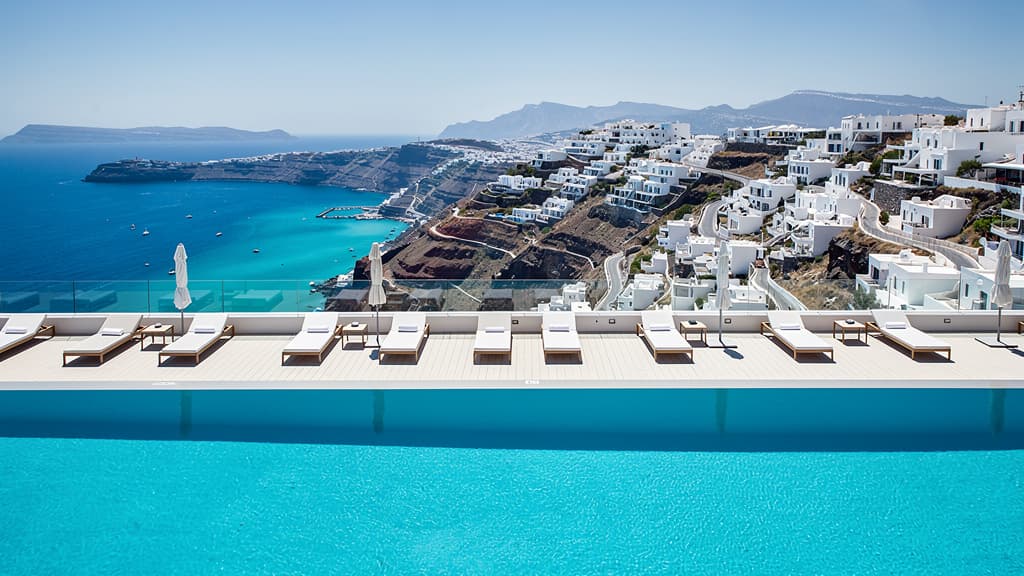
Phota can convincingly shift an entire landscape from one season to another—converting lush summer greens into a frost-covered winter scene—while keeping structures, layout, and compositional details intact.

Leveraging Phota's typography capabilities, this edit naturally integrates stylized text into an existing scene—embedding lettering onto surfaces, signs, or environments so it looks physically present rather than digitally overlaid.

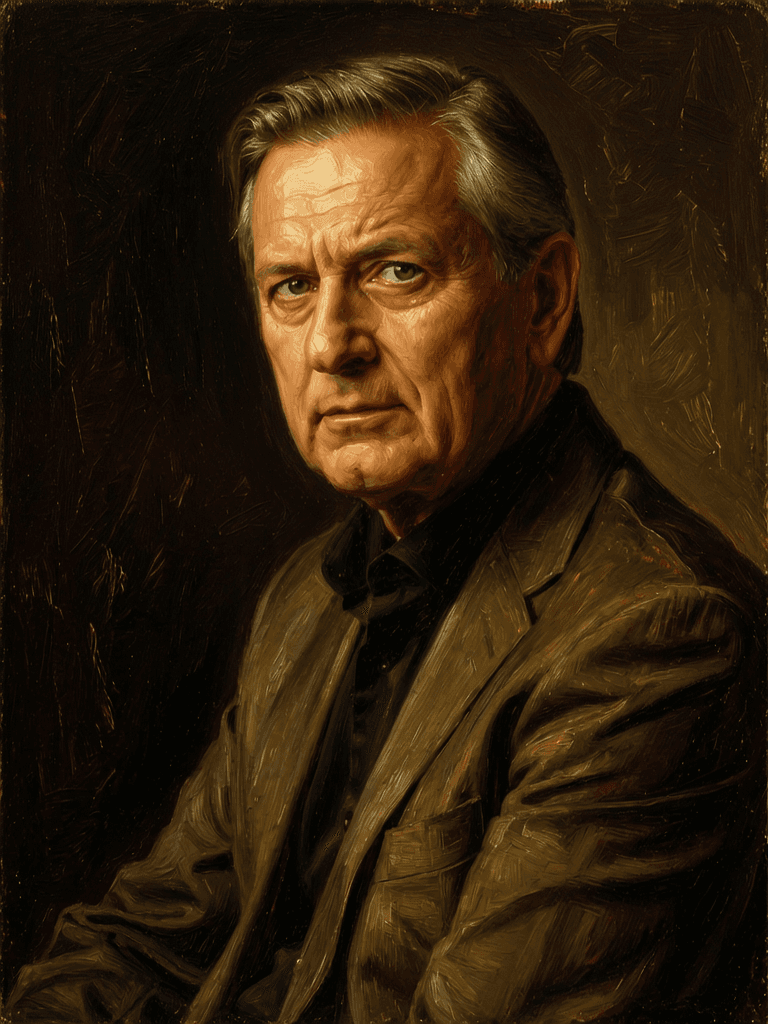
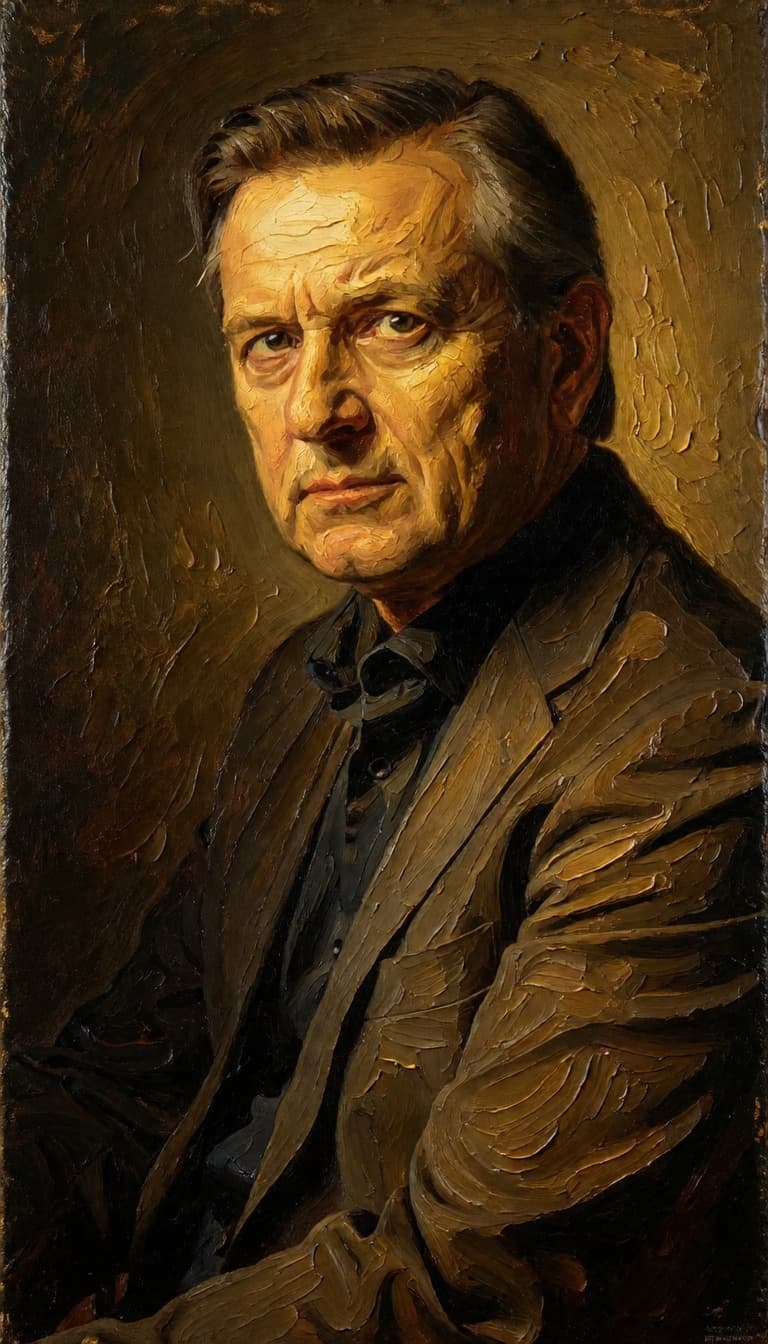
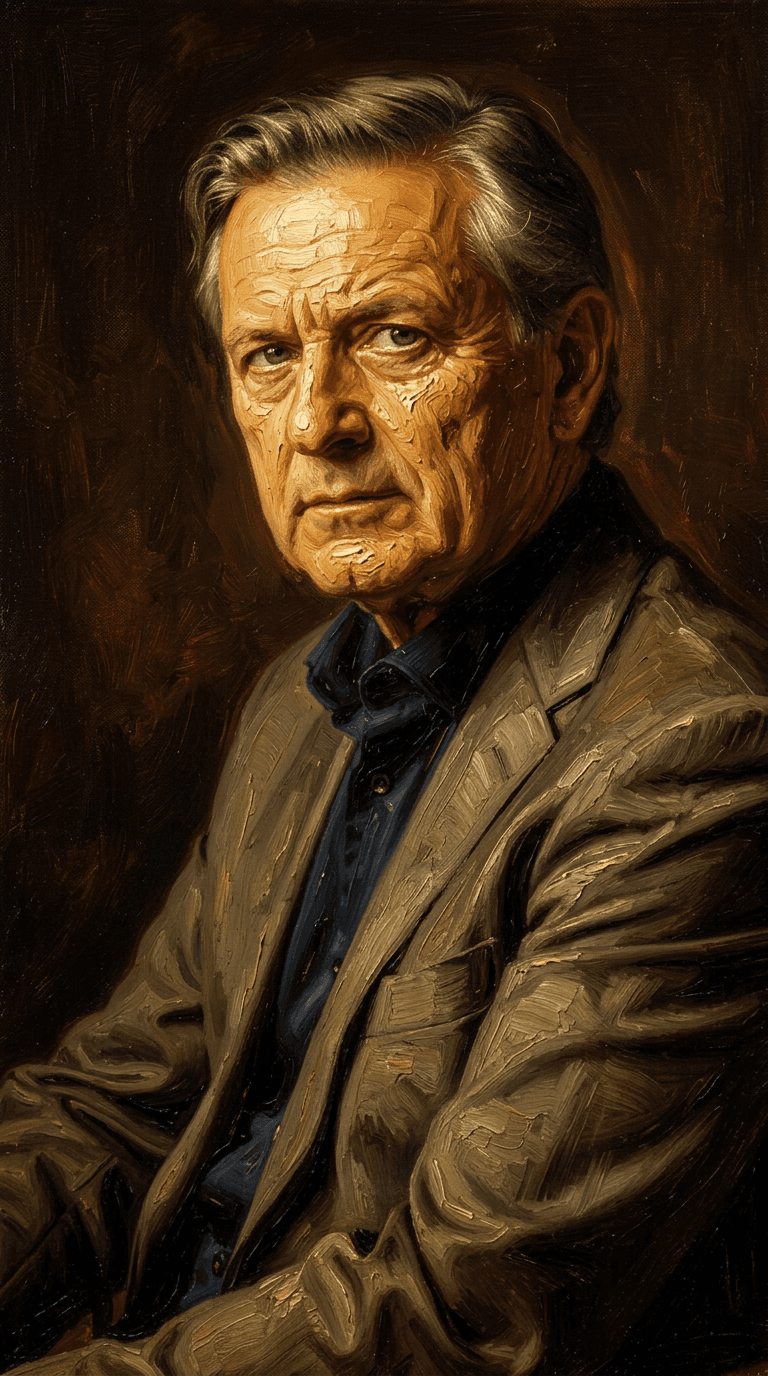
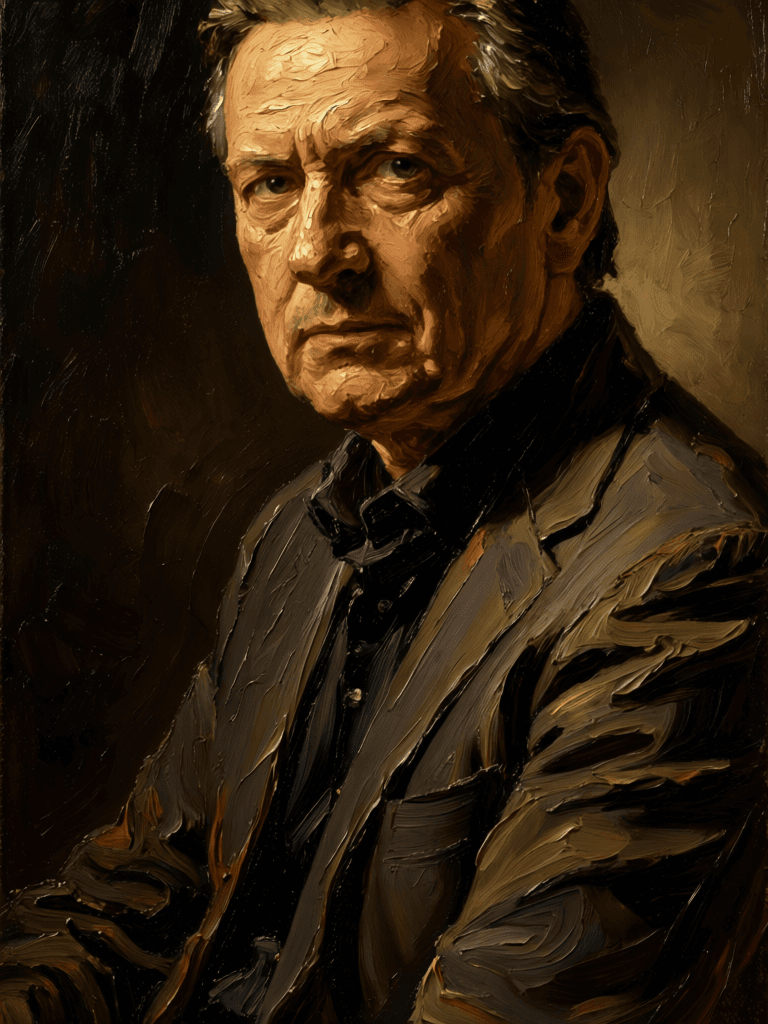
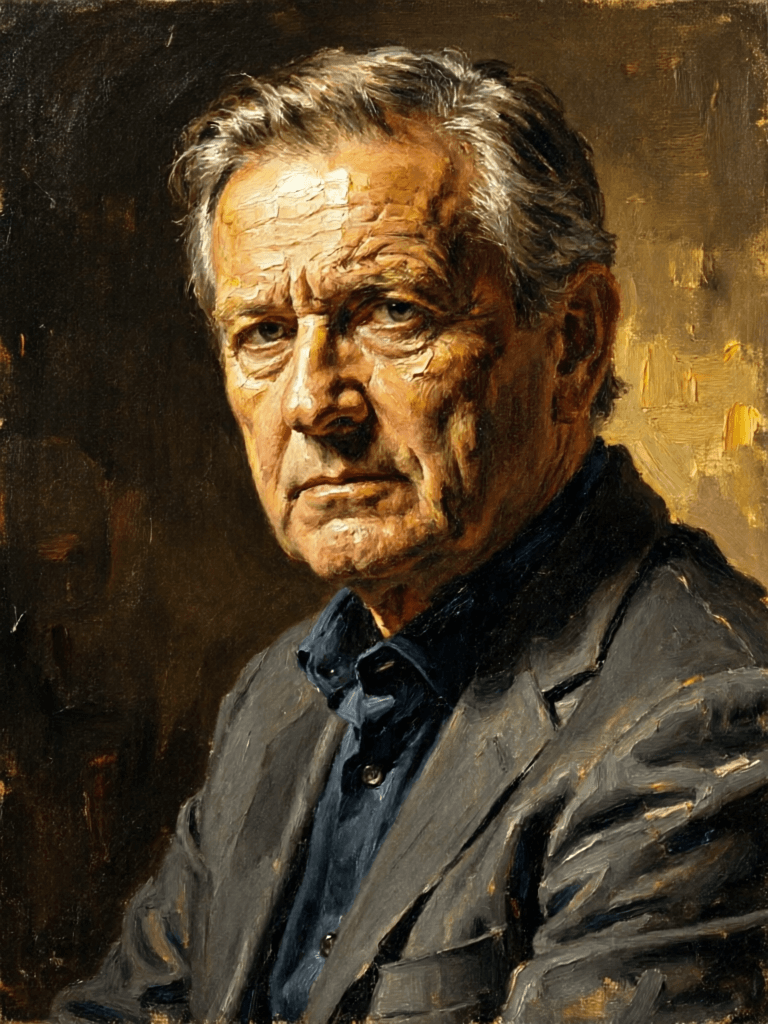
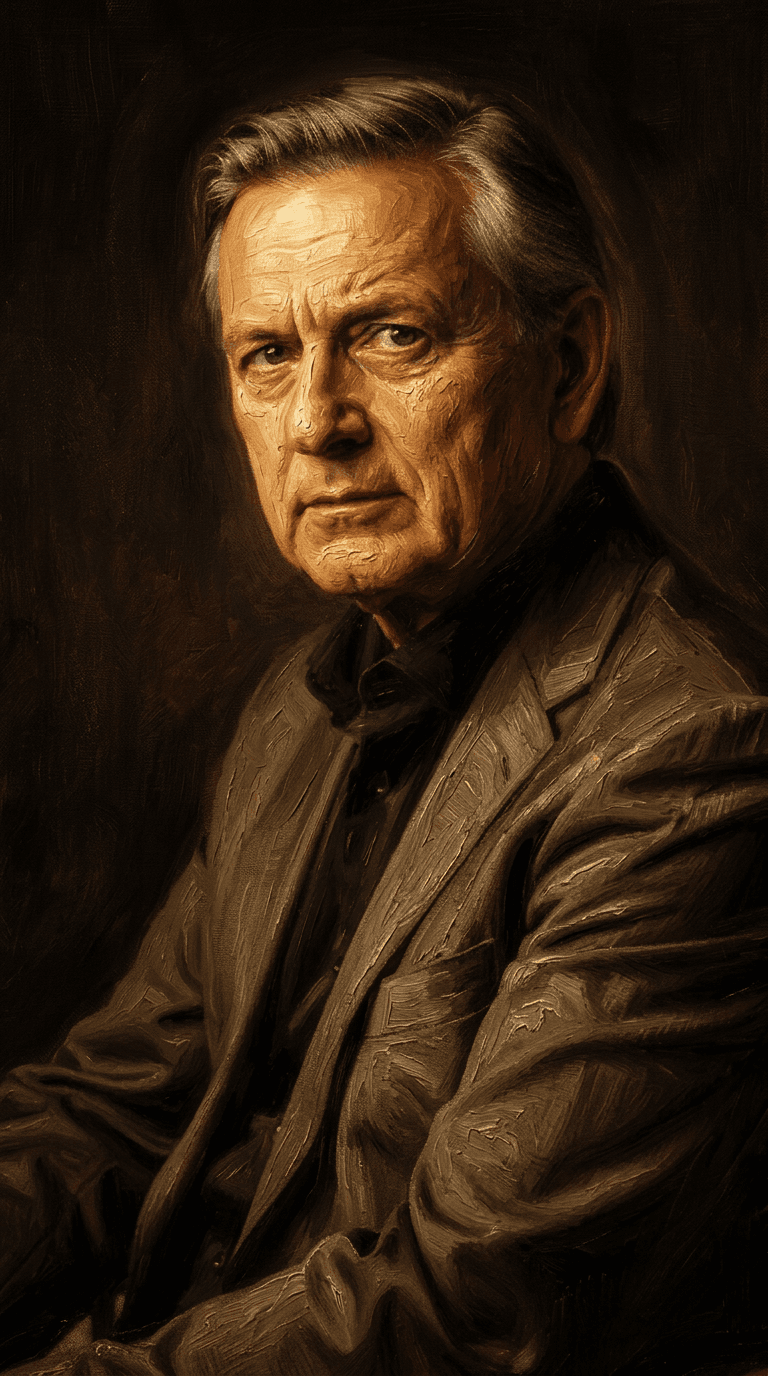
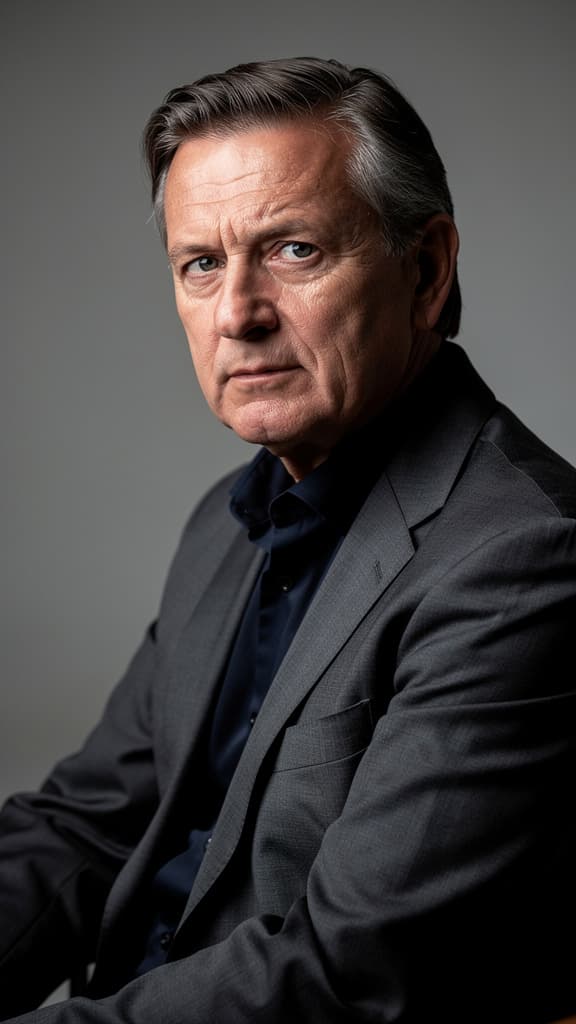
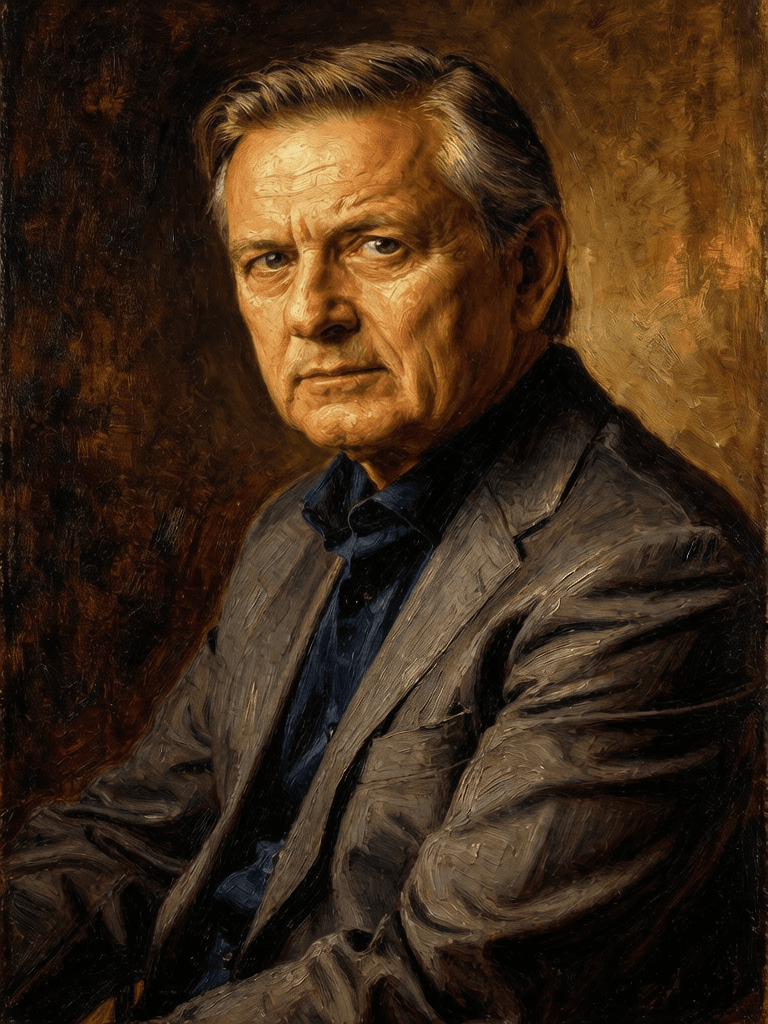
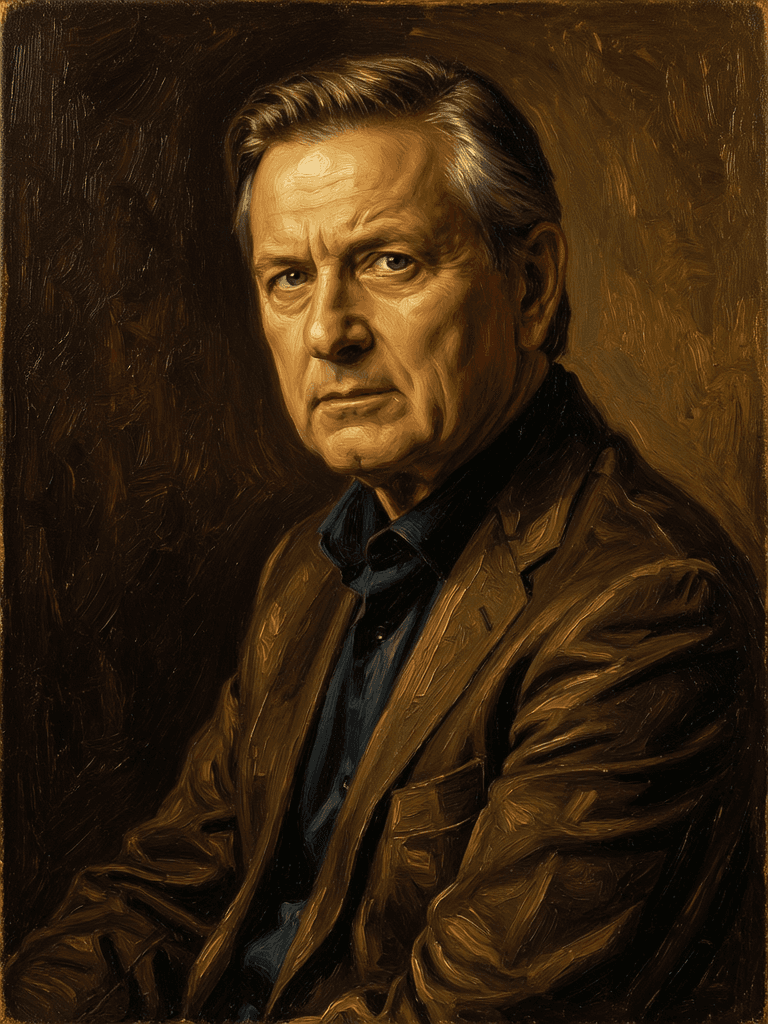
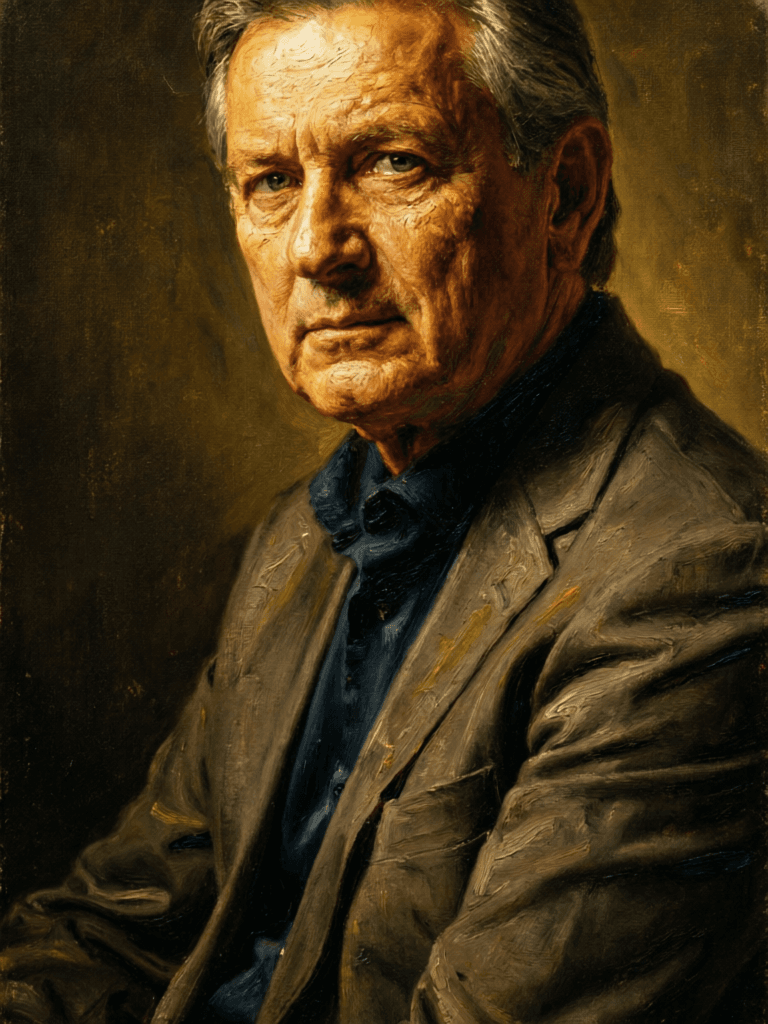
“Transform into a classical oil painting in the style of Rembrandt. Add visible impasto brushstrokes with thick paint texture. Apply warm golden undertones and dramatic chiaroscuro lighting with deep shadows. Enhance the dramatic contrast while preserving facial structure and expression. Add subtle canvas texture visible through the paint layers.”
Այսօր անցեք տրամաբանությամբ ուղղորդվող սինթեզին
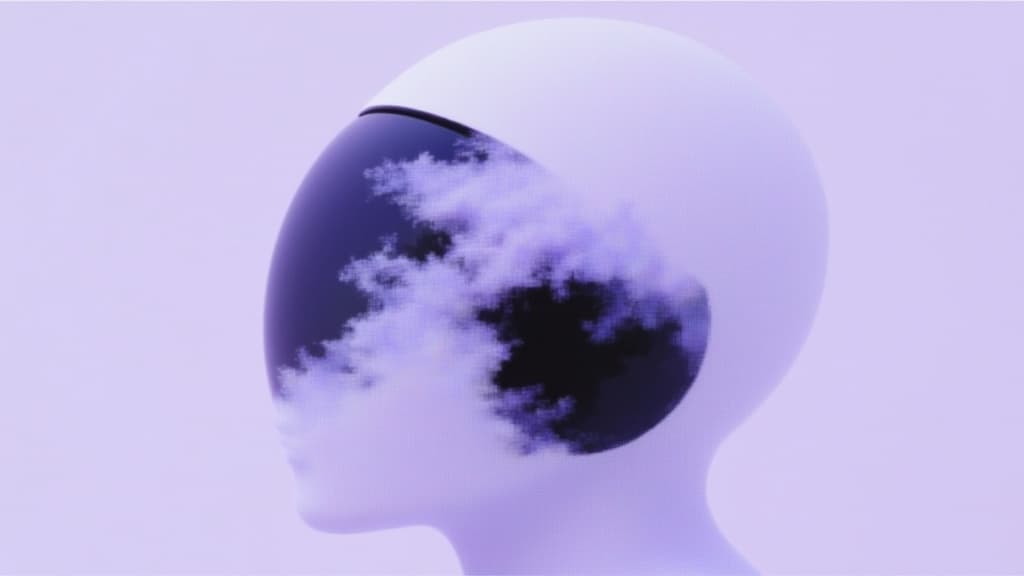
Pro text-guided image editing
0.3 կրեդիտներ
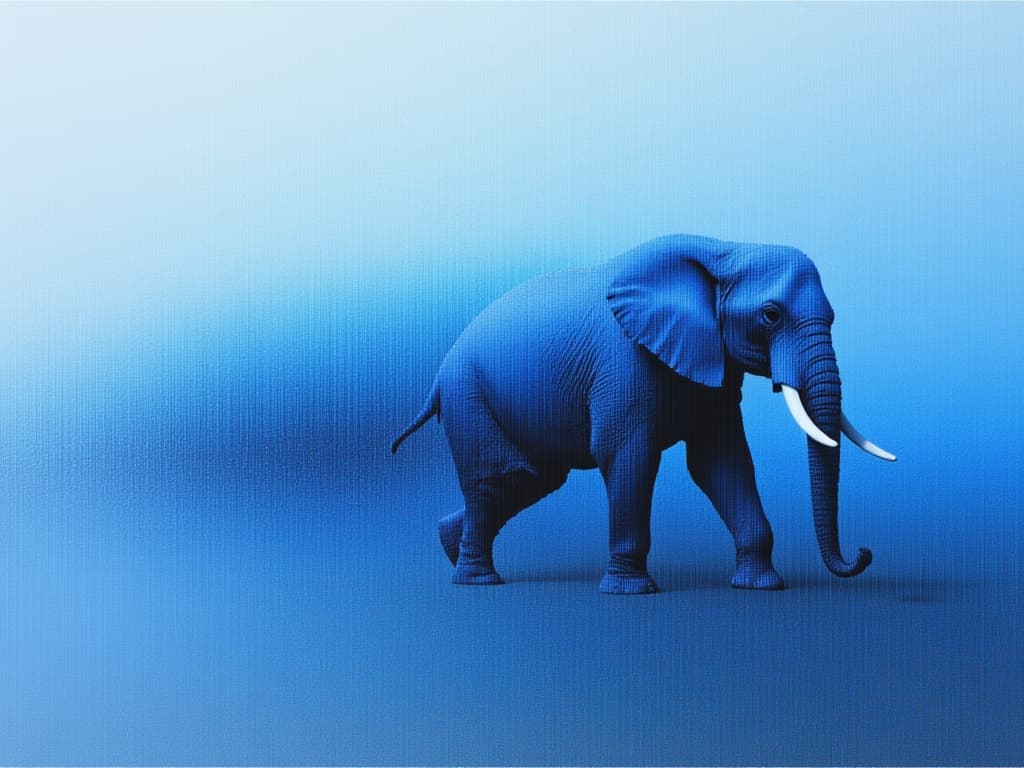
Advanced AI-powered image editing
0.4 կրեդիտներ
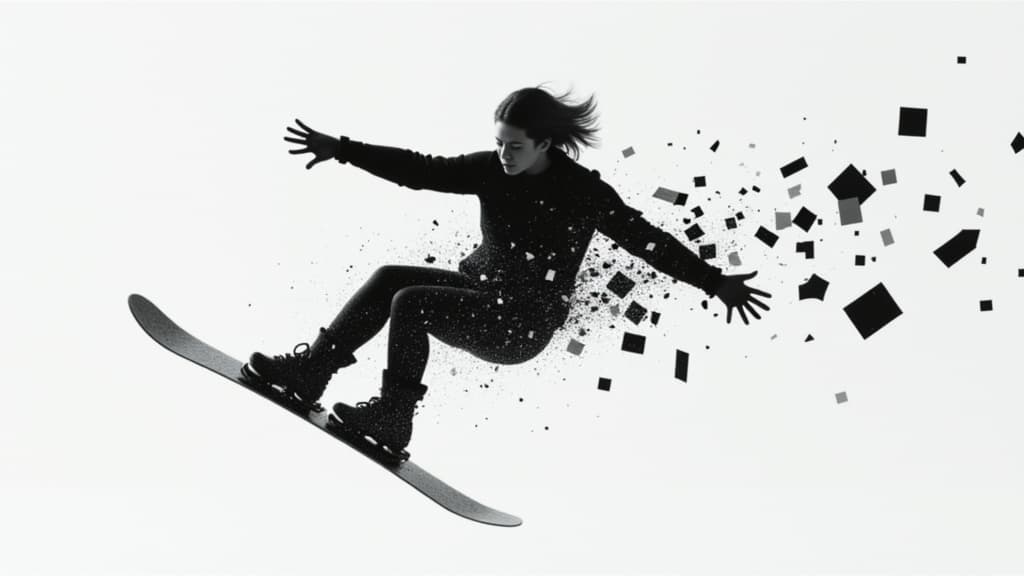
Unified image editing and generation
0.6 կրեդիտներ
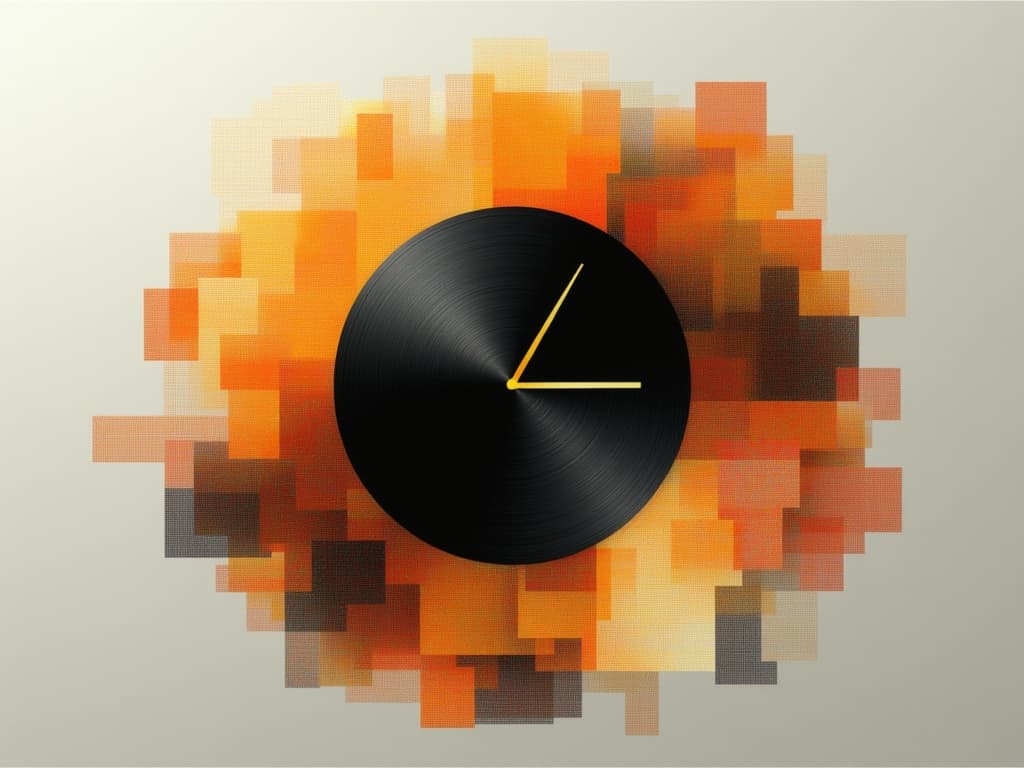
Realistic physics-based image editing
1.2 կրեդիտներ
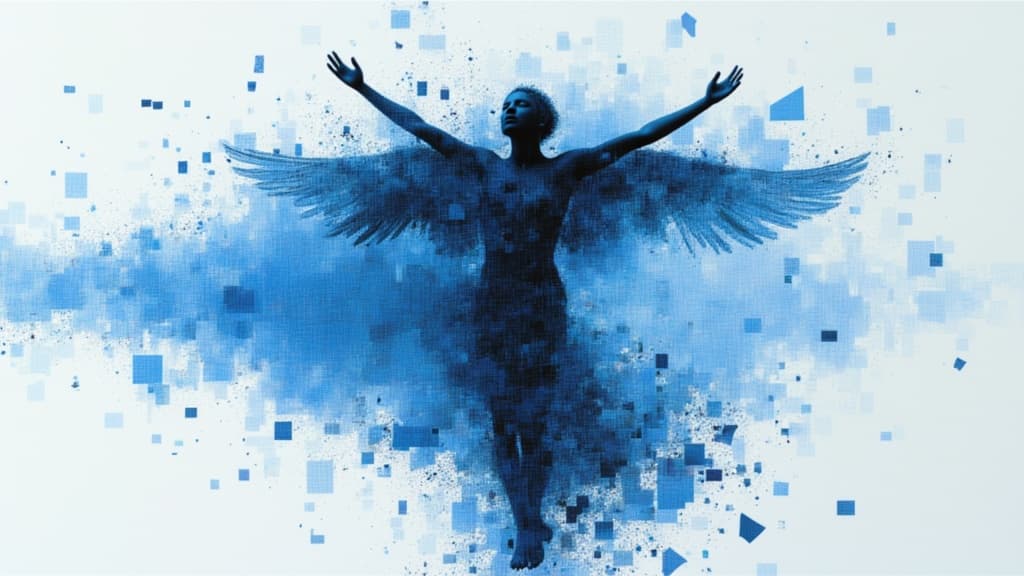
Google's advanced image editing
0.7 կրեդիտներ
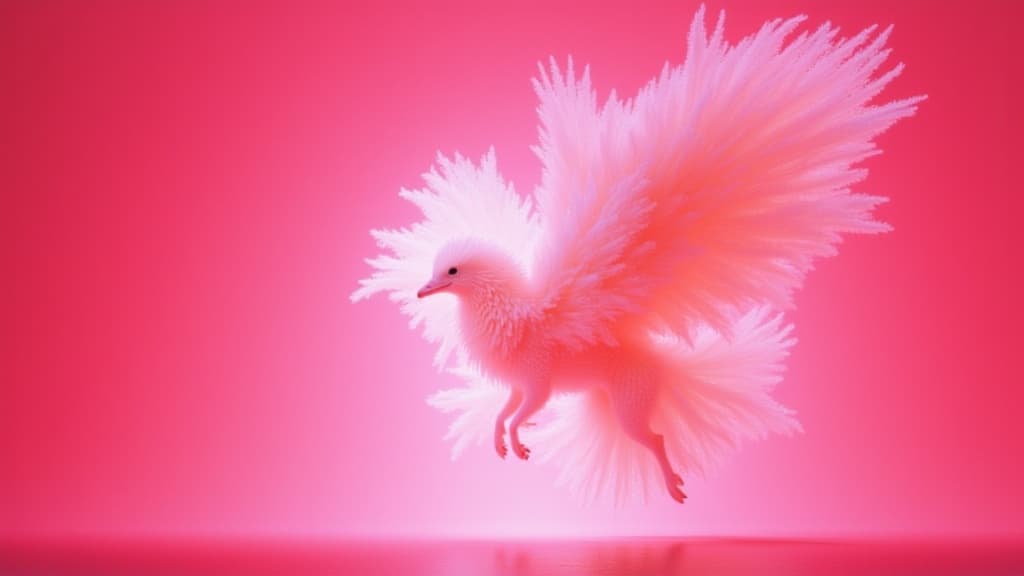
Text-guided creative image editing
0.2 կրեդիտներ
![FLUX.2 [klein] 4B LoRA](/marketing-assets/_next/image?url=https%3A%2F%2Fv3b.fal.media%2Ffiles%2Fb%2F0a928e1f%2Fc62zNs4MhBXgm-5w7n0C5_90bad8837ecc451e96f91da93b78f564.jpg&w=3840&q=75)
Edit images with text, colors
8 կրեդիտներ
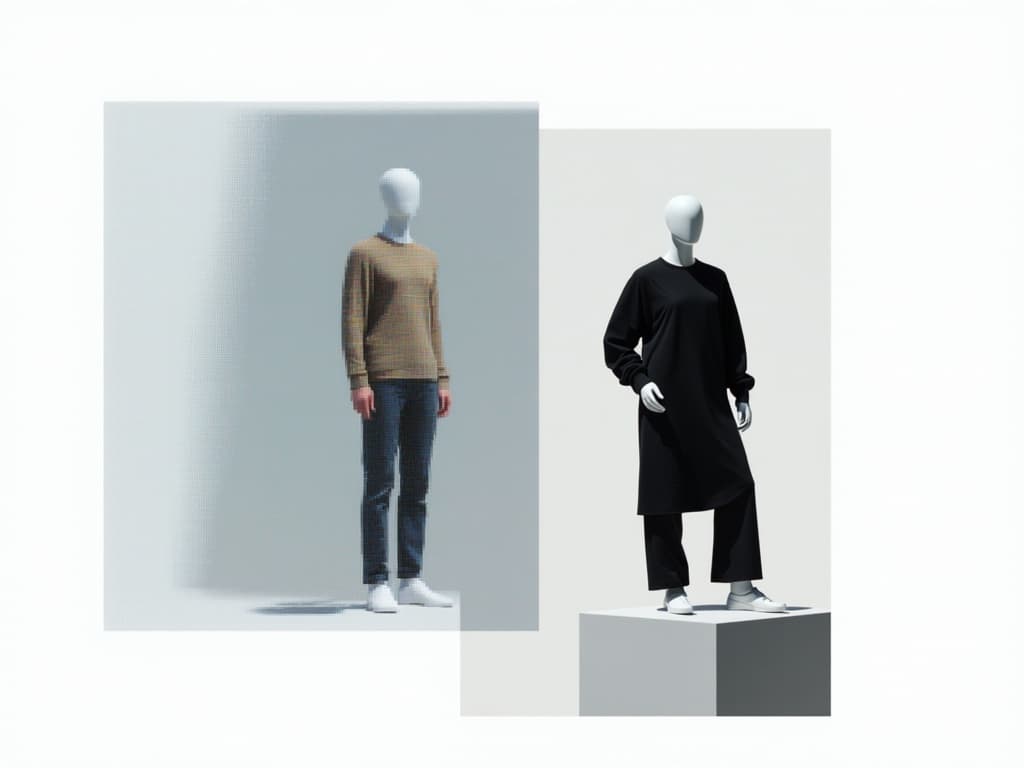
Edit images with reference photos
0.4 կրեդիտներ
![FLUX.2 [klein] 9B LoRA](/marketing-assets/_next/image?url=https%3A%2F%2Fv3b.fal.media%2Ffiles%2Fb%2F0a928dd2%2FyFNW07YLHtp5zuE4eJAW1_e2f89915a1b740559b3c652b0b028296.jpg&w=3840&q=75)
Precise image edits, color control
0.3 կրեդիտներ

![FLUX.2 [klein] 4B LoRA output](/marketing-assets/_next/image?url=https%3A%2F%2Fassets.shortgenius.com%2Fexample-model-output%2F10a63e77-67c3-46e6-83d3-b7b93355e72c.png&w=3840&q=75)
![FLUX.2 [klein] 9B LoRA output](/marketing-assets/_next/image?url=https%3A%2F%2Fassets.shortgenius.com%2Fexample-model-output%2Fcbfd8f70-6bf2-467b-918f-b020118b8db0.png&w=3840&q=75)